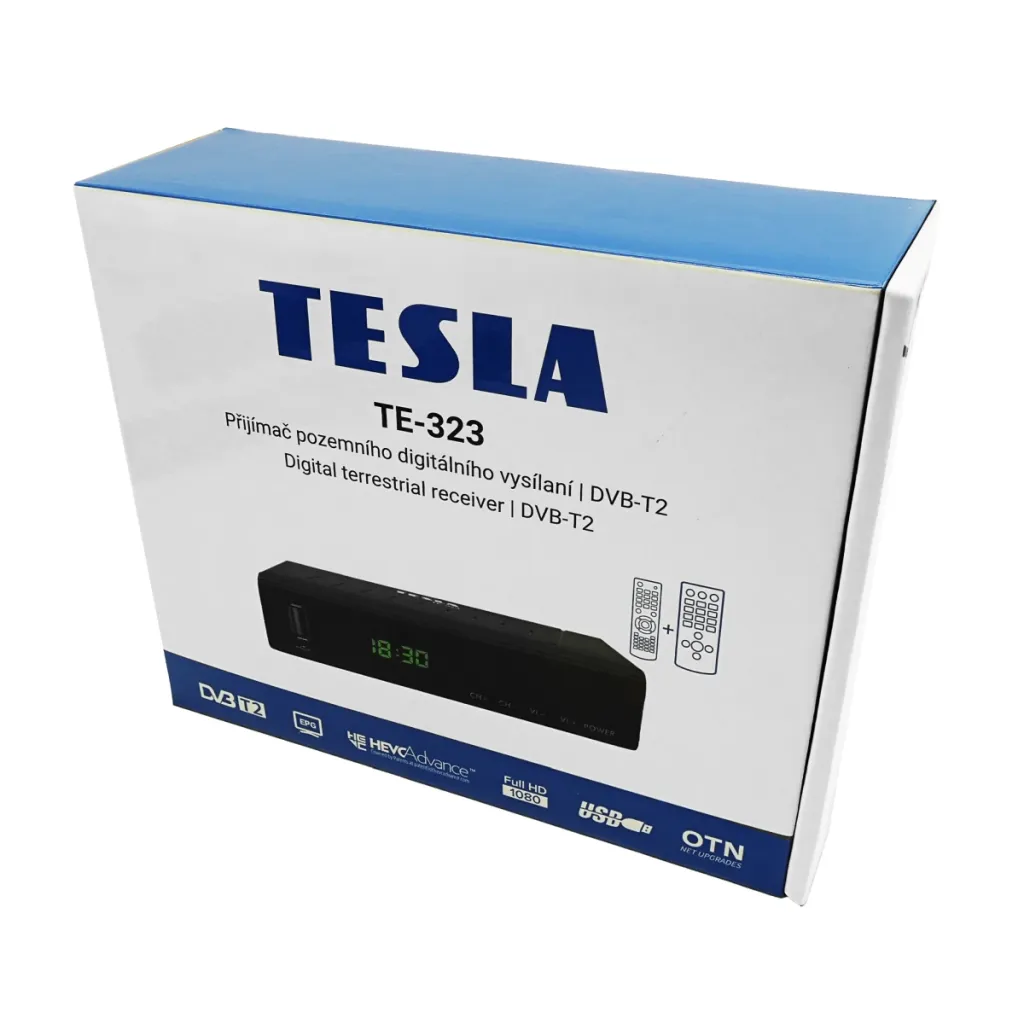
A set-top box for the new DVB-T2 H.265 (HEVC) digital broadcasts, as well as for the existing DVB-T broadcasts via a standard antenna, with the option to place it behind the TV.
Installation
Quick and easy automatic setup and channel tuning thanks to the built-in installation wizard. Manual tuning for individual channels is also available.
Localization
The menu, EPG (electronic program guide), and teletext are localized. In the settings, you can change the language to Slovak, English, Polish, Italian, or Croatian.
Connecting to a TV
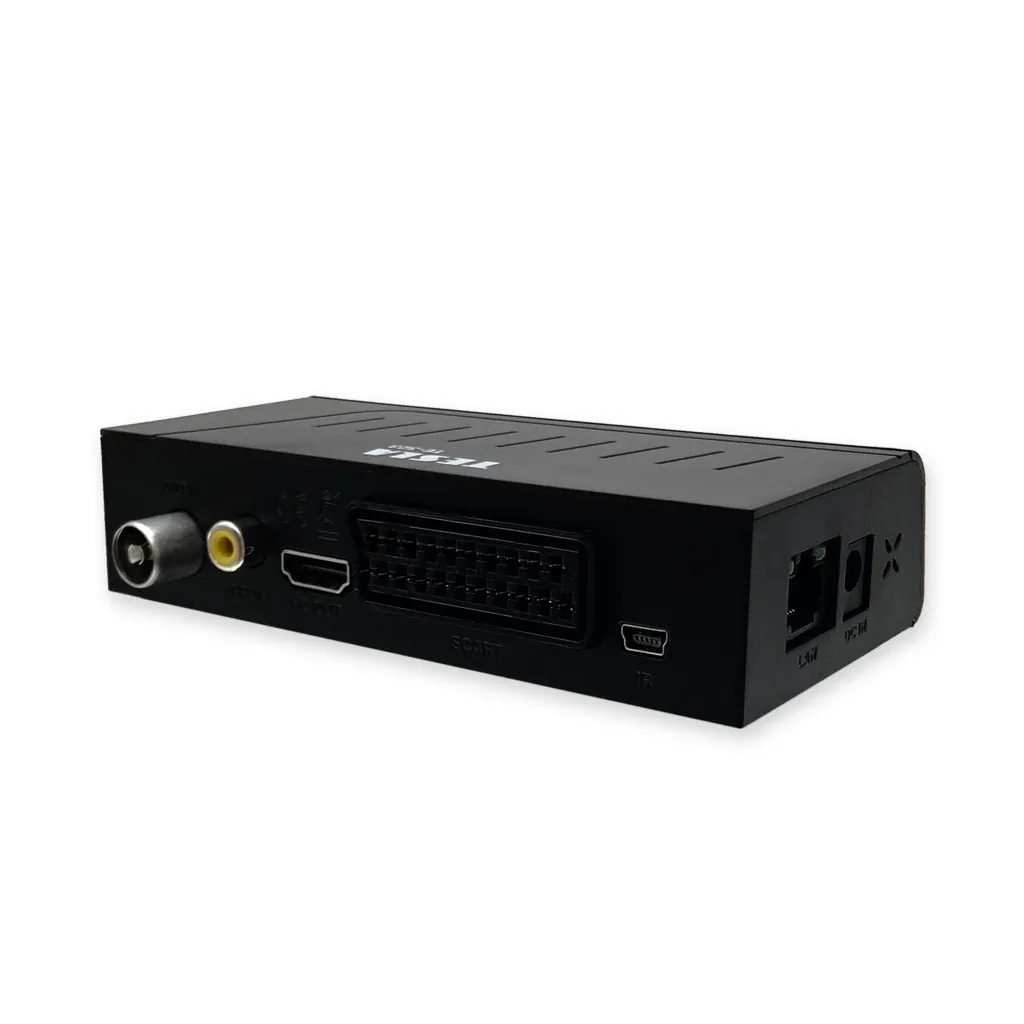
The set-top box can be connected to modern TVs via an HDMI cable; for older models, use the SCART connector.
Multimedia
You can play movies, music, or photos from an external USB storage device. The set-top box also allows you to record TV shows, with the option to schedule recordings. You can watch the shows at any time and skip commercials. The TimeShift feature also lets you pause live broadcasts and resume watching later.
HDMI-CEC Feature
HDMI-CEC enables you to connect and control devices using a single remote control. For example, the set-top box remote control can also control the TV at the same time.*
Universal and Senior-Friendly Remote Controls
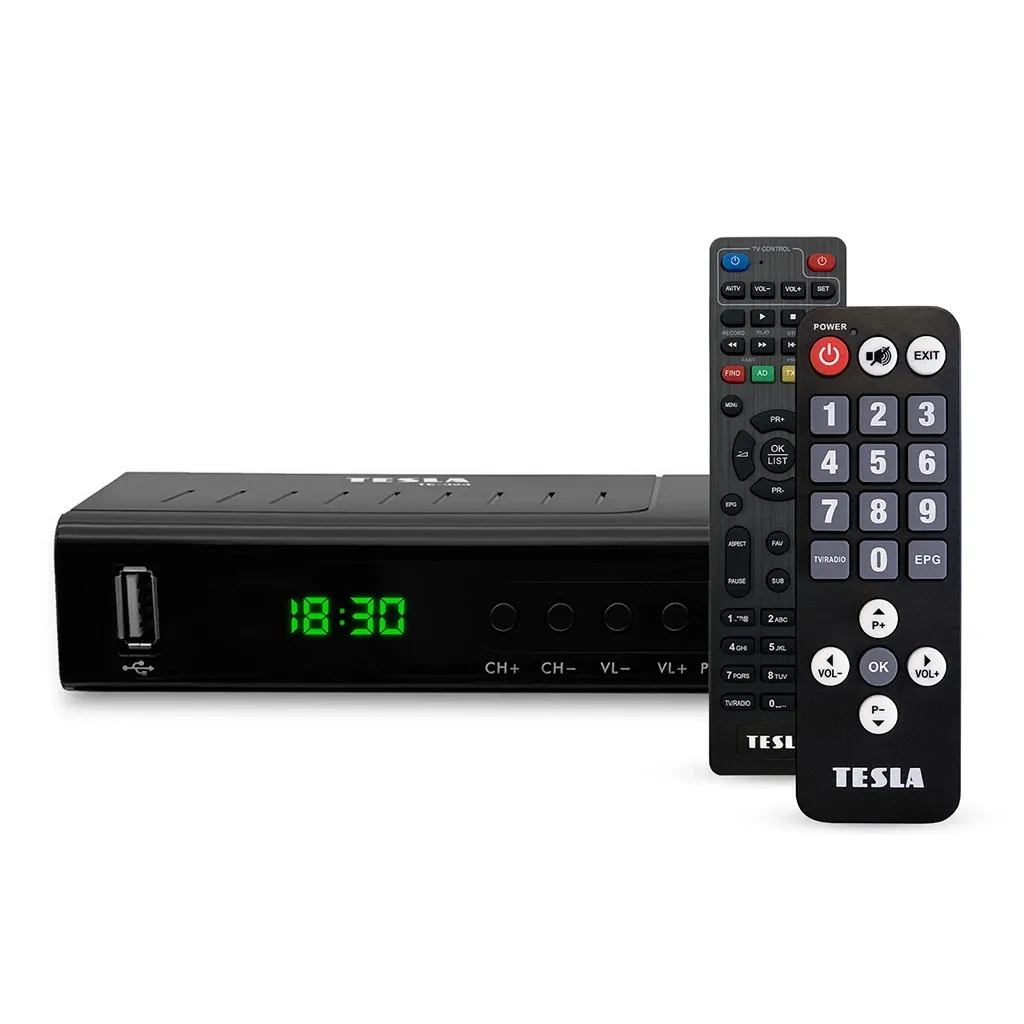
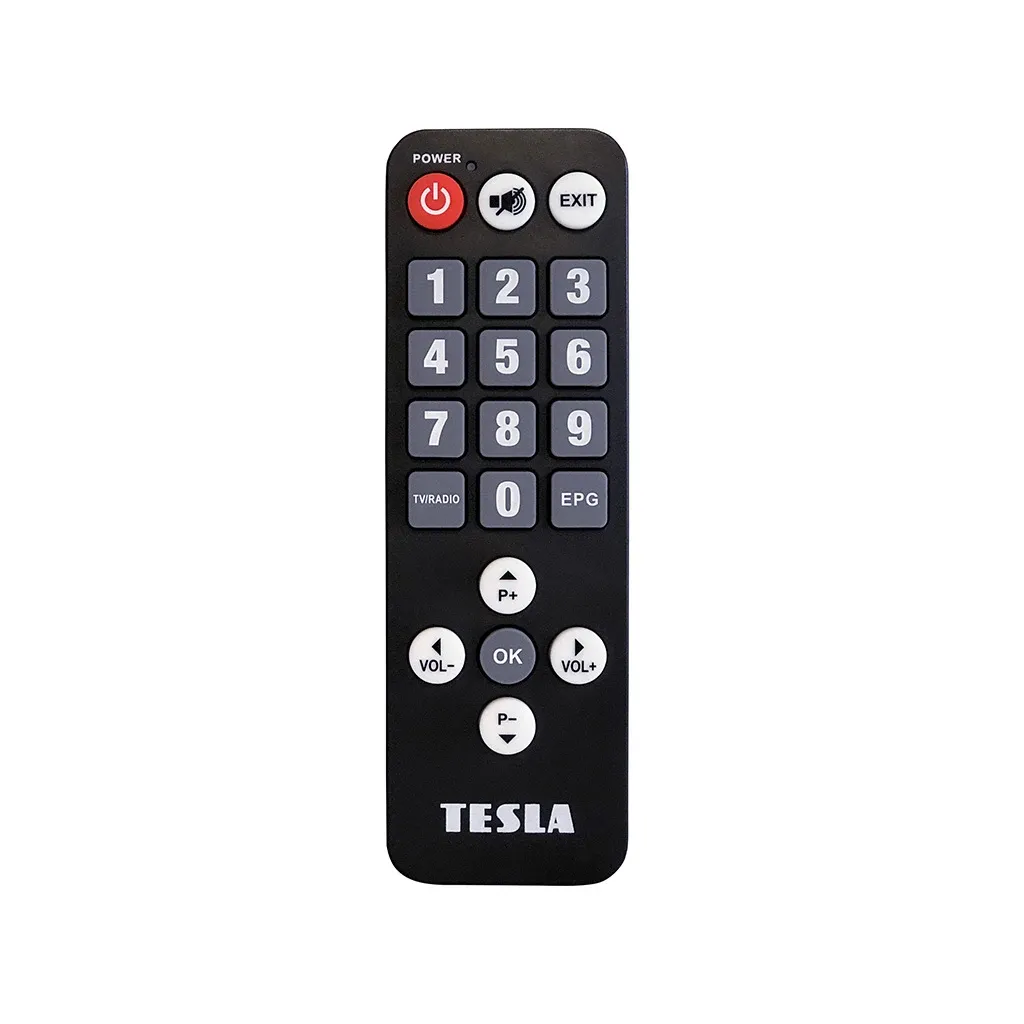
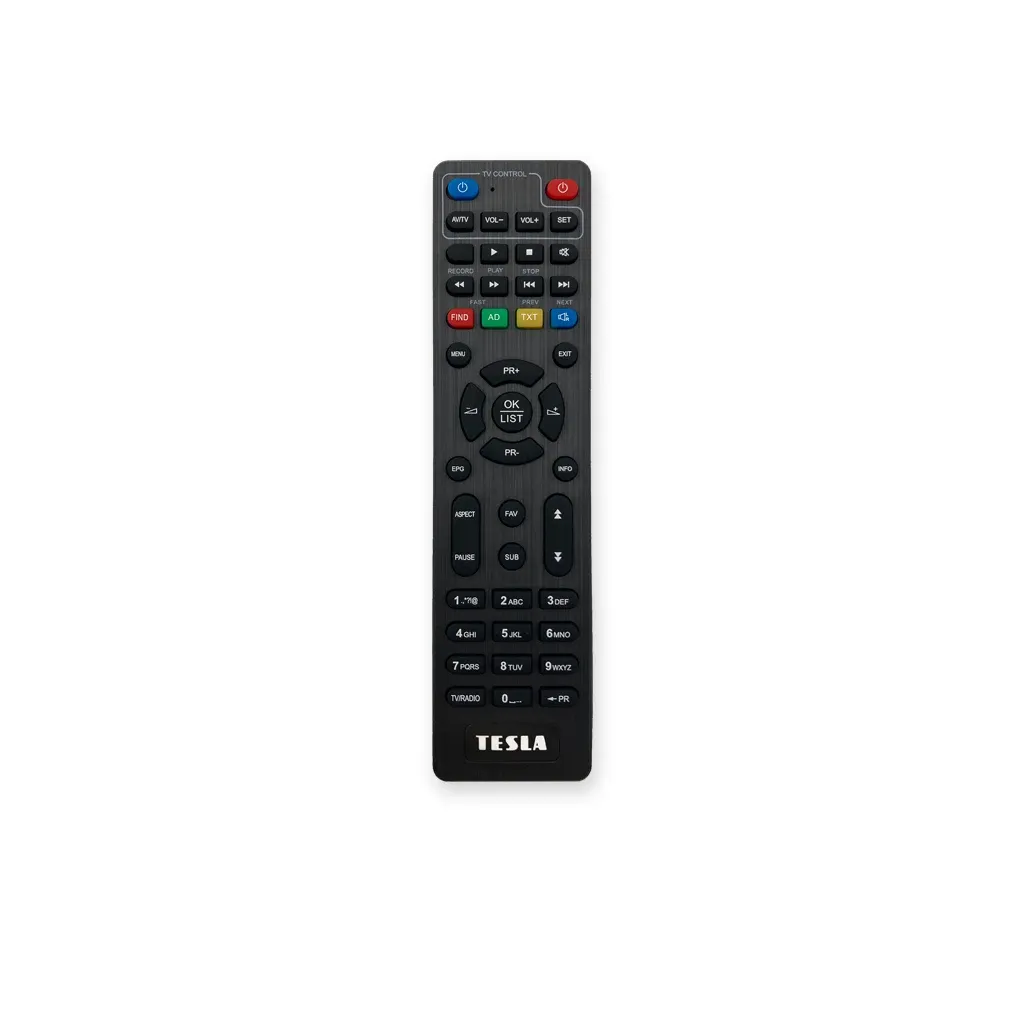
The package includes two types of remotes: a universal remote and a simplified remote. The universal remote can be programmed using your TV’s original remote and serves as your only remote. The simplified version is suitable for seniors and people with limited dexterity. It has only the basic buttons for power on/off, channel switching, and volume control, thereby reducing the risk of incorrect settings. The large buttons are clearly visible even to people with impaired vision.
Placing the Receiver Behind the TV
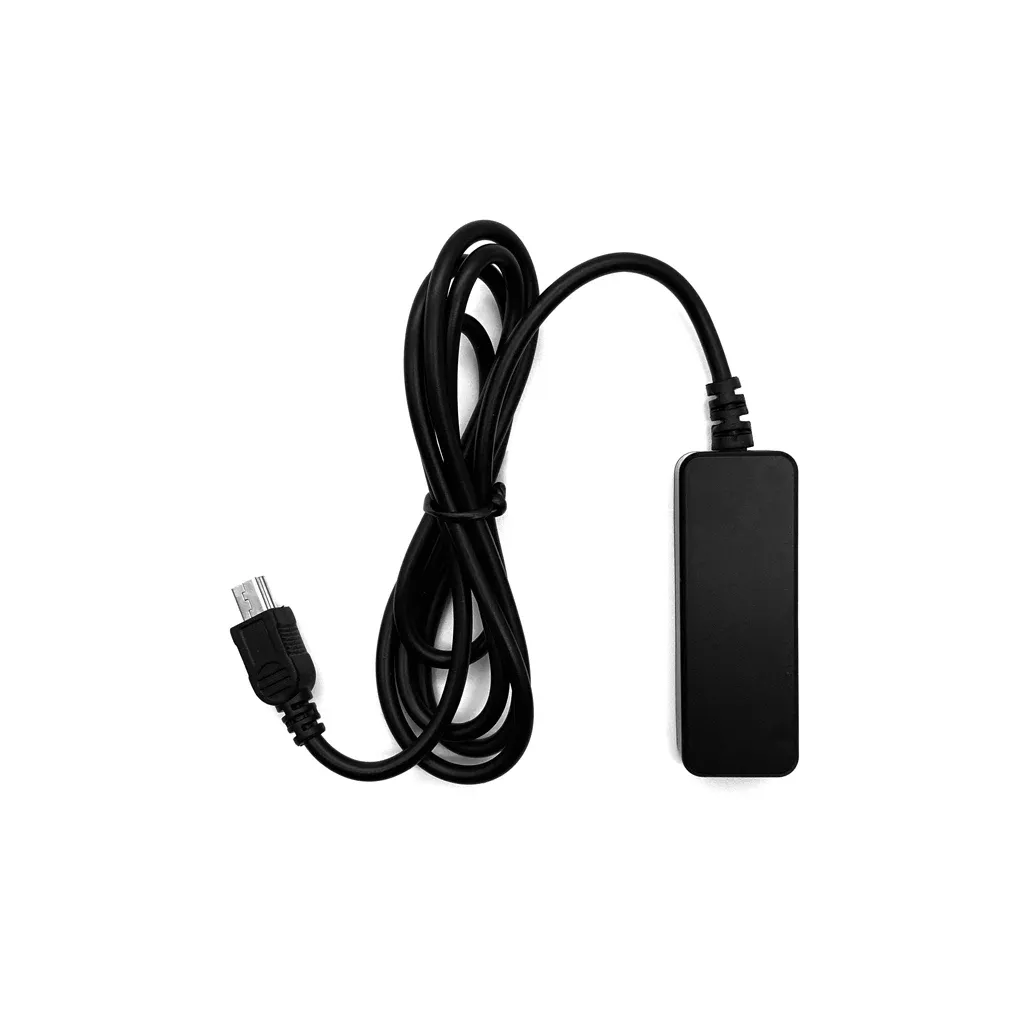
Thanks to its compact size, the TESLA TE-323 can be easily hidden behind the TV. Simply connect the external IR sensor and place it in front of the TV to ensure the remote control continues to function properly.
Specifications
Tuner compatible with DVB-T2 and H.265 (HEVC) broadcasts
HDMI-CEC support; the receiver can turn the TV on and off via an HDMI cable (provided the TV supports this feature)*
Dolby Digital
Backward compatible with MPEG-4 HD/MPEG-4 SD/AVC/H.264 HP@L4, MPEG-2, and MPEG-4 SD
Supports scheduled recording; manually set the start and end times for recording
Aspect ratios: 4:3PS/4:3LB/16:9/Auto
Resolutions: 576i, 576p, 720p, 1080i, 1080p
FAT32 support
Recording to .TS format
Easy automatic channel setup and tuning, or channel-by-channel tuning
Option to manually sort channels
Intuitive on-screen menu
Electronic Program Guide (EPG)
teletext
Support for MPEG2/M2TS/TS/AVI/MKV/3G2/3GP/MP4/MOV/FLV/F4V/VOB/WAV
Support for displaying both internal and external DivX/MKV subtitles
Automatic photo slideshow
Parental controls
Support for device updates via the USB port
Standby power consumption less than 1 W
4 MB SPI flash memory
64 MB DDR SDRAM
Interfaces – Rear Panel
HDMI output (HD OUT)
SCART
S/PDIF digital audio output (RCA)
Antenna input
IR sensor input
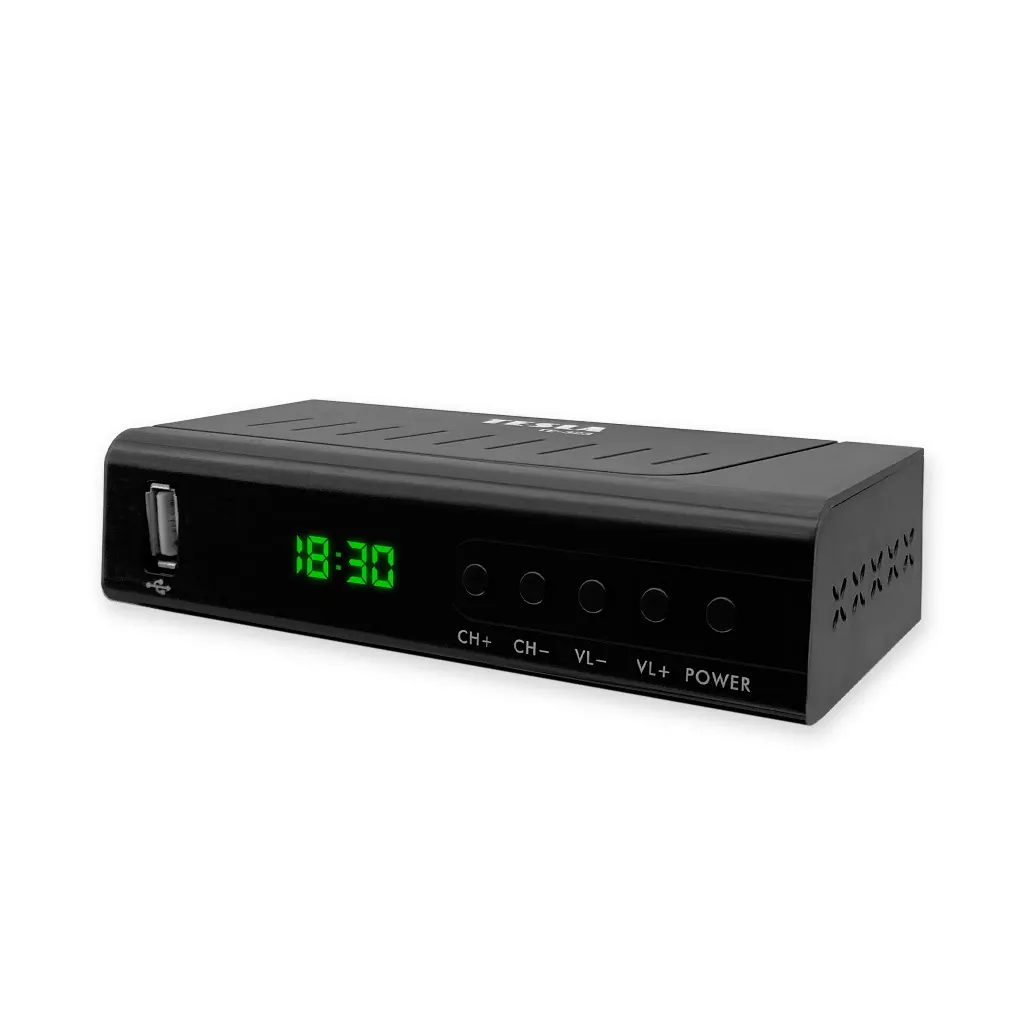
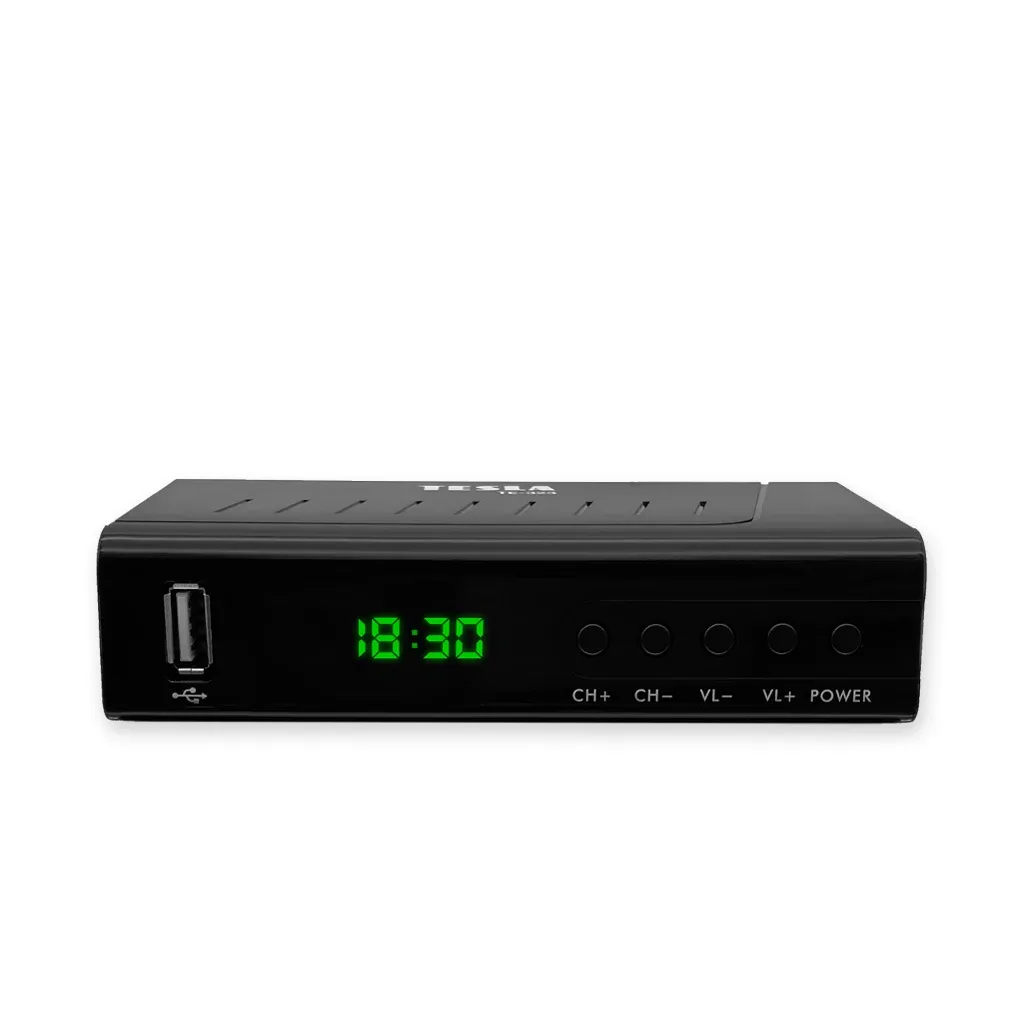
Interfaces – Front Panel
USB 2.0 port
Interfaces – Side
Ethernet LAN port (RJ45) - for service purposes
Power adapter port
Package includes
TE-323 receiver
programmable remote control
Large (senior-friendly) remote control
2 AAA batteries
HDMI cable
12V/1A power adapter
User manual (CZ, SK, HR, IT, PL)
Cable with IR sensor
Dimensions
Receiver dimensions: 130 x 65 x 30 mm, weight: 112 g
IR sensor dimensions: 60 x 20 x 10 mm, weight (including cable): 31 g
Remote control dimensions: 175 x 45 x 15 mm, weight: 53 g
* Both devices must support the HDMI-CEC function. However, proper operation cannot always be guaranteed.
DVB-T2-certified terrestrial digital signal receiver • H.265 (HEVC) support • recording to a USB drive • TimeShift feature • extended 36-month warranty • support for single-remote control via HDMI-CEC
💡 Tips
Instructions for Setting Up a Programmable Remote
Position the TV and STB remotes so that they are facing each other at a distance of approximately 3 cm.
Press and hold the SET button on the STB remote until the LED becomes brighter.
Press the POWER button on the STB remote. The LED will start flashing.
Then press and hold the POWER button on the TV remote for 3 seconds. The LED on the STB remote will flash twice to confirm programming and will remain lit.
Repeat steps 3 and 4 to program additional buttons.
When you’re done programming, press the SET button to save the settings.



 Čeština
 Polski
 Deutsch