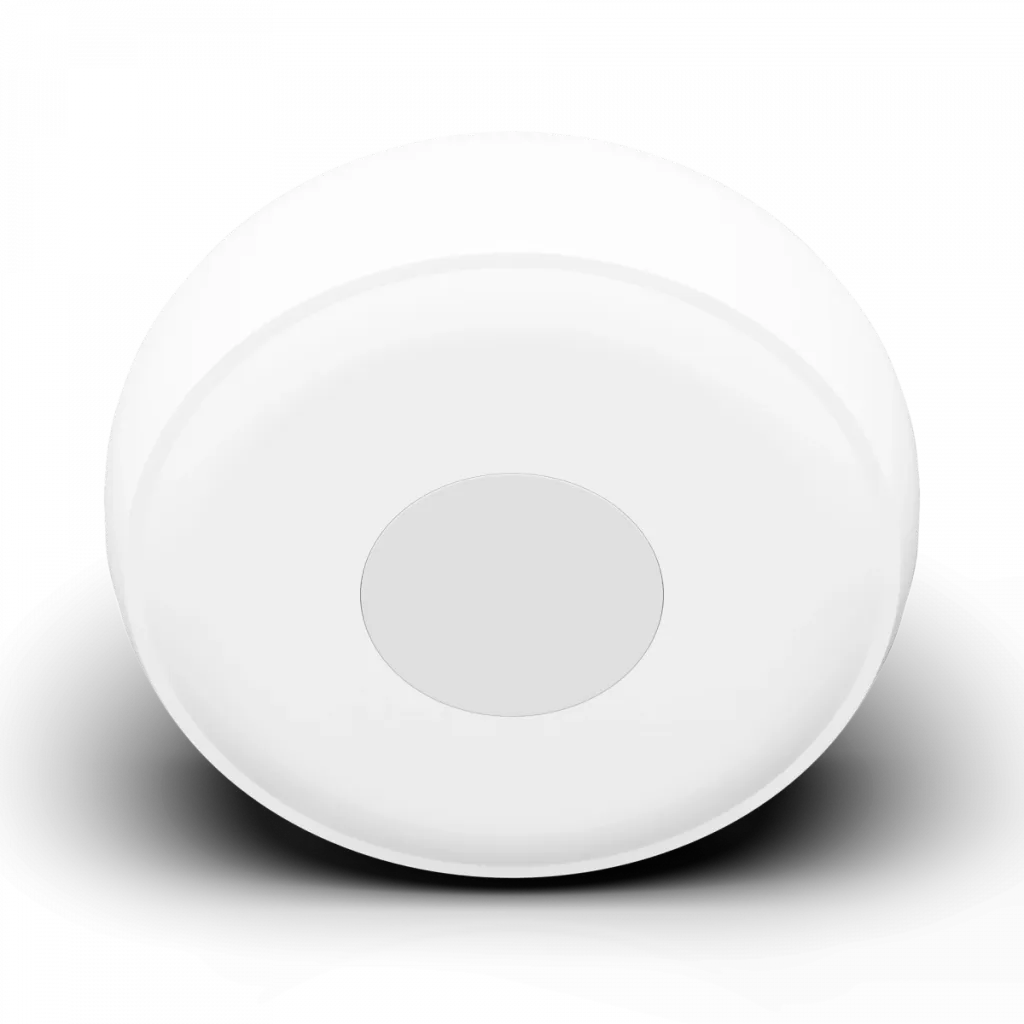
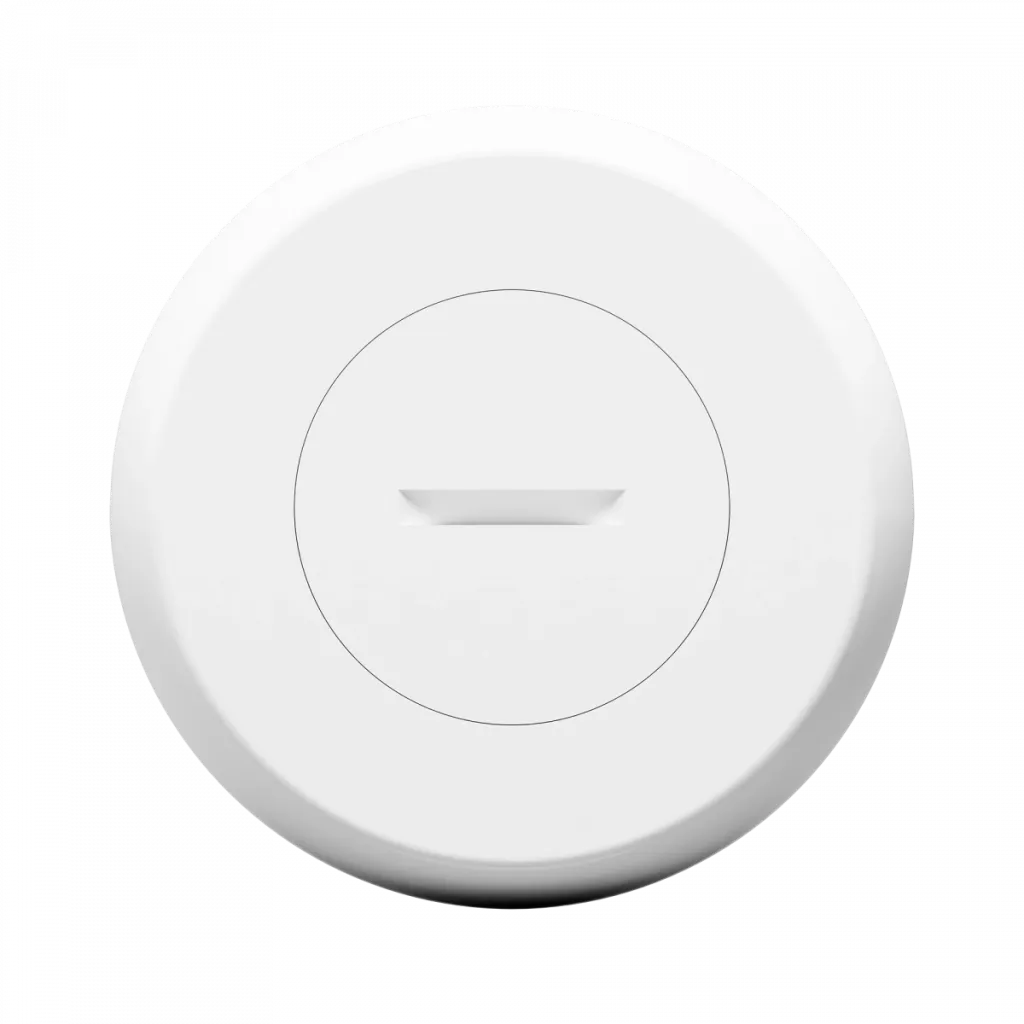
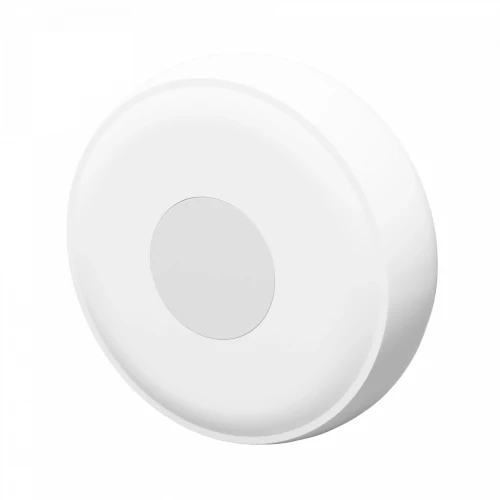
TESLA Smart Sensor Button
button for controlling your smart home

  • One-button smart home control
  • also functions as an SOS button
  • a control unit (hub) is required for operation and device pairing
Manufacturer TESLA Smart
Product code TSL-SEN-BUTTON
Product EAN 8596115811010

With the Smart Sensor Button, you can control other smart products in your home without having to search for your phone or reach for a light switch. With a single click, you can control a specific smart device or trigger a preset scene. You decide what happens when you press the button.

One-Click Control

You can assign a single command to the button, which is activated with a simple press. This makes it easy to turn on a light, start a selected scene, or control other smart devices in your home. It can also serve as a handy SOS button.


Simple control

A single click is all it takes to control your smart devices. The button is ideal for situations where you don’t have your phone with you, for regularly repeated tasks, or even in a child’s room as a simple alternative to a mobile app.


Minimalist design

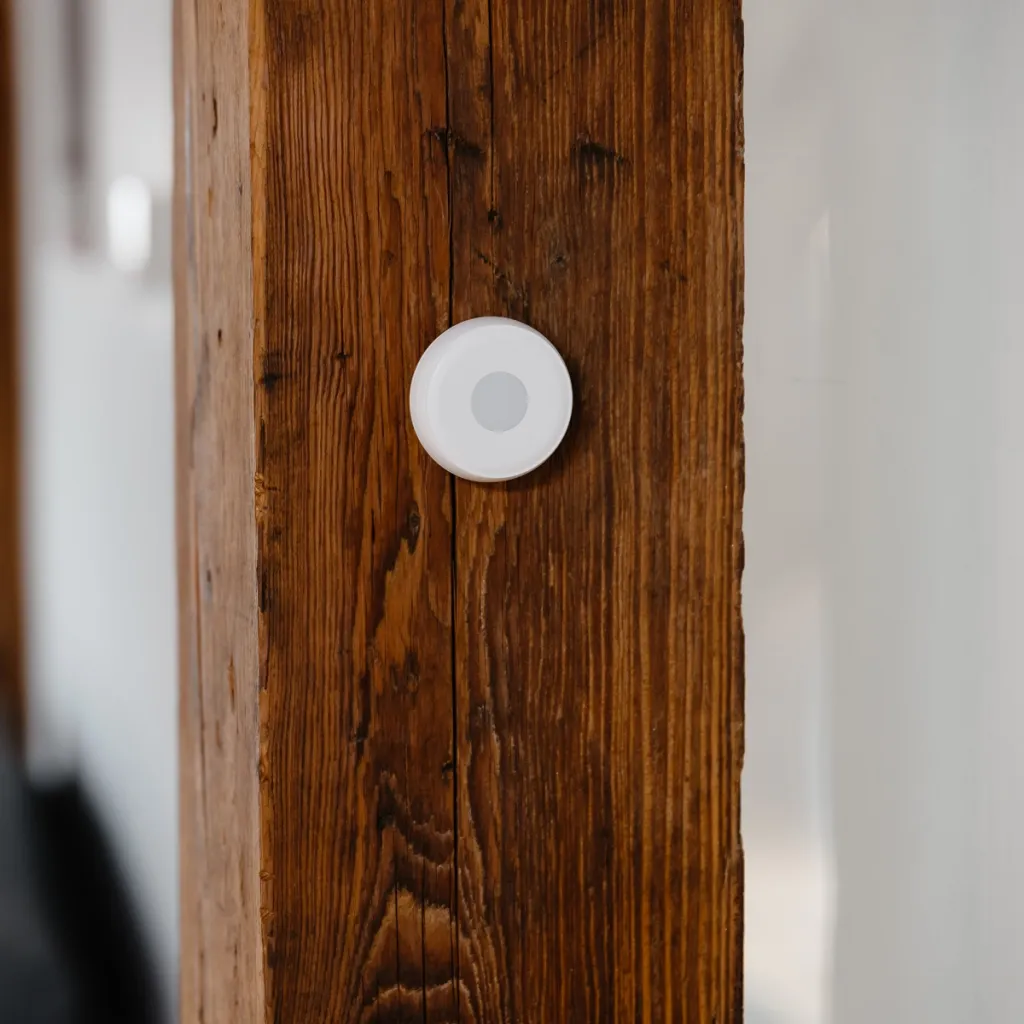
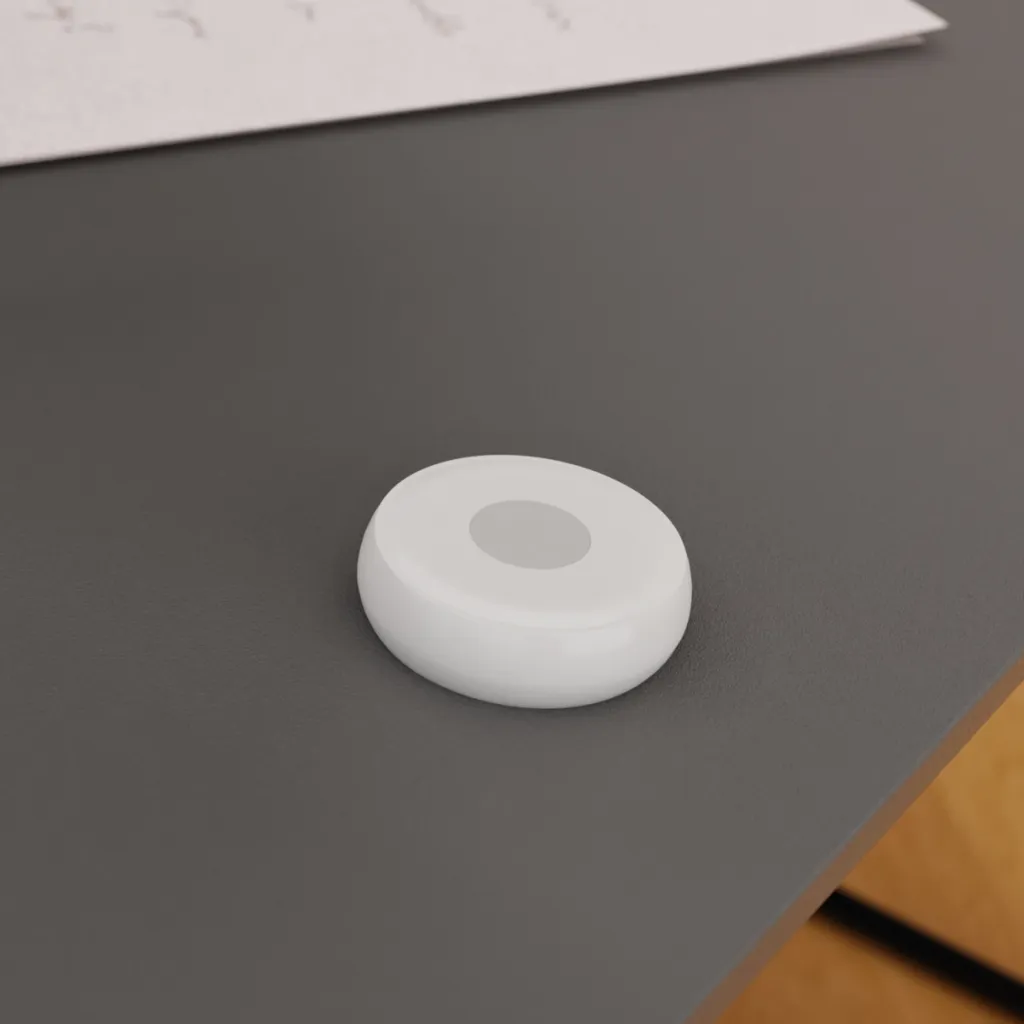
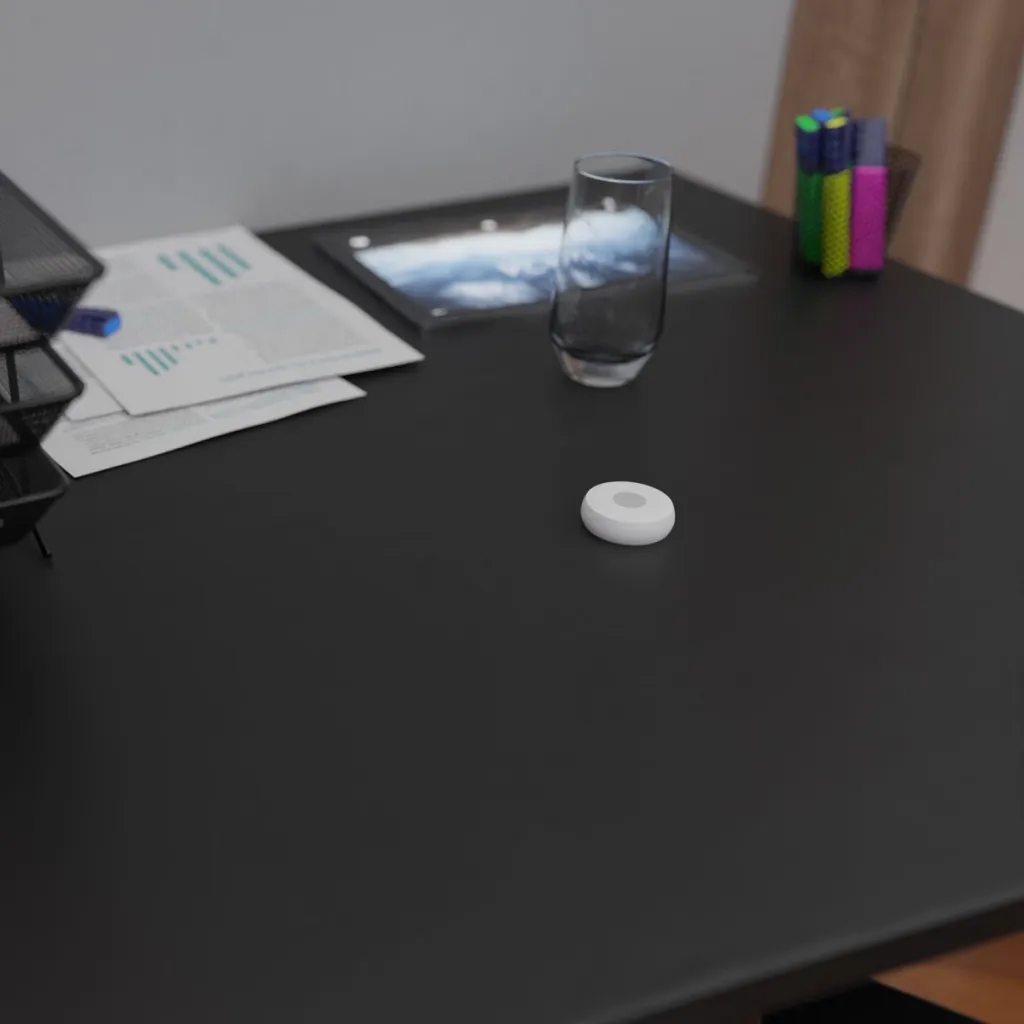
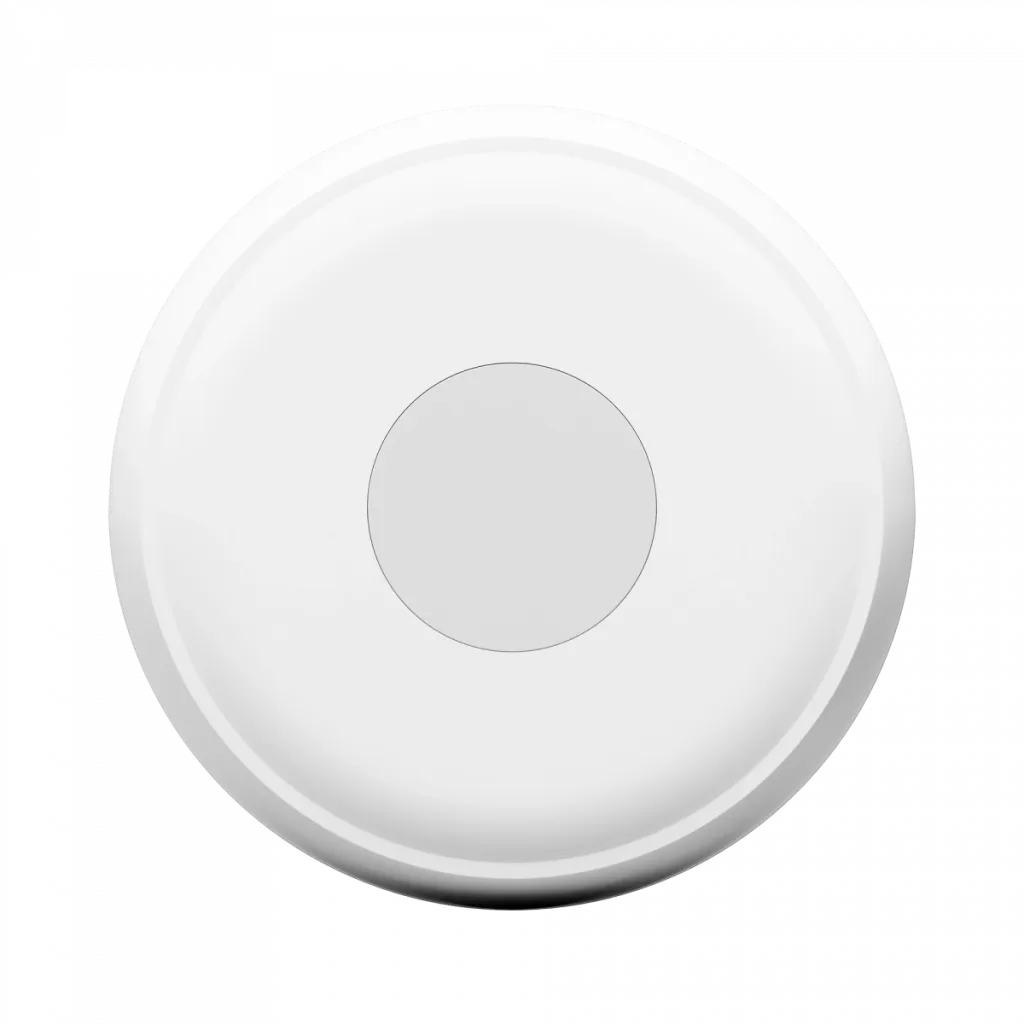
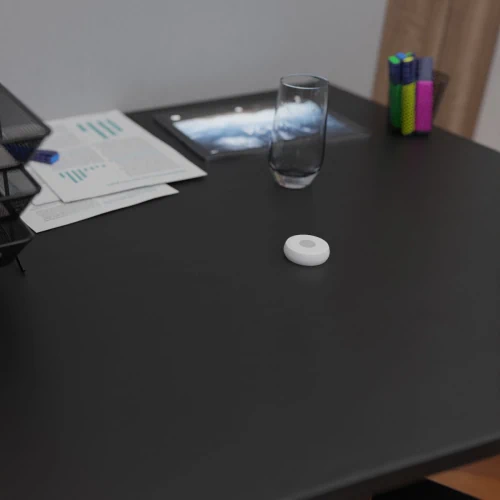
The device is sleek, wireless, and compact. You can place it virtually anywhere. Secure it to the desired location with adhesive tape, or leave it lying freely and move it around as needed.


Up to 2 years of battery life

The button uses ZigBee technology to connect to your home network. This technology has a range of up to 50 meters, is very stable, and is energy-efficient. All you need to power it is a single button battery.
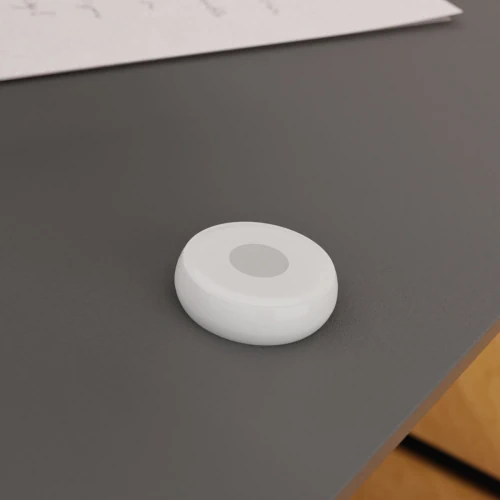
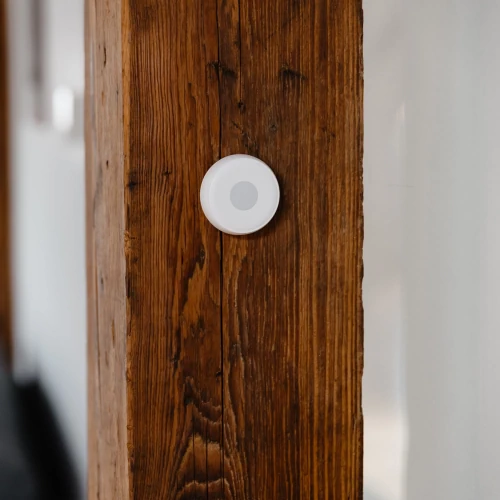
One-Click Smart Home Control

You can conveniently control a selected device in your smart home with this button. For example, you can pair it with an air purifier, a thermostat, or an LED strip. It’s ideal for use in a child’s room, where kids can turn off the lights with a single click, or for tasks you perform regularly where it’s unnecessary to pull out your phone every time.

Practical Use in Everyday Life

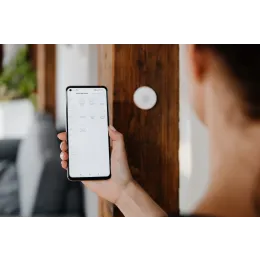
The button can perform a single preset task. Just press it once, and the selected action will start. You can set what happens after a click in the TESLA Smart mobile app. You can use the button to control a single device or activate a smart scene that triggers multiple actions at once. A typical example is turning off the lights throughout the entire apartment or activating security features when leaving the house. The Smart Sensor Button can also function as an SOS button; when pressed, it sends a notification to your phone or triggers an alarm.

So small it fits in your pocket

Its wireless design and compact size let you place the smart button virtually anywhere. For example, if you want to use it to turn off the lights before bed, you can attach it to the headboard using double-sided tape. However, if you find it useful in multiple locations, you can easily move it wherever you need it.

ZigBee Technology

The device uses ZigBee technology to communicate with other smart products. This technology enables connection to your home network, so you’ll need a ZigBee gateway. The technology stands out for its high network stability, a range of up to 50 meters, and low power consumption. Thanks to this, all you need to power it is a single button battery, which lasts up to 2 years. The button itself will alert you when it’s time to replace the battery.

Control all your devices with a single app

There’s nothing easier than controlling your entire home from your phone. And that’s exactly what the TESLA Smart app lets you do. With it, you can manage all your smart devices. Thanks to automations and scenarios, you can create a smart home that takes the burden off your daily chores.
You can control smart products via the internet from anywhere. It doesn’t matter where you are—your home will obey your commands even from the other side of the world. The app keeps you constantly informed about everything important, so you always know what’s happening at home. You don’t have to worry about any tedious setup. Everything is simply set up to make using TESLA products as enjoyable as possible for you.

  • Option to assign a single command activated with a simple click
  • also serves as an SOS button with the option to trigger an alarm or send a notification
  • Easy control of smart products without needing a cell phone
  • Ideal for routine tasks or as a replacement for a mobile app, for example in a child’s room
  • The sleek and compact wireless design allows for placement anywhere
  • Can be attached using double-sided adhesive tape or carried as needed
  • Ideal for controlling a selected device or triggering a preset scene
  • Connect and control other smart devices using ZigBee technology
  • Compatible with the TESLA Smart app for easy setup and management of scenarios
  • Suitable for home automation and remote control via the Internet

Specifications

  • Power supply: 1x CR2032 button cell battery
  • Battery life: up to 24 months
  • Battery status monitoring: Yes
  • Operating temperature: -10 to +55 °C
  • Dimensions: 50 x 16 mm (diameter)
  • Connectivity: ZigBee
  • Compatible apps: TESLA Smart (Apple iOS, Google Android)
  • Wireless technology: ZigBee 2.4 GHz
  • Low-voltage alert: supported
  • A control unit (hub) is required for device operation and pairing

Package includes

  • TESLA Smart Sensor Button
  • CR2032 battery (already installed)
  • Double-sided adhesive tape for mounting
  • User manual

📐 Parameters

Product code TSL-SEN-BUTTON
Product EAN 8596115811010

🎥 Videos

🔗 Related

TESLA Smart Sensor Gas - smart sensor for gas leak detection TESLA Smart Sensor Gas - smart sensor for gas leak detection
  • More variants

Detects methane 24/7, alerts with an alarm and notification, smart home integration via ZigBee, easy installation, audible warning signal >=70 dB, control via the TESLA Smart mobile app.
TESLA Smart Smoke Sensor - Smart Smoke Detector TESLA Smart Smoke Sensor - Smart Smoke Detector
  • More variants

A smart sensor with smoke and temperature detection, an 85 dB alarm, a visual indicator, mobile notifications, a 3-year battery life, and ZigBee support for connecting to other smart devices.

Detects even small amounts of water, sends alerts via the app, waterproof (IP66), battery life of over 1 year, ZigBee connectivity, compact design, easy integration into a smart home.
TESLA Smart Sensor Siren - Smart Siren TESLA Smart Sensor Siren - Smart Siren
  • More variants

Siren with a 100 dB alarm and flashing light, Zigbee connectivity, 24-hour backup battery, tamper protection, control via the TESLA Smart app, easy installation, elegant design.

It measures temperature and humidity and displays the data both on the screen and in the app. It operates wirelessly and runs on batteries for up to a year. Easy to install, with Zigbee integration for smart homes.

Control your smart home with a single button—3 actions (single click, double click, long press), SOS function, battery life of up to 2 years, ZigBee wireless connectivity, compact design, easy installation, and integration with the TESLA Smart app.

Radar-based presence detection even for subtle movements • AI-powered adaptation of the environment and zones to minimize false alarms • Automation in TESLA Smart based on presence and lighting conditions • Battery-powered with wall- or ceiling-mounted installation

💡 Tips

TESLA Smart App 📱
Keep your home under control from anywhere. With the TESLA Smart app, you can easily control all your smart devices, no matter where you are. Create a home that adapts to you. Thanks to smart automation, it takes care of many things on its own—for example, lights, outlets, or heating will turn on or off exactly when you need them. This saves you both time and hassle.

Automate your home with the TESLA Smart app ✨
If you’re new to smart products, you might be surprised to learn that simply buying smart devices doesn’t mean you’re living smart. A smart home only truly comes to life when it starts helping you in your everyday life. To achieve this, you need to learn how to use automation. And the good news is that, thanks to the TESLA Smart app, you can do it really easily.

How do you share smart products or your entire home with other users? 🔄🏠
In this article, you’ll learn how to properly share products in your smart home with family and friends. We’ll show you how to set everything up correctly and avoid the most common mistakes.