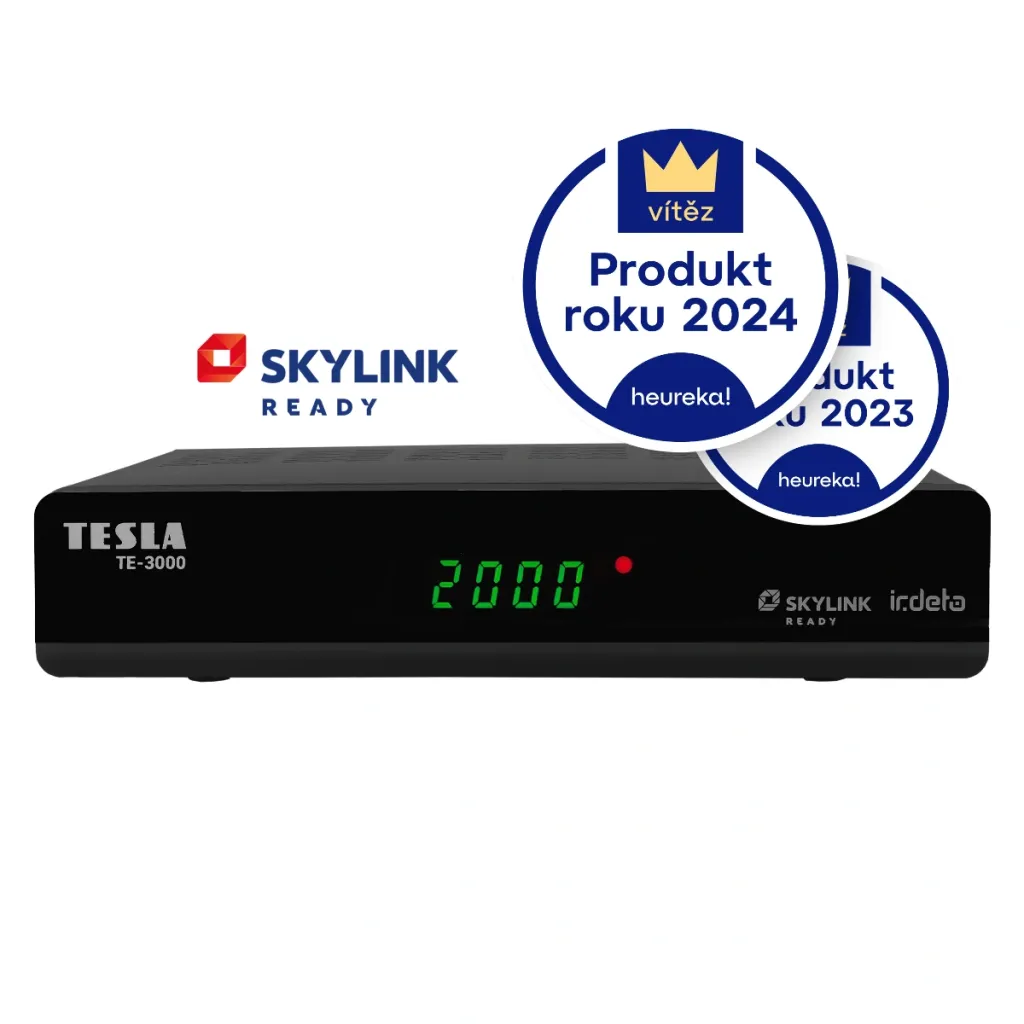
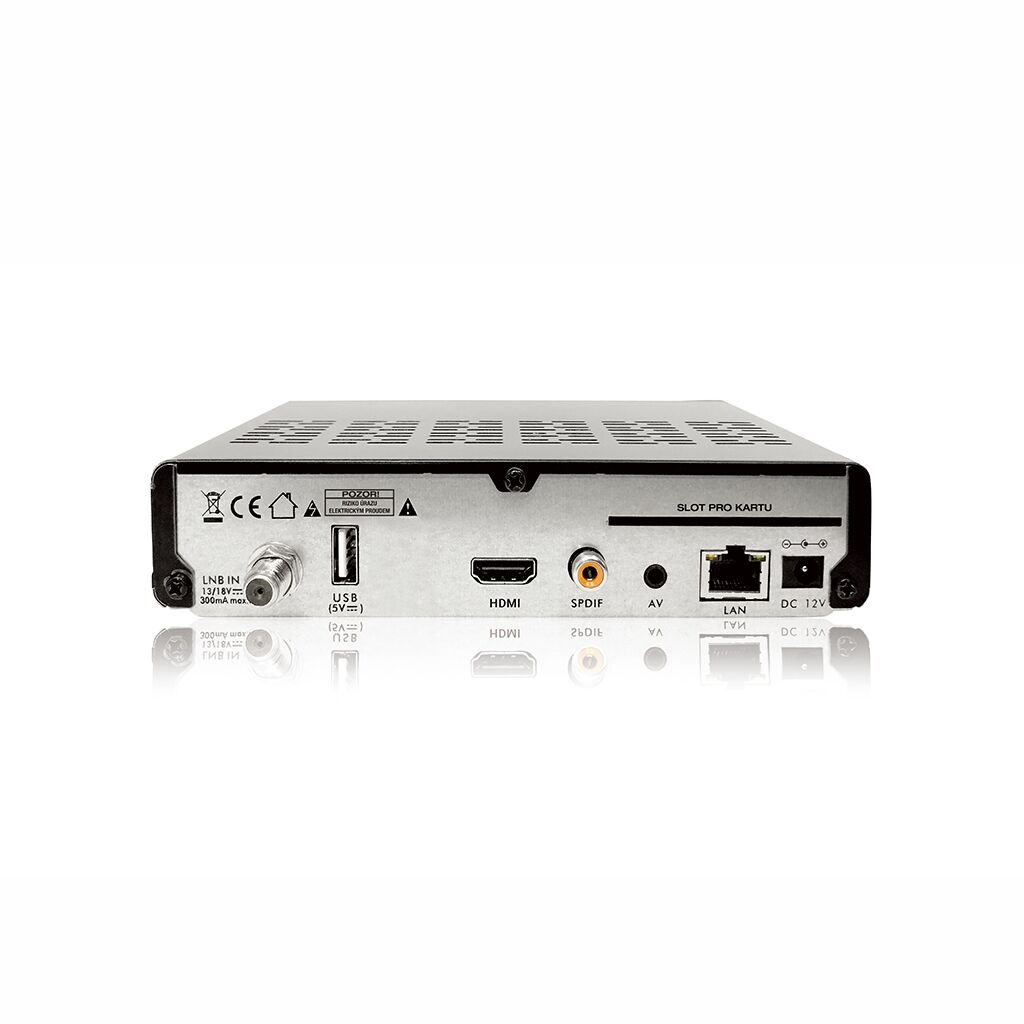
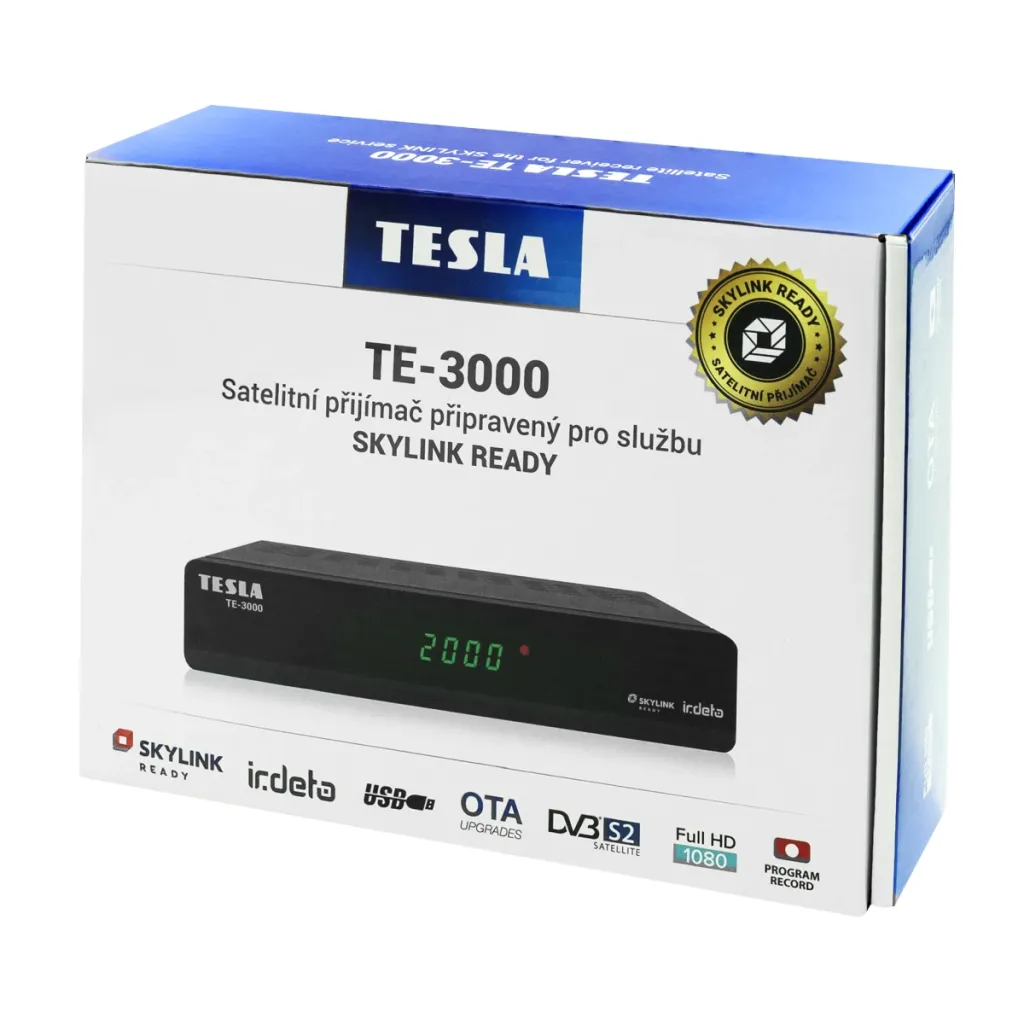
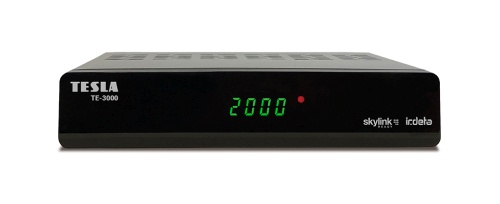
The TESLA TE-3000 is a state-of-the-art DVB-S2 Irdeto satellite receiver with the latest Skylink certification (2020).
Product of the Year 2023 and 2024
The TESLA TE-3000 satellite receiver was named Heureka.cz Product of the Year in the satellite receiver category on Heureka.cz. This prestigious title confirms its outstanding performance and popularity among users. Thanks to the latest Skylink Ready certification and features such as FastScan, it offers easy installation and reliable reception of satellite channels. Invest in cutting-edge technology that has earned the trust of thousands of satisfied customers and will ensure a high-quality TV viewing experience.
Skylink READY
The receiver has passed testing by the Skylink operator and, based on positive results, has earned Skylink Ready certification, which guarantees full compatibility with this satellite service. The receiver’s compliance with Skylink’s technical specifications across numerous technical parameters has been verified. Among the most important parameters are compatibility with Skylink cards, the availability of automatic tuning and channel organization features (FastScan), and, most importantly, the ability to receive channels in high-definition (HD) and in the MPEG-4 compression format.
FastScan
The receiver is equipped with the FastScan feature, which ensures easy automatic search for Skylink channels and their default sorting. And that’s not all! If the frequency of any channel changes in the future, or if the Skylink channel lineup is modified, the channel list will be updated automatically. This saves you time you would otherwise spend searching for and entering frequencies and then sorting the channels, as well as money you might otherwise have to pay a service technician.
Multimedia
Multimedia You can play movies, music, or photos via an external USB storage device. You can also record broadcast programs and schedule recordings for when you’re away. You can then play back the recording at any time and even skip the commercials.
Seven-Day Electronic Program Guide
You don’t have to flip through a printed TV guide. You’ll find everything right on your screen.
Full HD resolution
Enjoy sharp details and vibrant colors. Pixelation and blurry images will be a thing of the past.
Quick Start
No more waiting for the TV to turn on—it boots up from standby very quickly.
FastScan—channel list installation and updates
Supports Full HD resolution of 1920x1080p on the HDMI output
Capacity to store up to 4,000 TV and radio stations in total
Ability to create up to 8 favorite lists in FastScan update mode
Support for editing the channel list (favorites, moving, locking, renaming, and sorting) in normal tuning mode
Full support for the seven-day Electronic Program Guide (EPG)
OSD menu
PVR function, ability to record favorite shows to a USB device
Multimedia player for various AVI files and viewing of BMP/PNG/JPG/GIF images
Support for MP3 music files
Automatic time setting
Full support for DiSEqC 1.0, 1.1, 1.2, USALS, 13/18V, 0/22kHz
Support for active standby mode for quick startup of the receiver from standby
Parental controls for programs and recordings via card PIN
Support for OTA software updates via satellite
Support for software updates from an FTP server
Download the software HERE; follow the update instructions HERE
Satellite (S2) signal finder, controlled via an app on a smart device.
Supports Android devices.
💡 Tips
How can I organize my channels?
The TE-3000 model is a Skylink Ready-certified device, and like all such devices, its channel positions are locked when using FastScan. This is designed so that, for example, when you change the transponder, the channel automatically retunes. Everything happens in the background, ensuring that all channels always work according to your current paid subscription. This is a requirement set by Skylink to meet certification standards. The only option is to use your favorites (FAV) lists.
Simple instructions for moving channels to your favorites list and changing their positions:
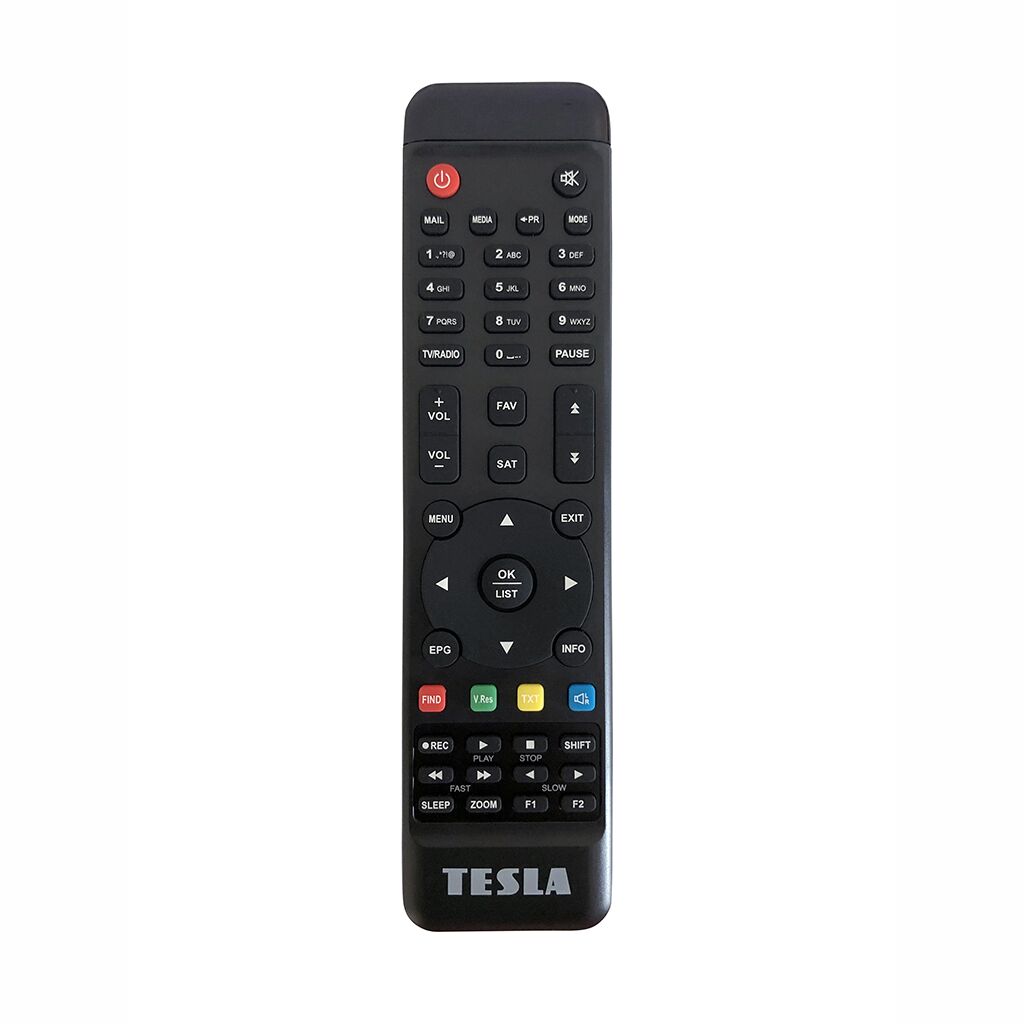
Press “Menu” on the remote control
Select "Manager" and confirm with "OK"
Press the "FAV" button on the remote control
Use the arrow to move to the third column (on the right)
Press "OK" to confirm moving the channel to the FAV favorites group (middle column)
To remove a station from the favorites group, use the arrow keys on the remote to move to the middle column and press “OK” to confirm removal from “FAV”
To change a station’s position in the favorites list, use the arrow to highlight the station you want to move, press the yellow “Move” button on the remote control, use the arrow keys to move the station to the desired position, and confirm again with the yellow button or the "OK" button.
Press the "EXIT" button on the remote control to exit the menu and confirm saving with "OK".
To select and switch between favorite groups, press the "OK" button on the screen (not in the menu box); a list of channels will appear.
Use the right or left arrow on the remote control to cycle through the TV, FAV1, FAV2… station lists.
You can then switch between the channels in the selected list.
![Logo | Catalog [EN]](/data/upload/images/assets/logo-7.png)





 Čeština
 Polski
 Deutsch