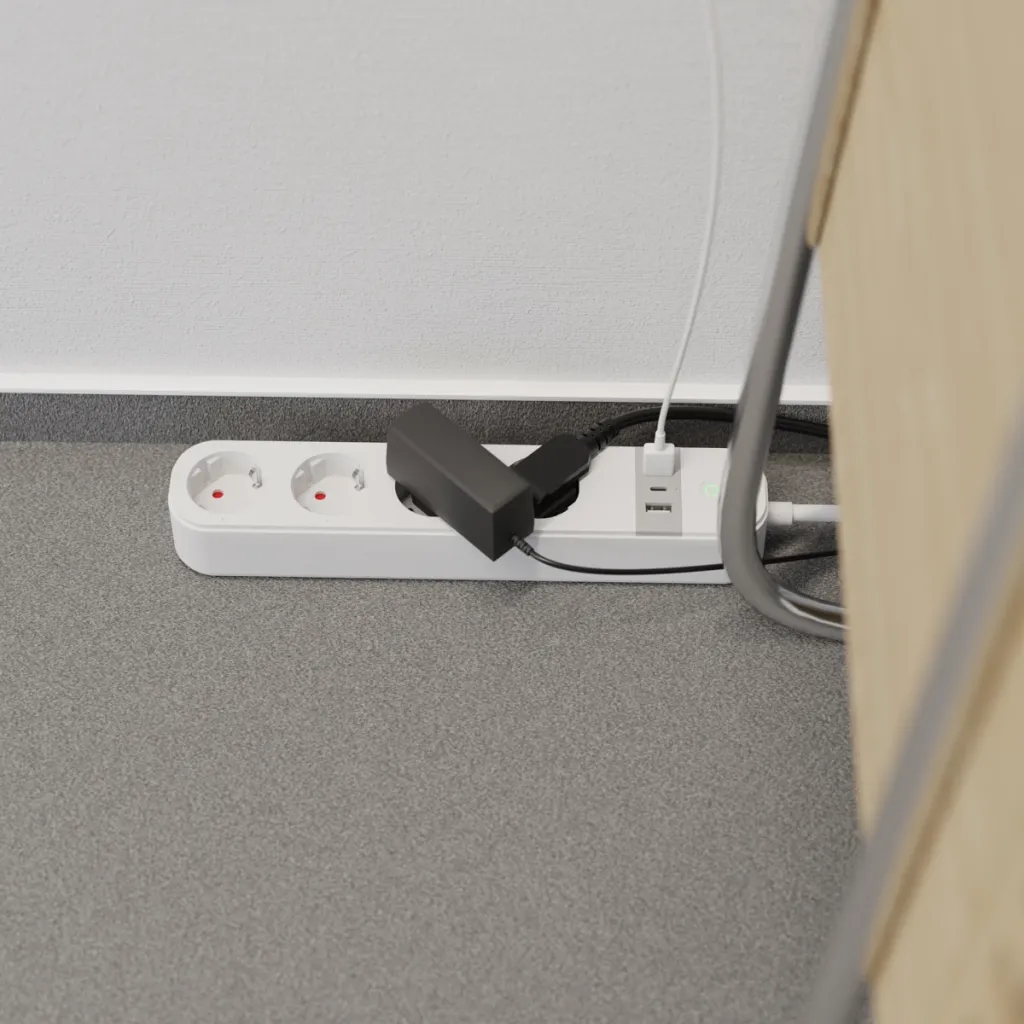
TESLA Smart Power Strip PS300
Smart Extension Cord

  • More variants
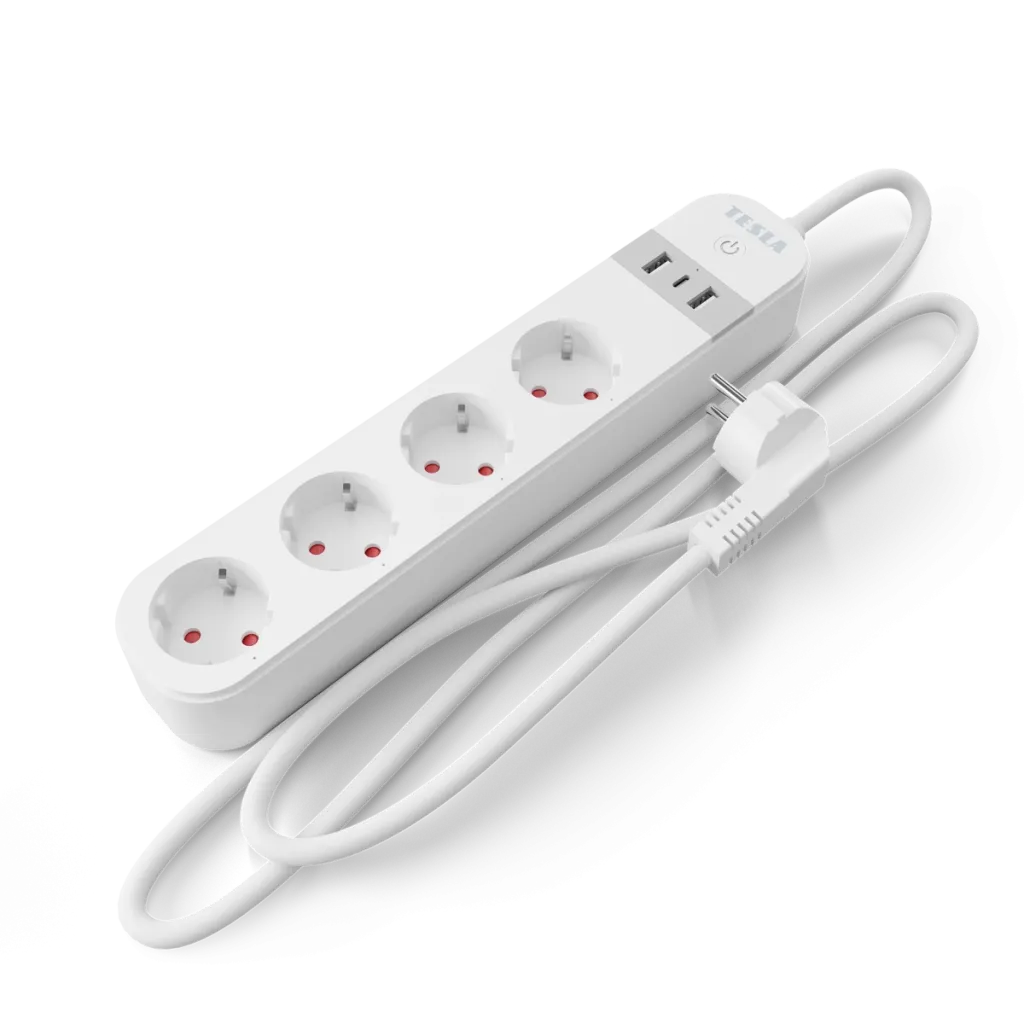
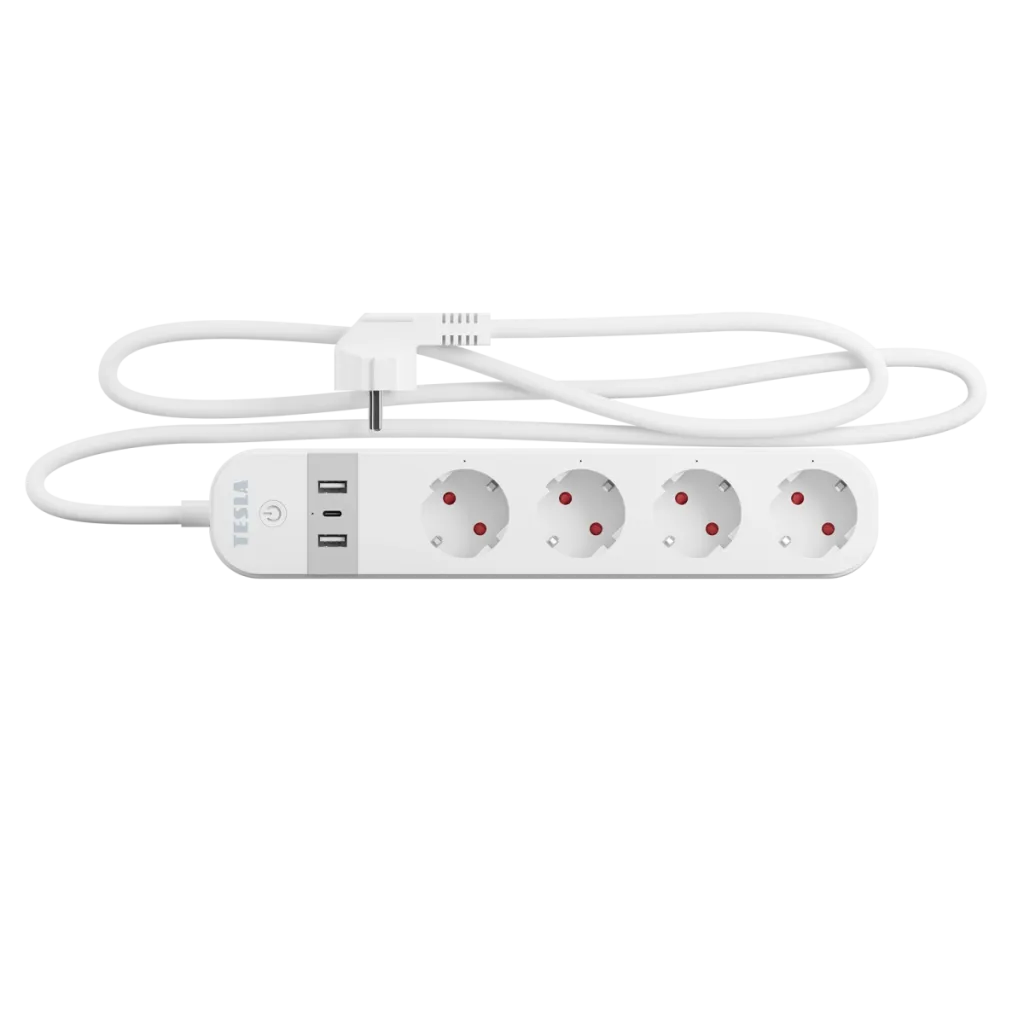
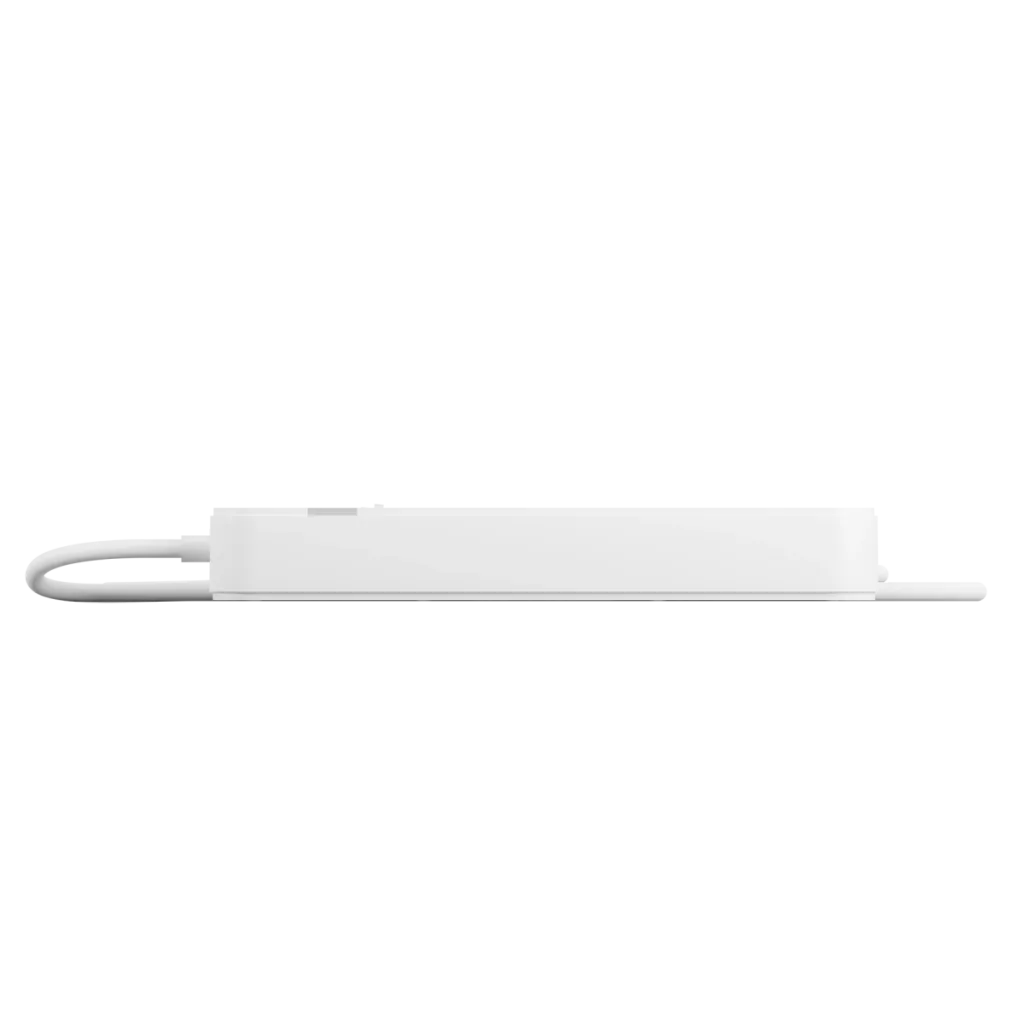
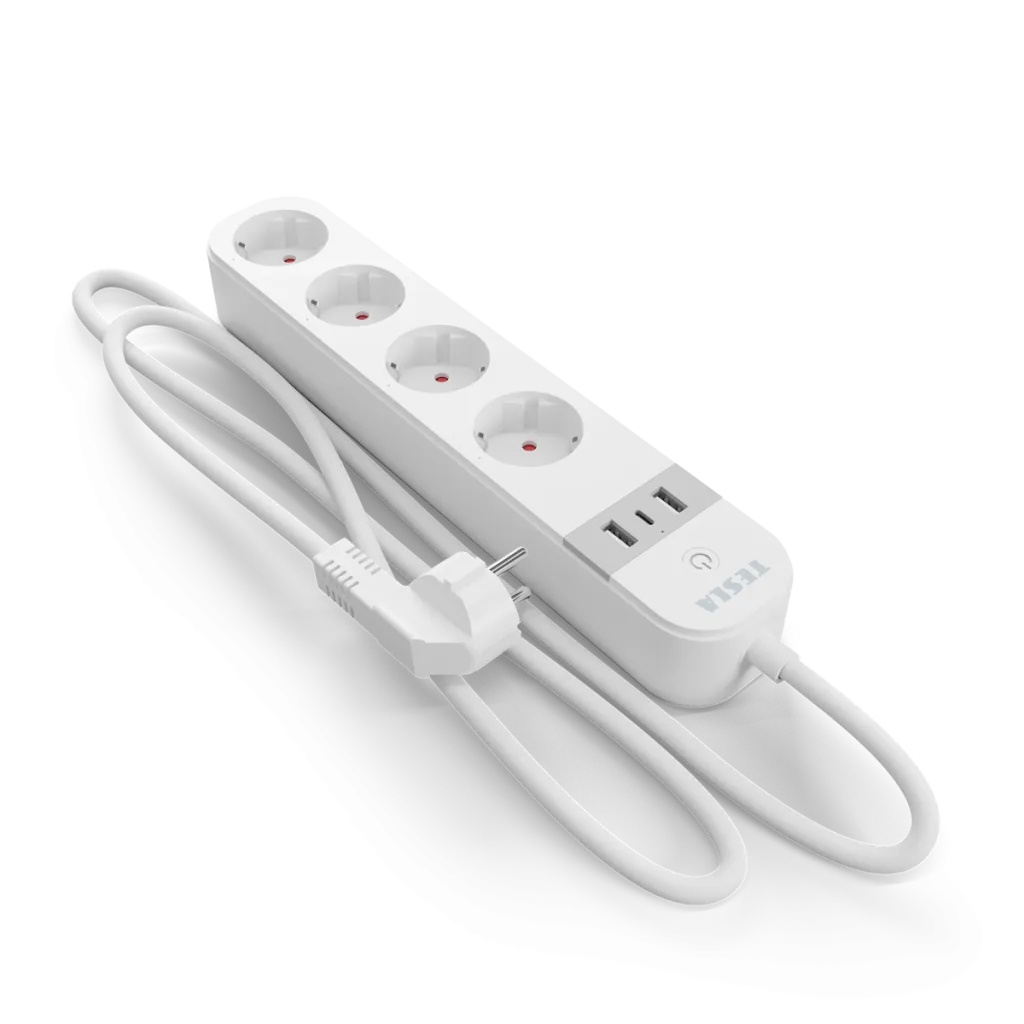
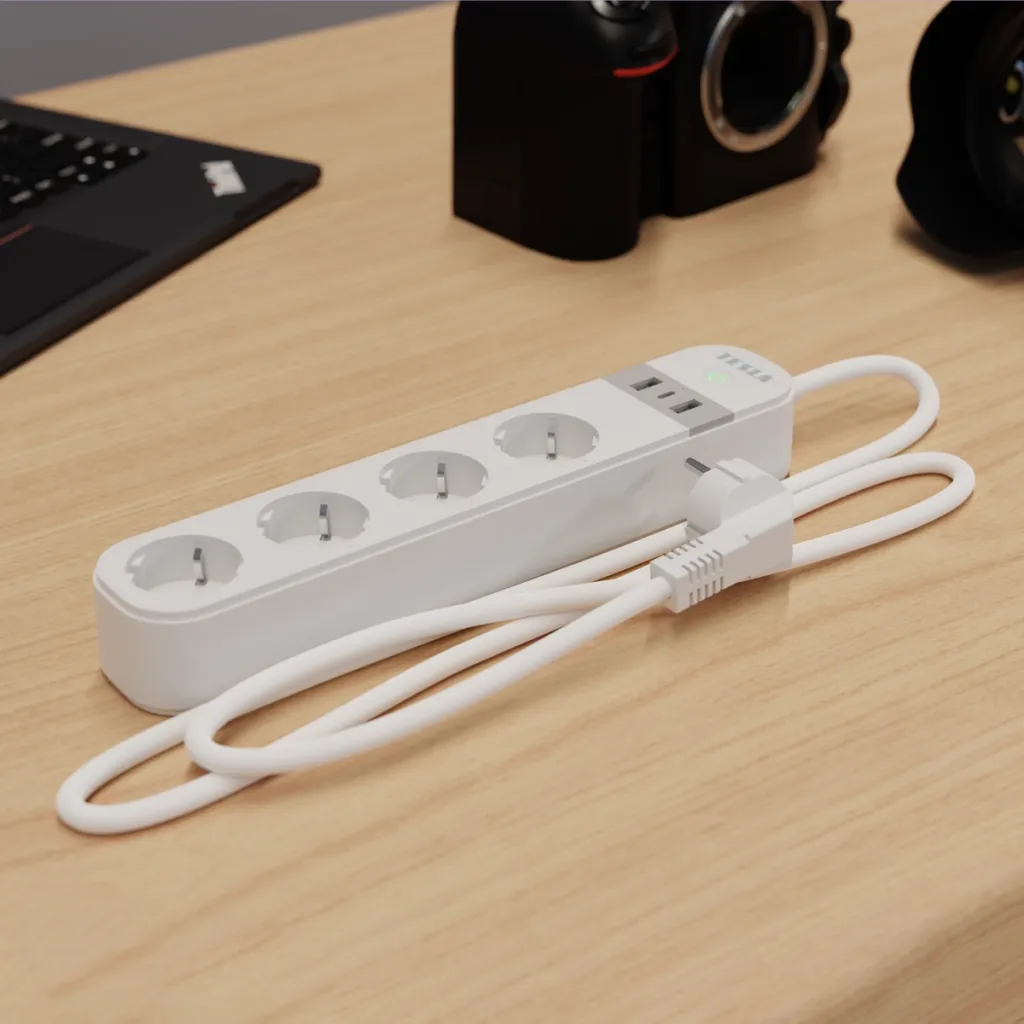
Smart power strip with 4 outlets, 2× USB-A and 1× USB-C, controlled via app or voice, energy usage tracking, support for scenes and automation, Wi-Fi, English interface, 2-meter cable.
Manufacturer TESLA Smart
Product code TSL-SPL-SPS300
Product EAN 8596115815223

Control multiple devices remotely. This smart power strip adds smart features to any appliance and can power up to 7 devices at once, including those with USB-A and modern USB-C cables. With the mobile app via Wi-Fi, you can not only set up automations but also get an overview of your energy usage, allowing you to optimize your home’s operations and save money.

Power up to 7 devices

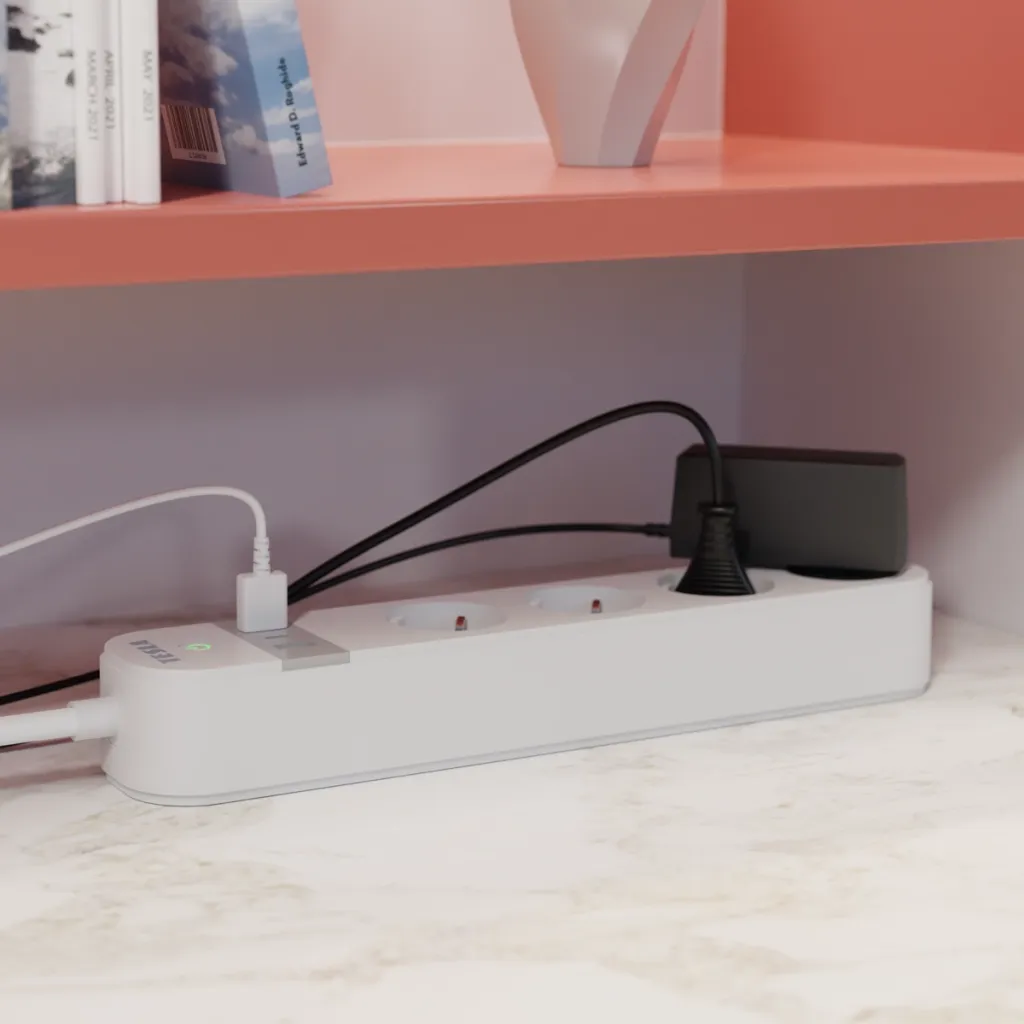
The TESLA Smart Power Strip PS300 keeps up with the times. It doesn’t just offer four standard 220V outlets. It’s also equipped with two USB-A ports and one USB-C port. In the age of USB chargers, it provides the convenience of charging phones, headphones, and other modern electronics.


Individual Control

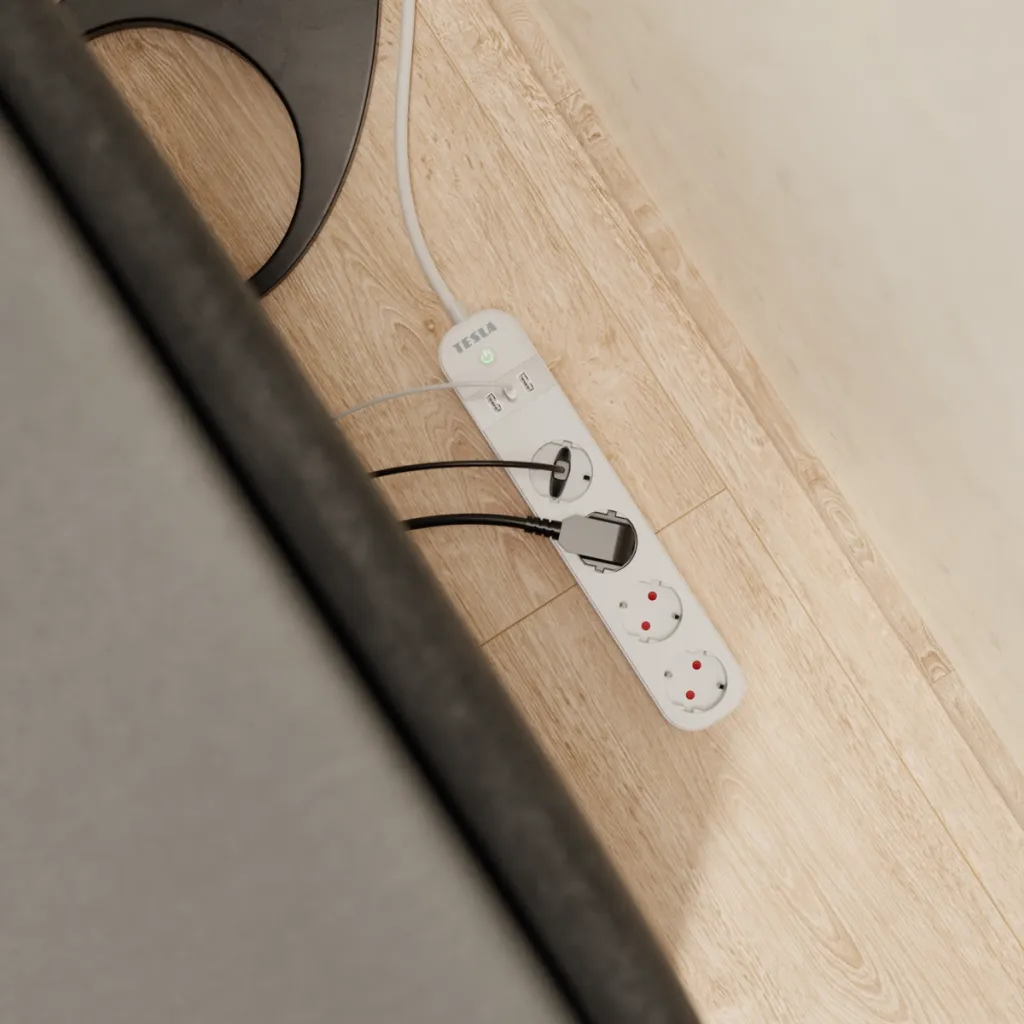
You can turn each outlet on and off individually, or all USB ports at once. Using the mobile app or a voice assistant, you can easily set it up, for example, to charge devices via USB cables while keeping one outlet on and the other three off.

Energy Usage Overview

It provides an overview of both current and long-term energy consumption of connected devices. With the Power Strip, you always know exactly how much energy is flowing through it. This helps you identify energy-guzzlers before your energy bill takes you by surprise.


Automation and Scenarios

It adds smart features to all connected devices and links them together. In the mobile app, you can set up in just a few minutes at what time, on which day, or under what conditions an appliance plugged into the TESLA Smart Power Strip should turn on or off.

App for Easy Control

Managing the Power Strip is a breeze thanks to the free app. In addition to other languages, it also supports English, so you can control and configure all settings intuitively and quickly from your smartphone or tablet running iOS or Android. In the app, you can see at any time and from anywhere whether the USB ports or individual outlets are on or off, and you can change their status if needed.
But control can be even easier. Using the TESLA Smart mobile app, you can connect smart personal assistants to the Power Strip - it’s compatible with both Google Assistant and Amazon Alexa. This lets you conveniently issue commands by voice.


Control all your devices with one app

There’s nothing easier than controlling your entire home from your phone. And that’s exactly what the TESLA Smart app lets you do. With its help, you can manage all your smart devices. Thanks to automations and scenarios, you can create a smart home that takes the burden off your daily chores. You can control smart products via the internet from anywhere. It doesn’t matter where you are - your home will obey your commands even from the other side of the world. The app keeps you constantly informed about everything important, so you always know what’s happening at home. You don’t have to worry about any tedious setup. TESLA Smart is entirely in English, so you’ll understand it perfectly. Everything is simply set up to make using TESLA products as enjoyable as possible for you.

Save Your Nerves and Money

Is an appliance at home using power unnecessarily, even though it doesn’t need to? Are you wondering if you left the iron on? Did you forget to turn on the light in the terrarium before leaving? You won’t have to worry about that anymore. Through the app, you can turn anything on or off from anywhere, and you can even name individual outlets within it. That way, you’ll always know which one has the curling iron, electric toothbrush, or electric razor plugged into it.

Automate. Just the way you like it

A truly smart home is one where devices operate on their own. Treat yourself to this convenience with automations and scenarios. A socket can turn on a lamp as soon as you arrive home. It can turn on the heat when the temperature drops below a set threshold, or turn it off as soon as it reaches a certain level. You can set up regular schedules to turn on the lights, TV, or music, even when you’re on vacation. This will give the impression that someone is always home.

Power for 4 + 2 + 1 devices

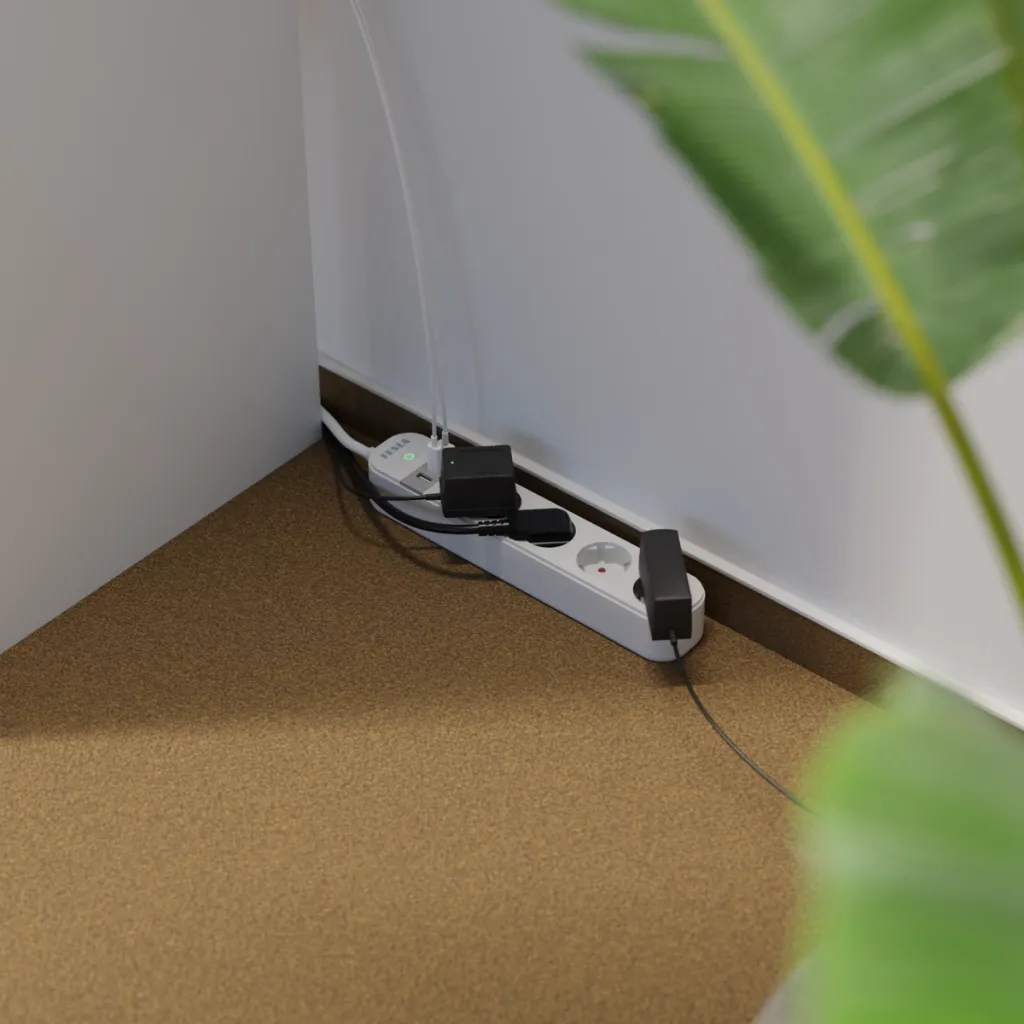
Two USB Type-A ports, one USB Type-C port, and four standard outlets can power up to eight devices simultaneously. The 15-watt output is sufficient for overnight charging of cell phones and low-power electronic devices, such as smartwatches or Bluetooth headphones. And thanks to the long cable, the Power Strip can reach devices up to two meters away from the outlet.

  • Power up to 7 devices simultaneously (4x 220V outlets, 2x USB-A, 1x USB-C)
  • Ability to control each outlet and all USB ports individually or all at once
  • Overview of current and long-term power consumption of connected devices
  • Integration into a smart home via automations and scenarios
  • Easy control via the TESLA Smart mobile app (in English)
  • Compatibility with Google Assistant and Amazon Alexa for voice control
  • Remote control of outlets and ports via the internet from anywhere
  • Option to name individual outlets for clarity
  • Long power cord for flexible placement (2 meters)
  • Intuitive setup and management of all TESLA Smart devices from a single app

Specifications

  • Input voltage: 220–240 V AC, 50 Hz
  • Maximum current: 16 A
  • Maximum load: 3680 W
  • Current per USB port: 3 A
  • Total USB output power: 15 W
  • USB-C output: max. 5 V, 3 A
  • Cable length: 2 m
  • Connectivity: Wi-Fi 2.4 GHz (IEEE 802.11b/g/n)
  • Dimensions: 295 x 57 x 41 mm
  • Operating temperature: -20 to 50 °C
  • Operating humidity: 5–65% (non-condensing)
  • Compatible systems: Apple iOS, Google Android

Package includes

  • TESLA Smart Power Strip PS300
  • User manual

📐 Parameters

Product code TSL-SPL-SPS300
Product EAN 8596115815223

🎥 Videos

🔗 Related

TESLA Smart Plug SP300 3 USB - Smart Plug with USB Ports TESLA Smart Plug SP300 3 USB - Smart Plug with USB Ports
  • More variants

Control the outlet and USB ports remotely via the app, by voice, or manually. Monitor power usage, charge up to 3 devices via USB, and set up automations to suit your needs.
TESLA Smart Plug SP300 - smart plug TESLA Smart Plug SP300 - smart plug
  • More variants

Smart plug with Wi-Fi and Bluetooth, control via app or voice, power consumption measurement, scenario scheduling, max. 3680 W, compatible with iOS/Android, Google Assistant and Alexa.
TESLA Smart Plug Dual SD300 - Smart Dual Outlet TESLA Smart Plug Dual SD300 - Smart Dual Outlet
  • More variants

Independent control of two devices, energy consumption tracking, Wi-Fi/Bluetooth wireless connectivity, voice assistant support, operation automation, and compatibility with an English app for iOS and Android.
TESLA Smart Plug SP400 - Smart Outdoor Outlet TESLA Smart Plug SP400 - Smart Outdoor Outlet
  • More variants

Outdoor model with IP44 rating • energy consumption monitoring • timers, schedules, and automation • remote control from anywhere via the app

💡 Tips

TESLA Smart App 📱
Keep your home under control from anywhere. With the TESLA Smart app, you can easily control all your smart devices, no matter where you are. Create a home that adapts to you. Thanks to smart automation, it’ll take care of many things on its own—for example, lights, outlets, or the heating will turn on or off exactly when you need them to. This saves you both time and hassle.

Automate your home with the TESLA Smart app ✨
If you’re new to smart products, you might be surprised to learn that simply buying smart devices doesn’t mean you’re living smart. A smart home only truly comes to life when it starts helping you in your everyday life. To achieve this, you need to learn how to use automation. And the good news is that, thanks to the TESLA Smart app, you can do it really easily.

How do you share smart products or your entire home with other users? 🔄🏠
In this article, you’ll learn how to properly share products in your smart home with family and friends. We’ll show you how to set everything up correctly and avoid the most common mistakes.

Addendum: Electricity Consumption
Tracking TESLA Smart smart plugs are equipped with an electricity consumption tracking feature. In the TESLA Smart app, you can monitor the following in real time:

  • the current power consumption of a connected device,
  • total consumption for a selected period,
  • energy consumption history,
  • clear graphs and statistics.

This feature allows users to better monitor the energy consumption of their home appliances, optimize their use, and easily identify devices with higher consumption. To view consumption data, open the TESLA Smart app, select the relevant outlet, and go to the Monitoring section.