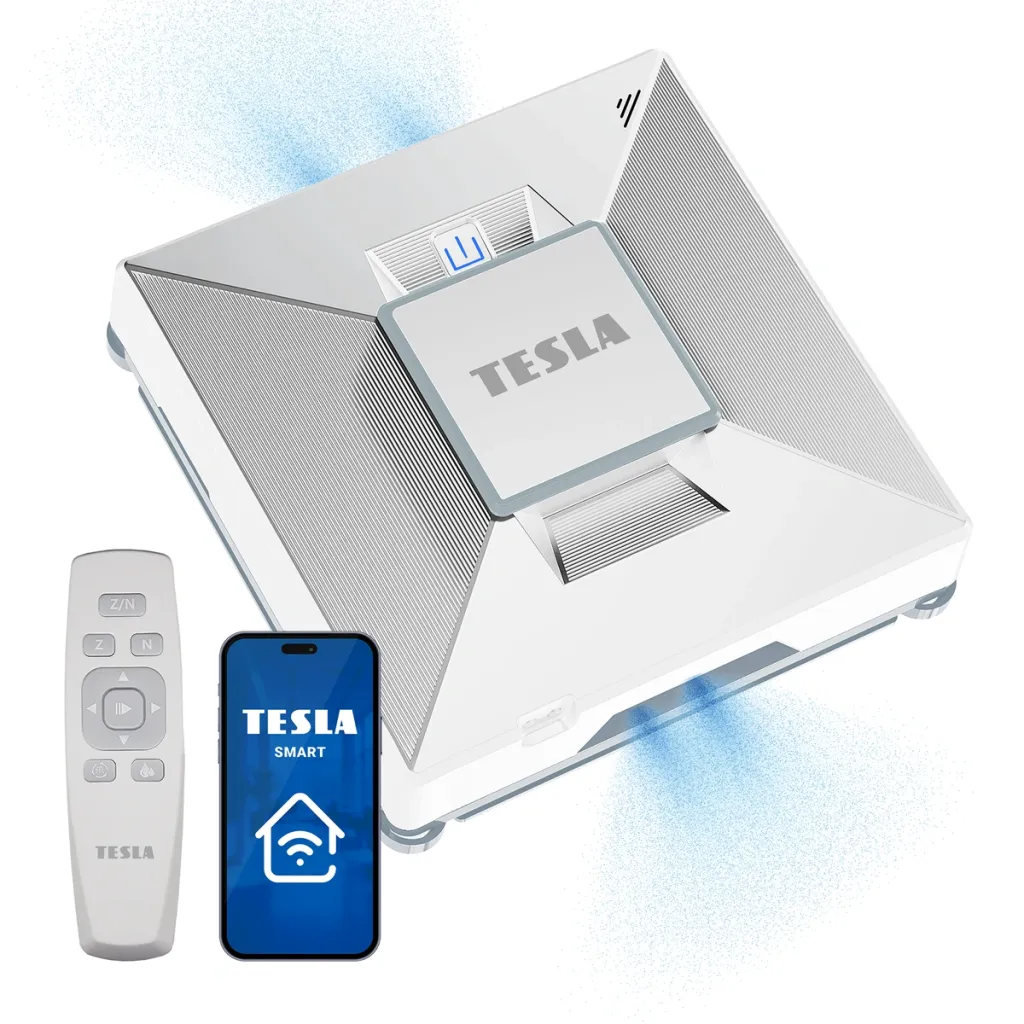
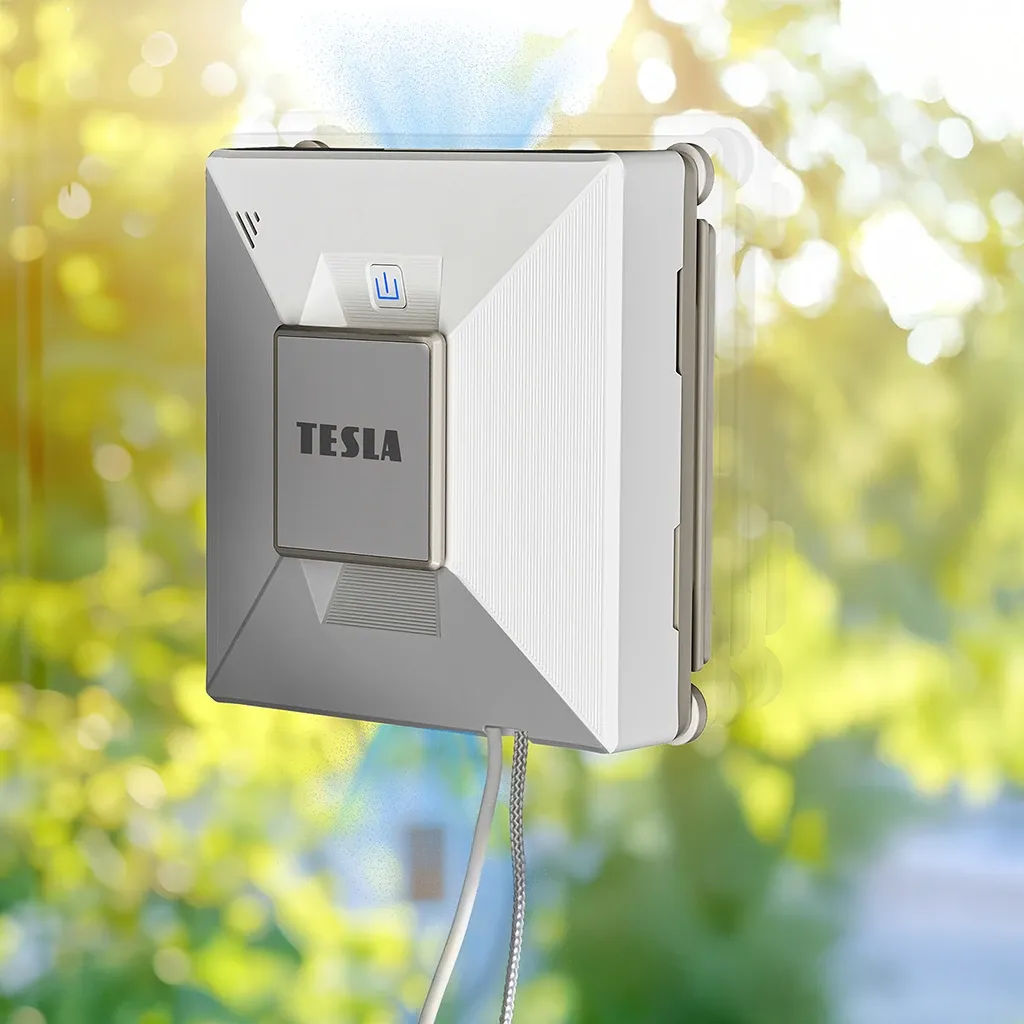
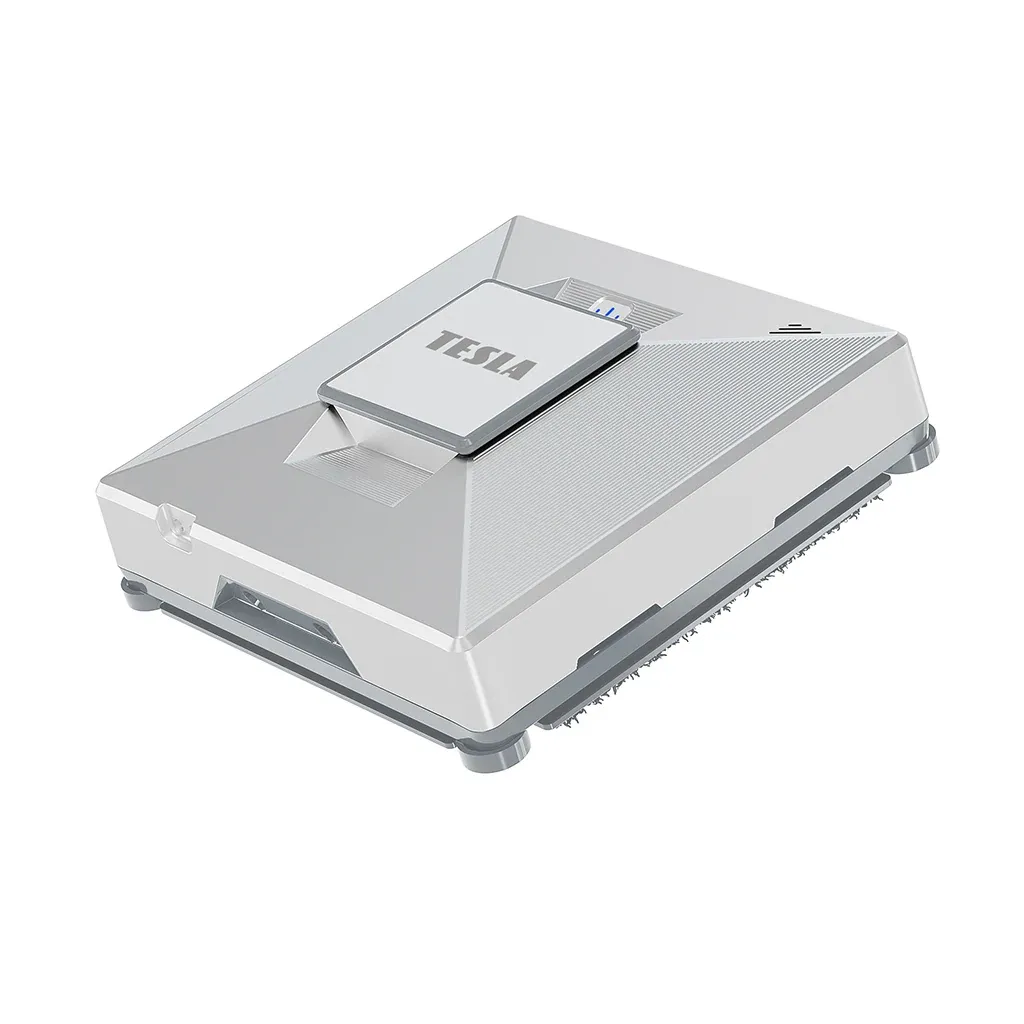
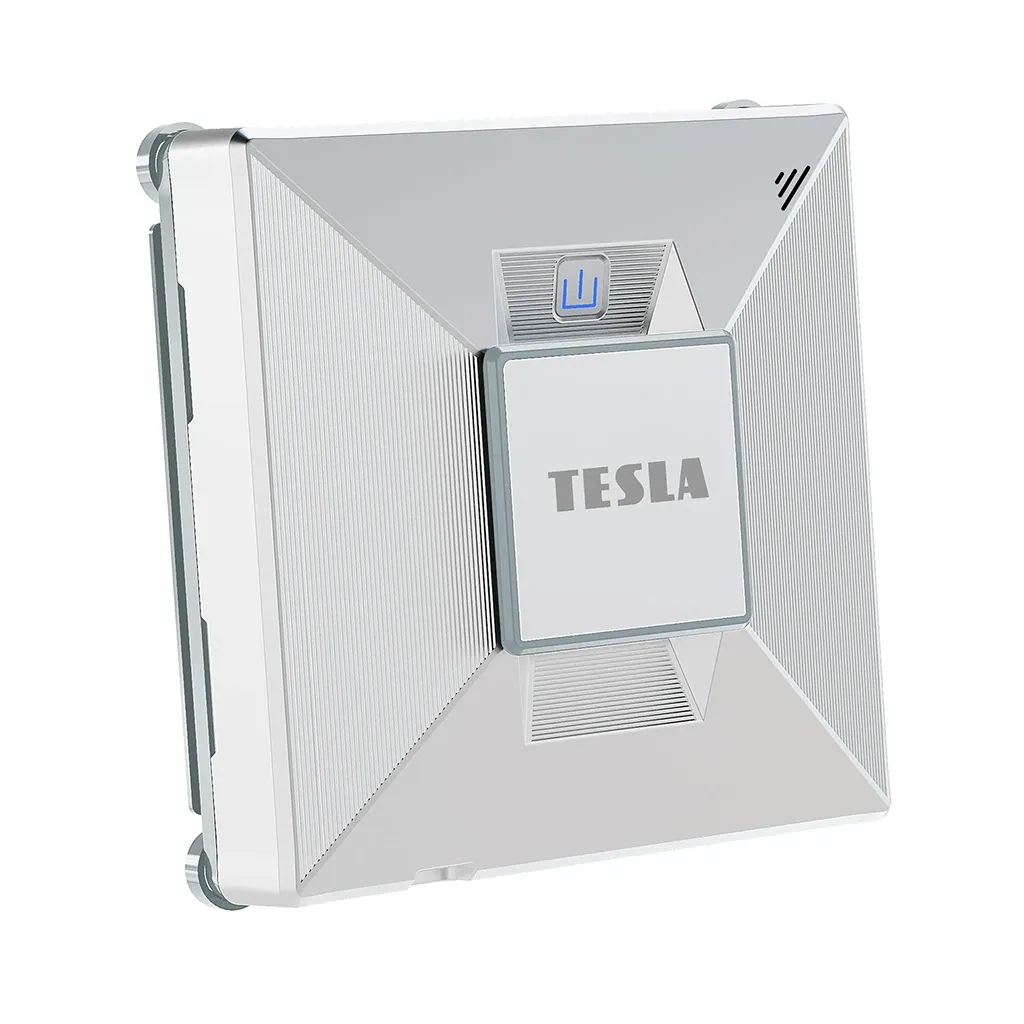
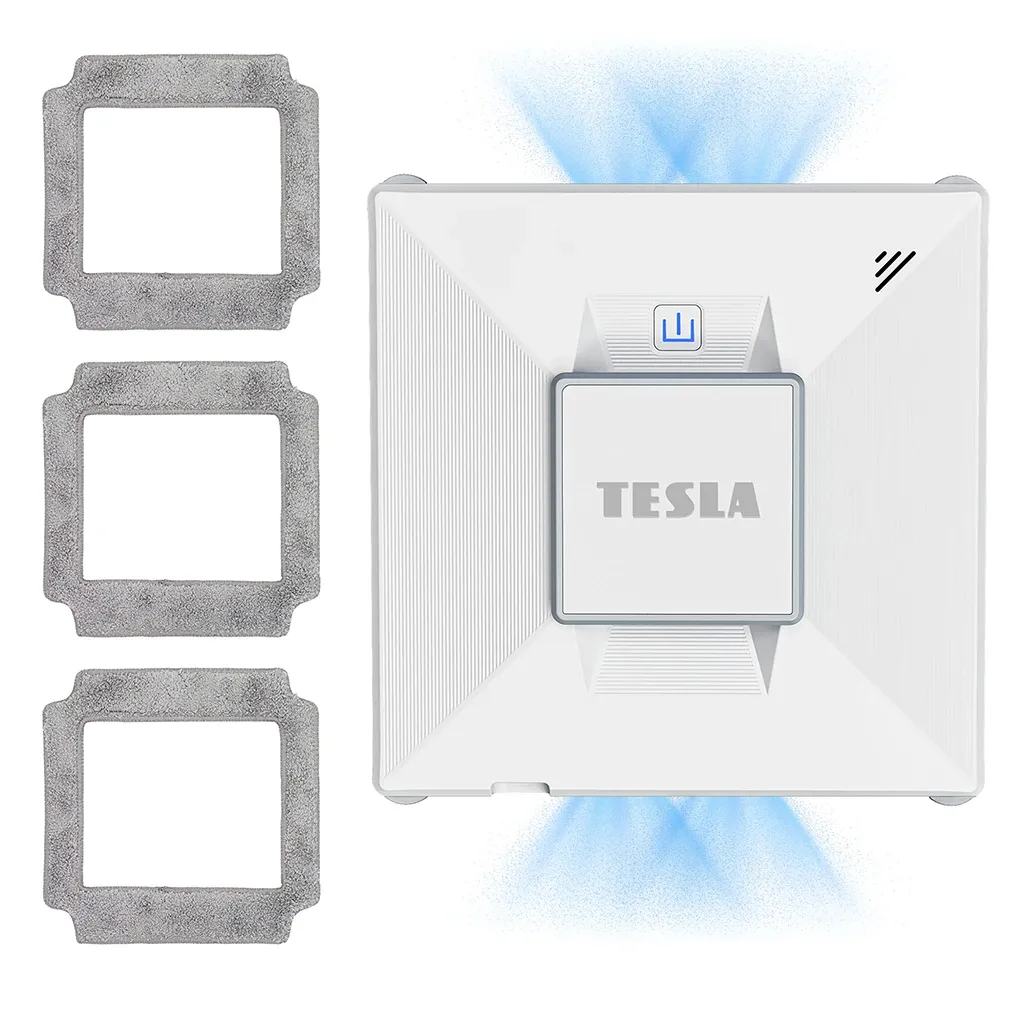
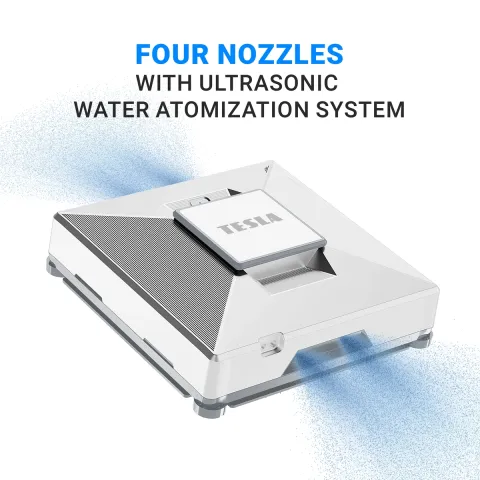
The TESLA RoboStar W800 WiFi is a compact robot featuring an ultrasonic water atomization system and a four-nozzle system that ensures a wide spray angle, optimal water consumption, and ideal surface wetting for thorough window cleaning.
Speaks English
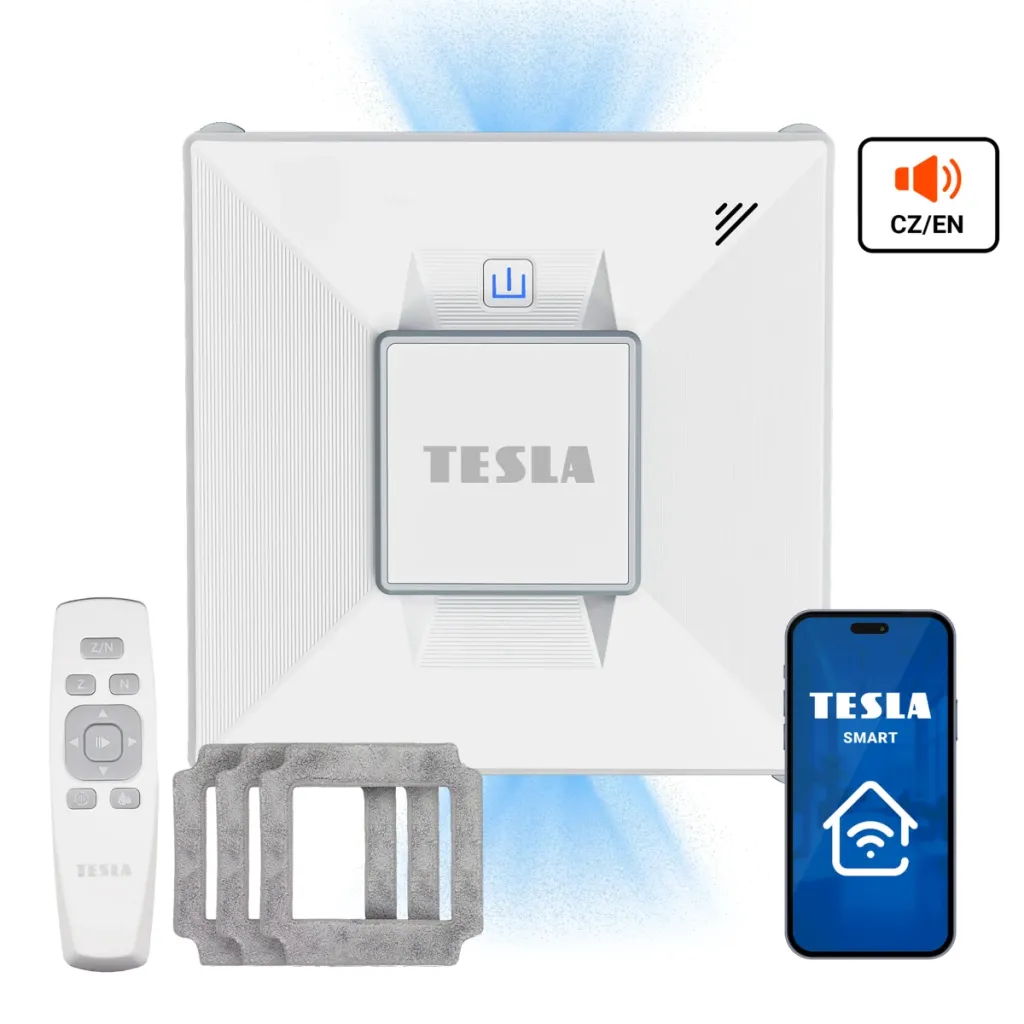
English voice commands provide you with information about what the robotic window cleaner is currently doing. The robot can be conveniently controlled using the Android or iOS app in English.
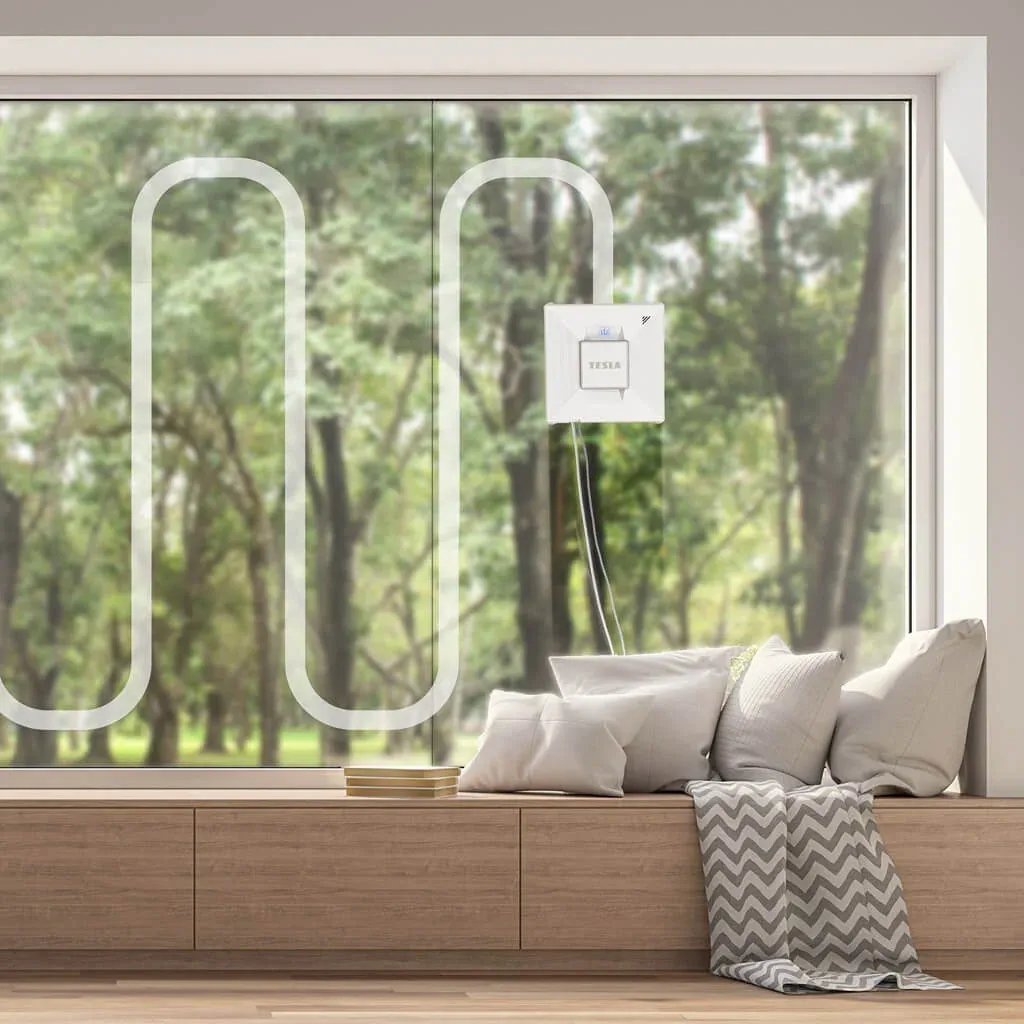
Smart cleaning route planning
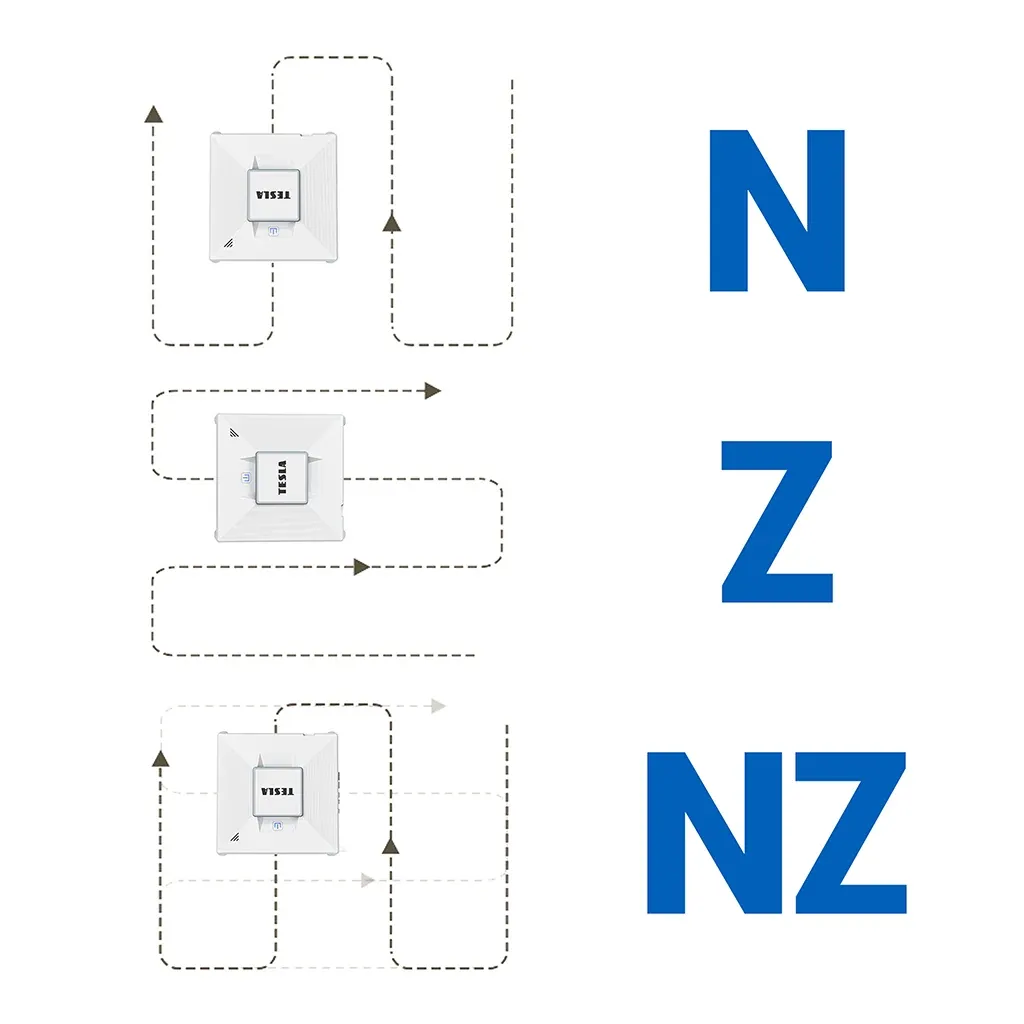
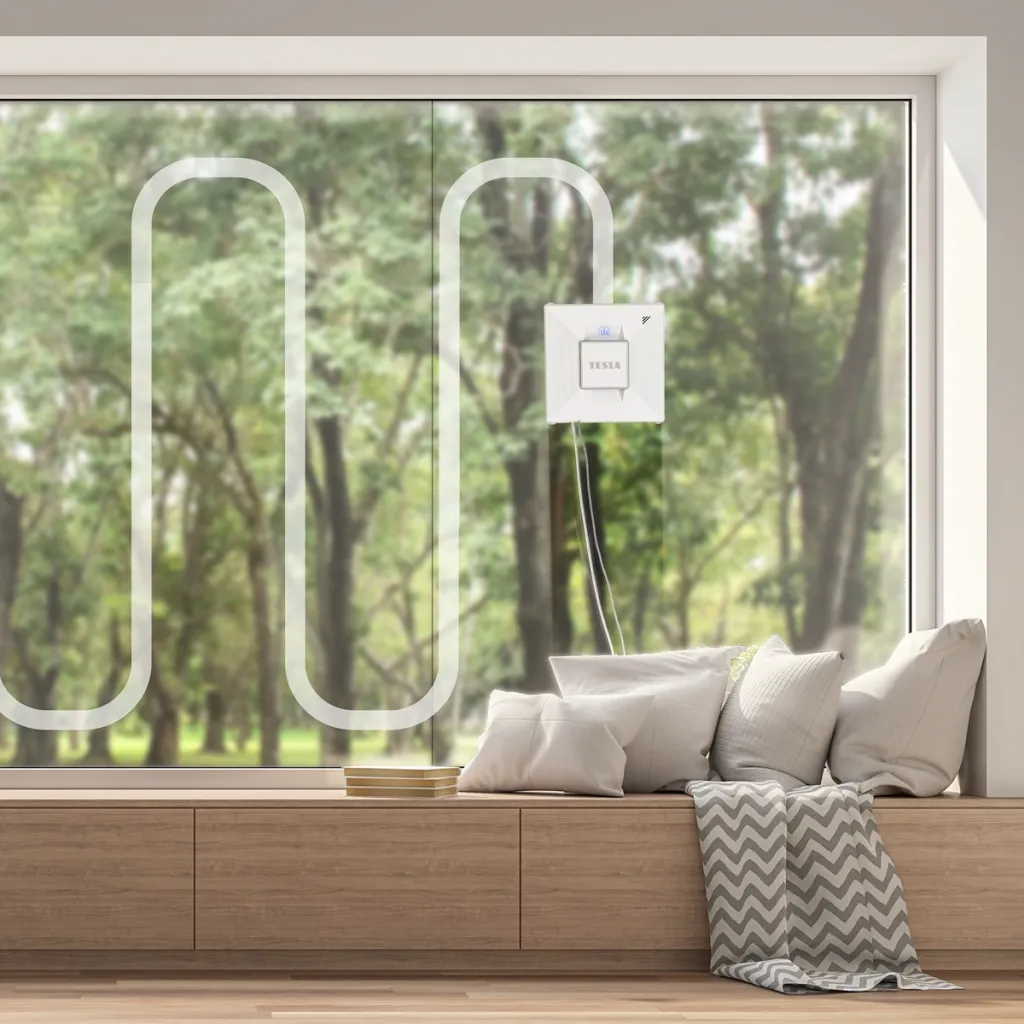
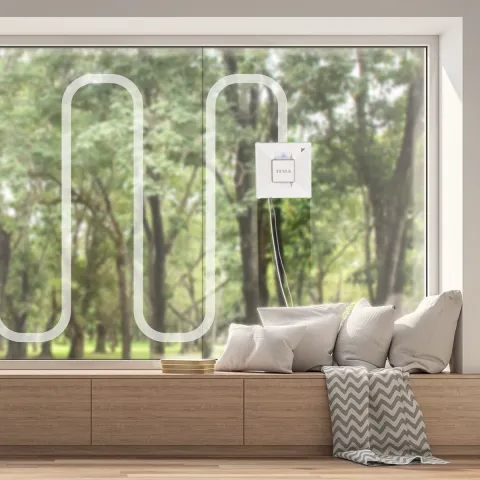
You can choose from fully automatic mode, remote control mode, phone control, or one of the other modes depending on the size of the area to be cleaned. The “N”-shaped cleaning mode is suitable for tall windows, while the “Z”-shaped cleaning mode is suitable for wide windows. The “NZ” combined cleaning mode uses a combination of these two modes to ensure your windows are perfectly clean.
Versatile Use
The TESLA Robostar W800 WiFi moves safely across the surface being cleaned, as it is equipped with sensors on the underside of the device. With these sensors, it can clean not only framed windows but also frameless windows or other surfaces, such as mirrors or shower stalls larger than 50 x 70 cm. The tracks are made of high-quality rubber for effective shock absorption and better slip resistance, without damaging the surface being cleaned.
Safety
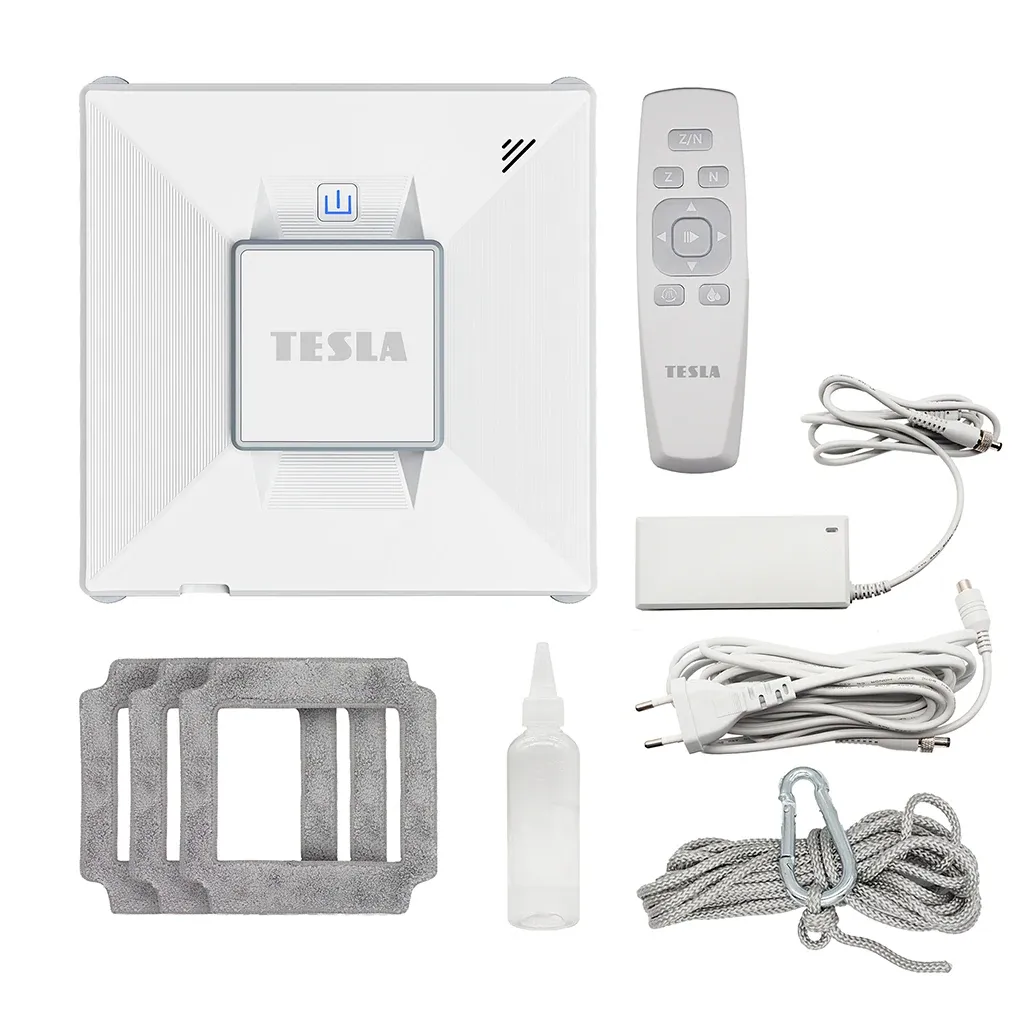
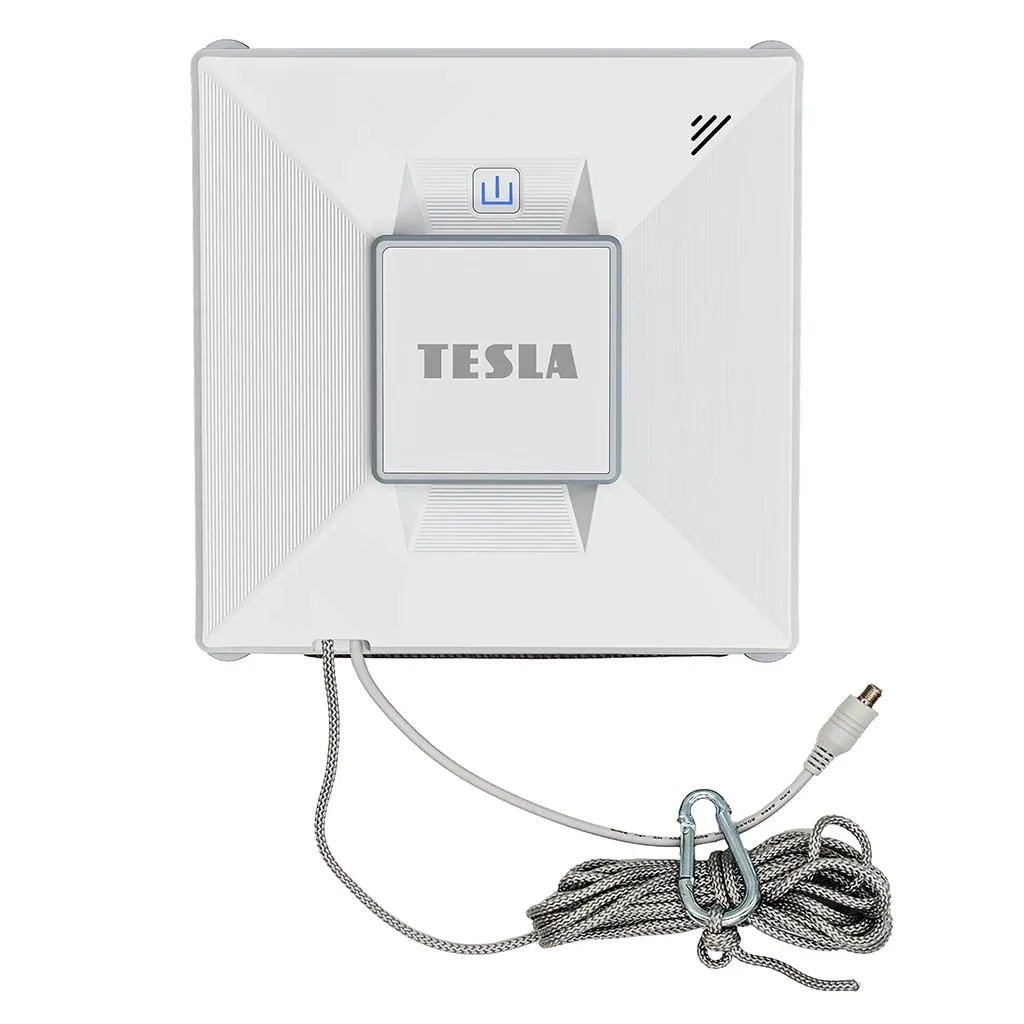
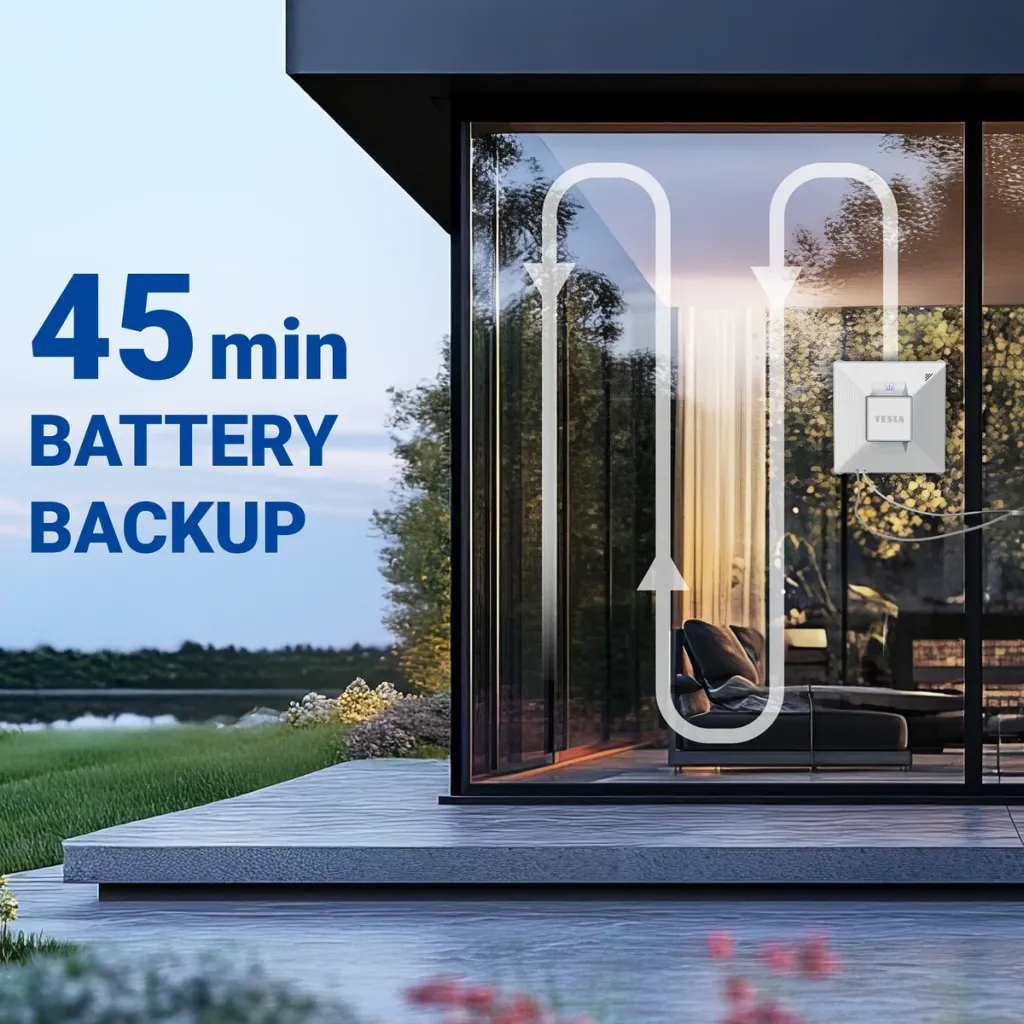
The robotic window cleaner is connected to an electrical outlet via a power cord. In the event of a power outage, a built-in backup battery with a 45-minute runtime activates to prevent the robot from falling to the floor. Safety is further ensured by a durable safety cable with a carabiner.
Microfiber Cleaning Mop
A high-quality microfiber cleaning mop with high fiber density ensures reliable cleaning. The package also includes 2 additional microfiber cleaning cloths that can be washed, dried, and reused.
Four nozzles with an ultrasonic water atomization system
Speaks English
TESLA Smart app for Android/iOS in English
Smart navigation for automatic window cleaning
Backup battery with up to 45 minutes of runtime in case of a power outage
Simple and convenient window cleaning with edge detection
Powerful brushless electric motor with extended runtime
High-density microfiber cleaning mop
Reliable, durable construction
multi-level safety system
Two water spray modes: automatic or manual
Automatic cleaning mode
"N" cleaning mode (tall windows)
"Z" cleaning mode (wide windows)
"NZ" combined cleaning mode
Manual cleaning control via remote control
Durable safety tether
Audible and visual safety alerts in case of a robot malfunction
Automatic switch to backup battery in the event of a power outage
Can be used on framed and frameless windows and other flat surfaces
The microfiber cleaning cloth can be washed, dried, and reused for future cleaning
Support for online firmware updates for the robotic window cleaner via the internet (OTA)
TESLA Smart mobile app in English:
Start and stop the device
Manual control in all directions
"NZ" combined cleaning mode
"N" cleaning mode
"Z" cleaning mode
Left cleaning mode
Right-side cleaning mode
Chassis cleaning
Wi-Fi connection quality check
System Requirements
Android 5.0 and higher, iOS 10.0 and higher (applies only to mobile phones, not tablets or other devices) Device
Bluetooth 4.2 and higher
Specifications
Power consumption: 72 W
Power supply: 220 V – 240 V
650 mA Li-Ion backup battery with up to 45 minutes of runtime
Two rotating mops for effective dirt removal • two nozzles with an ultrasonic water atomization system • smart navigation for automatic window cleaning
💡 Tips
TESLA Smart App 📱
Keep your home under control from anywhere. With the TESLA Smart app, you can easily control all your smart devices, no matter where you are. Create a home that adapts to you. Thanks to smart automation, it’ll take care of many things on its own—for example, lights, outlets, or the heating will turn on or off exactly when you need them to. This saves you both time and hassle.
Automate your home with the TESLA Smart app ✨
If you’re new to smart products, you might be surprised to learn that simply buying smart devices doesn’t mean you’re living smart. A smart home only truly comes to life when it starts helping you in your everyday life. To achieve this, you need to learn how to use automation. And the good news is that, thanks to the TESLA Smart app, you can do it really easily.
![Logo | Catalog [EN]](/data/upload/images/assets/logo-7.png)






 Čeština
 Polski
 Deutsch