![Logo | Catalog [EN]](/data/upload/images/assets/logo-7.png)
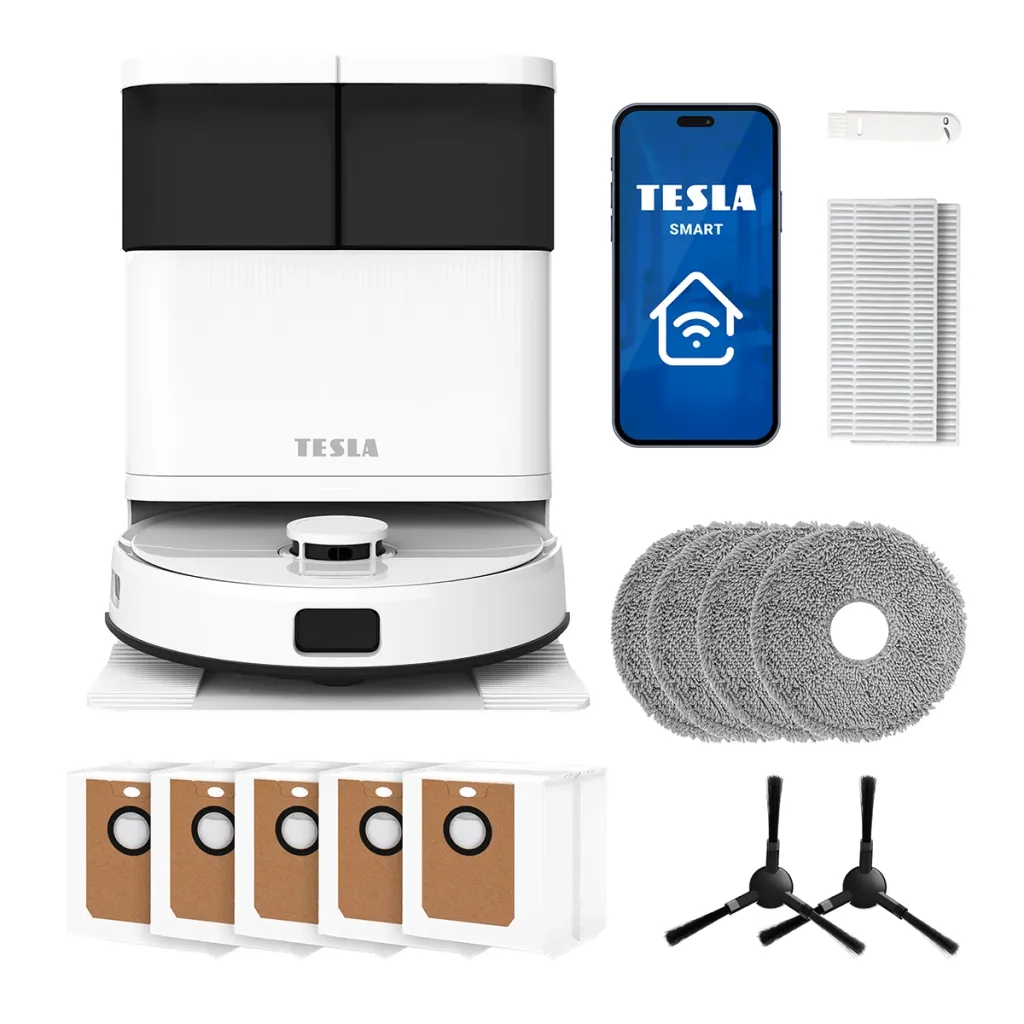
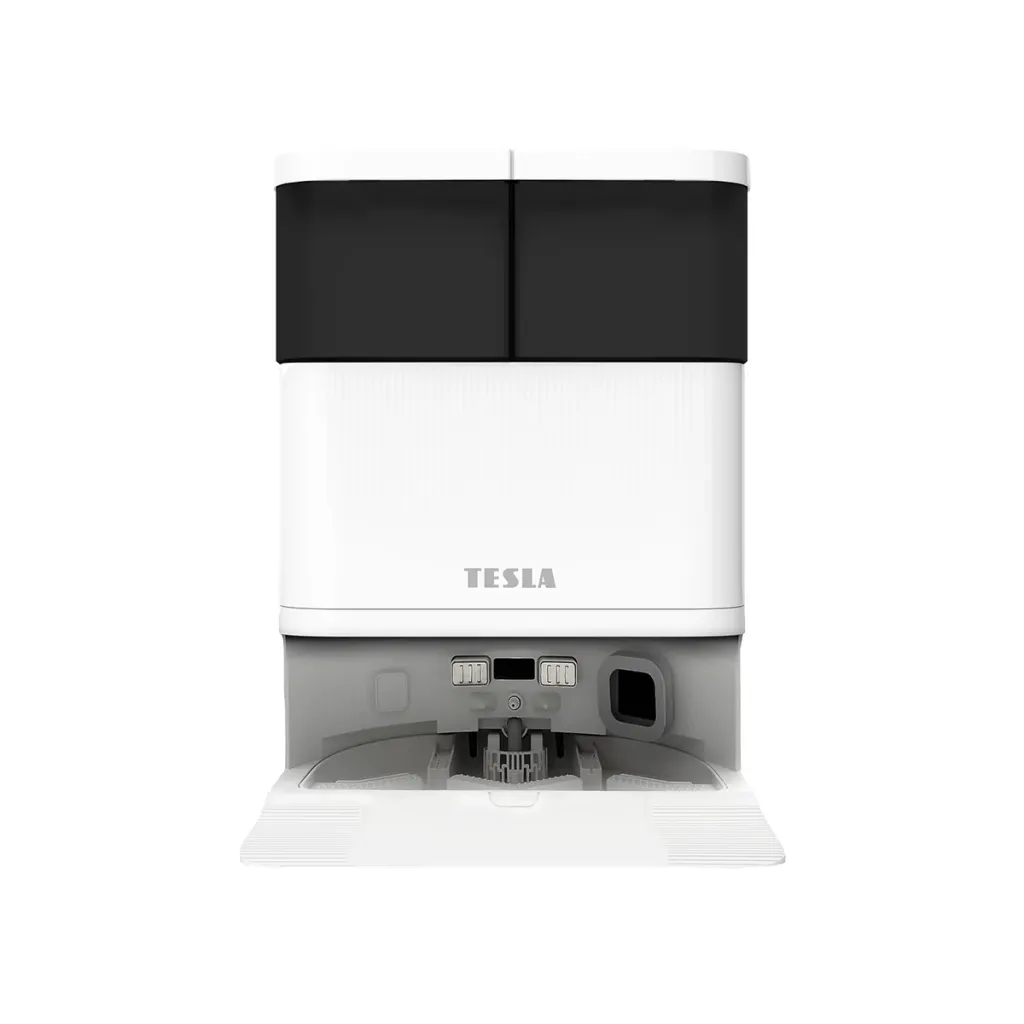
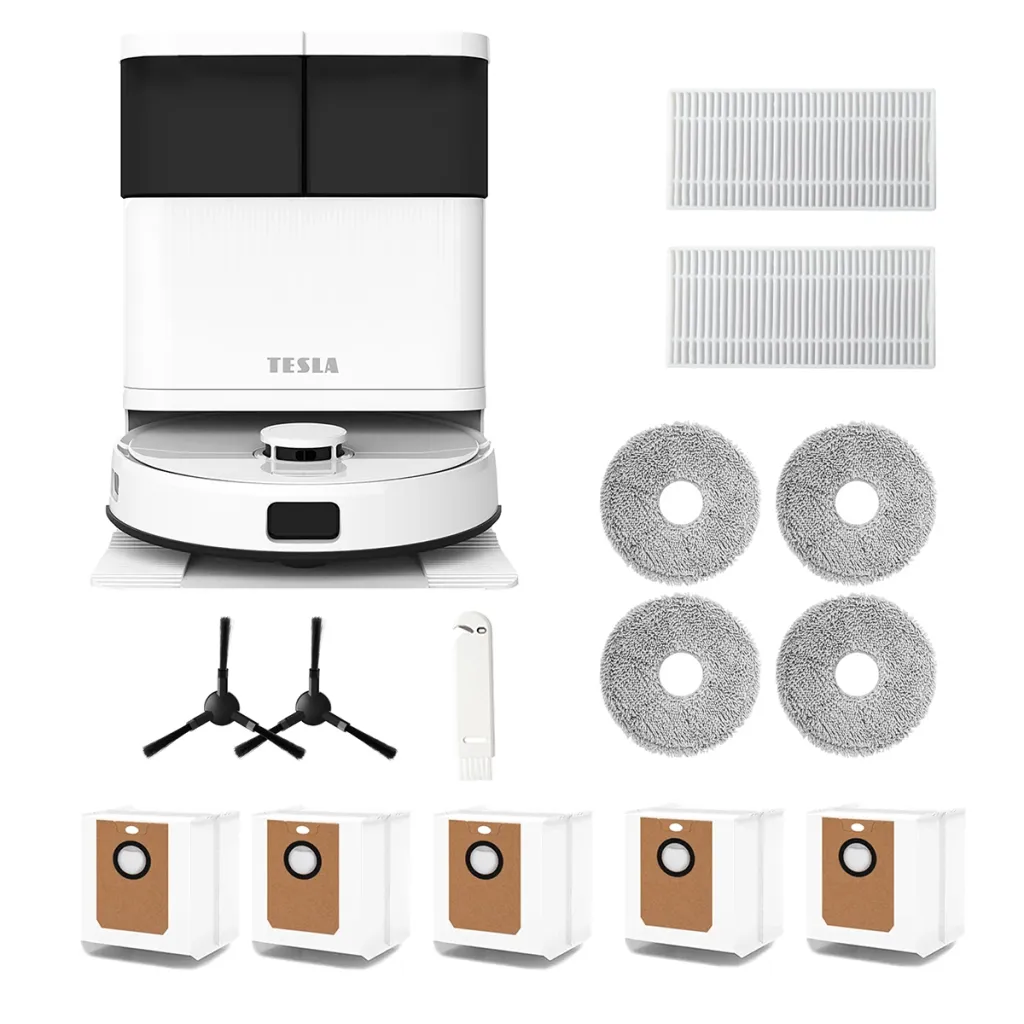
Smart robotic vacuum cleaner with memory
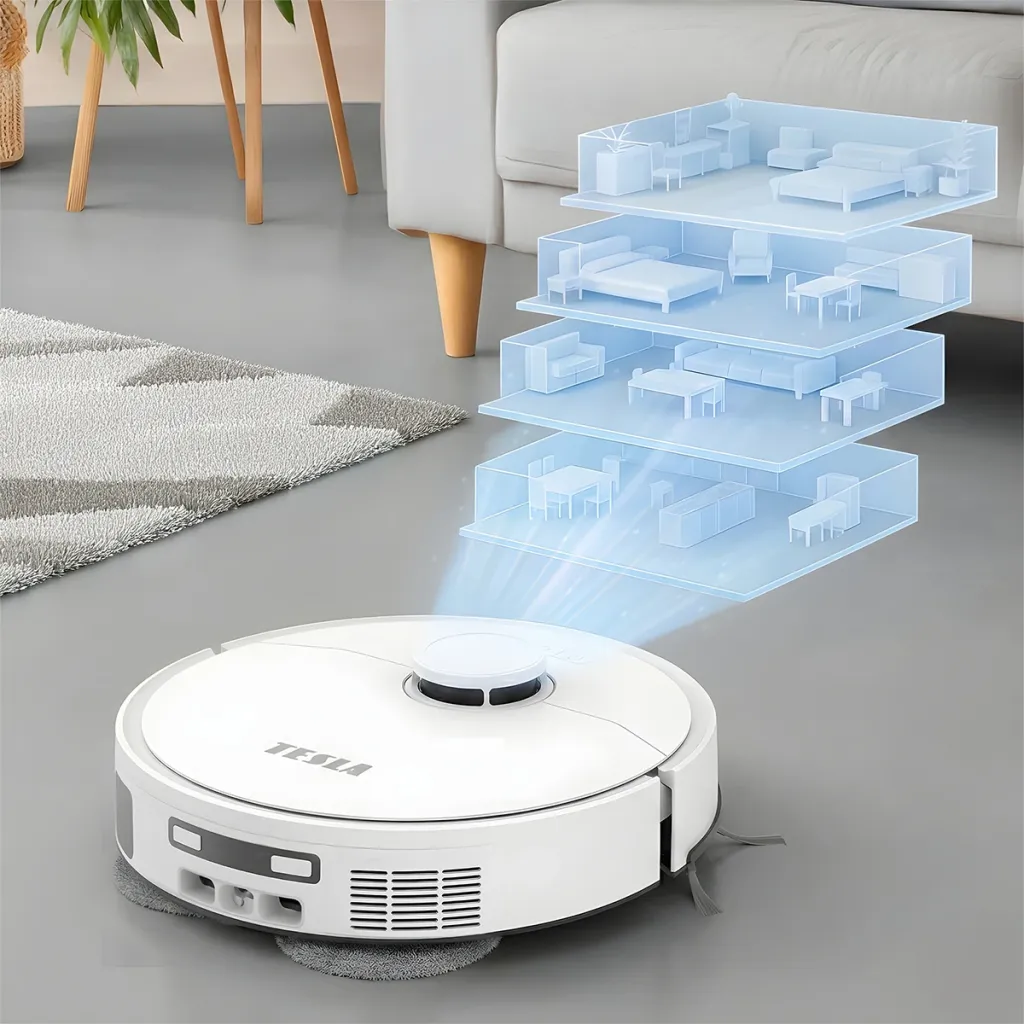
The TESLA RoboStar iQ900 Ultra ensures perfectly clean floors thanks to advanced laser navigation that effectively maps your home and plans the ideal cleaning route.
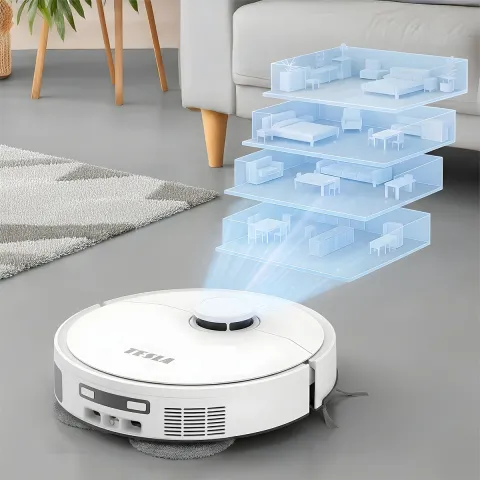
The TESLA RoboStar iQ900 Ultra ensures perfectly clean floors thanks to advanced laser navigation that effectively maps your home and plans the ideal cleaning route.
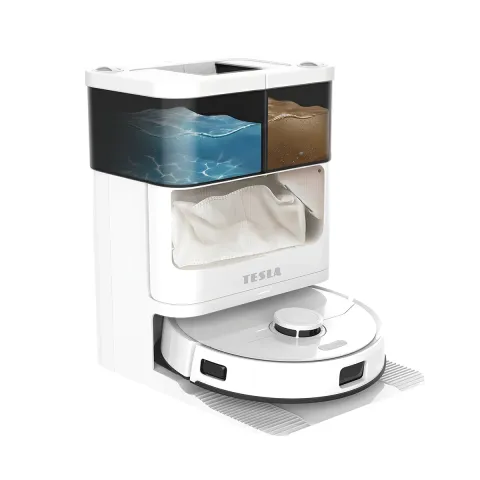
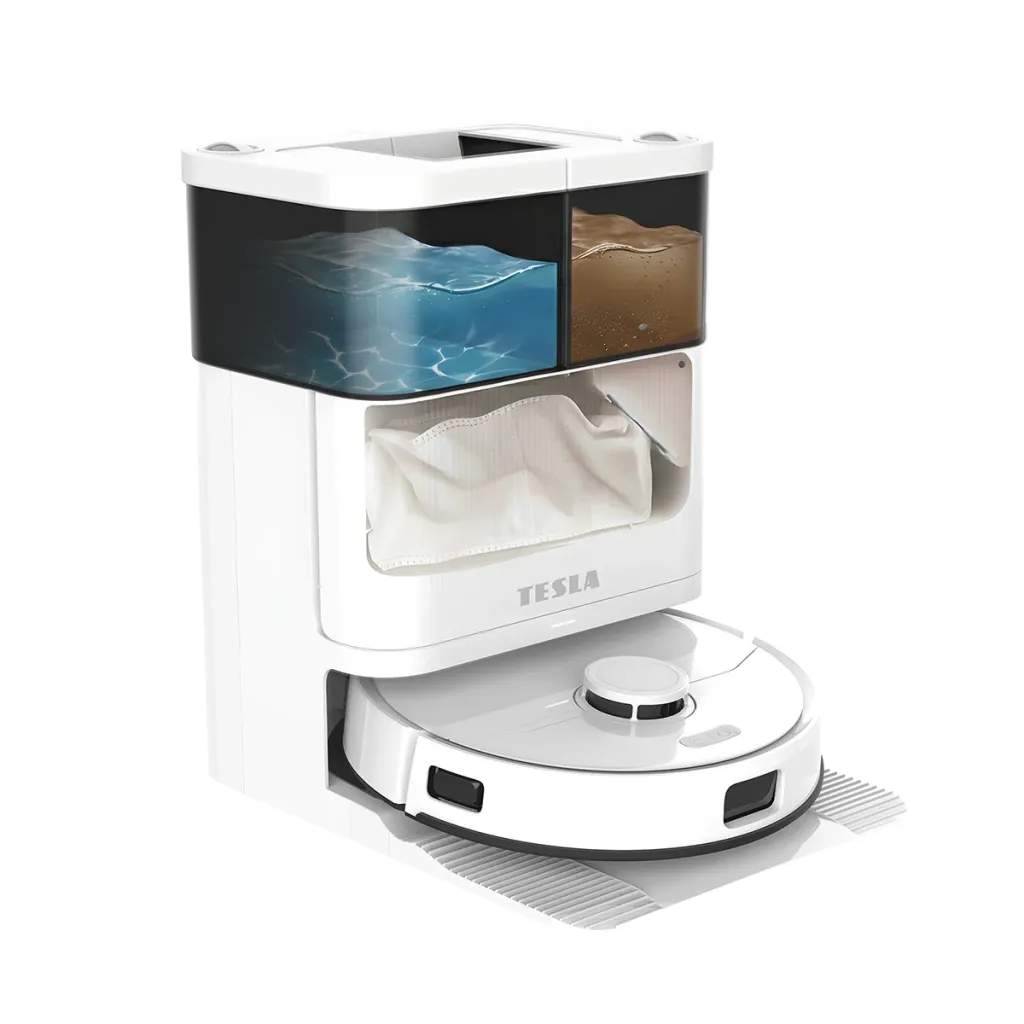
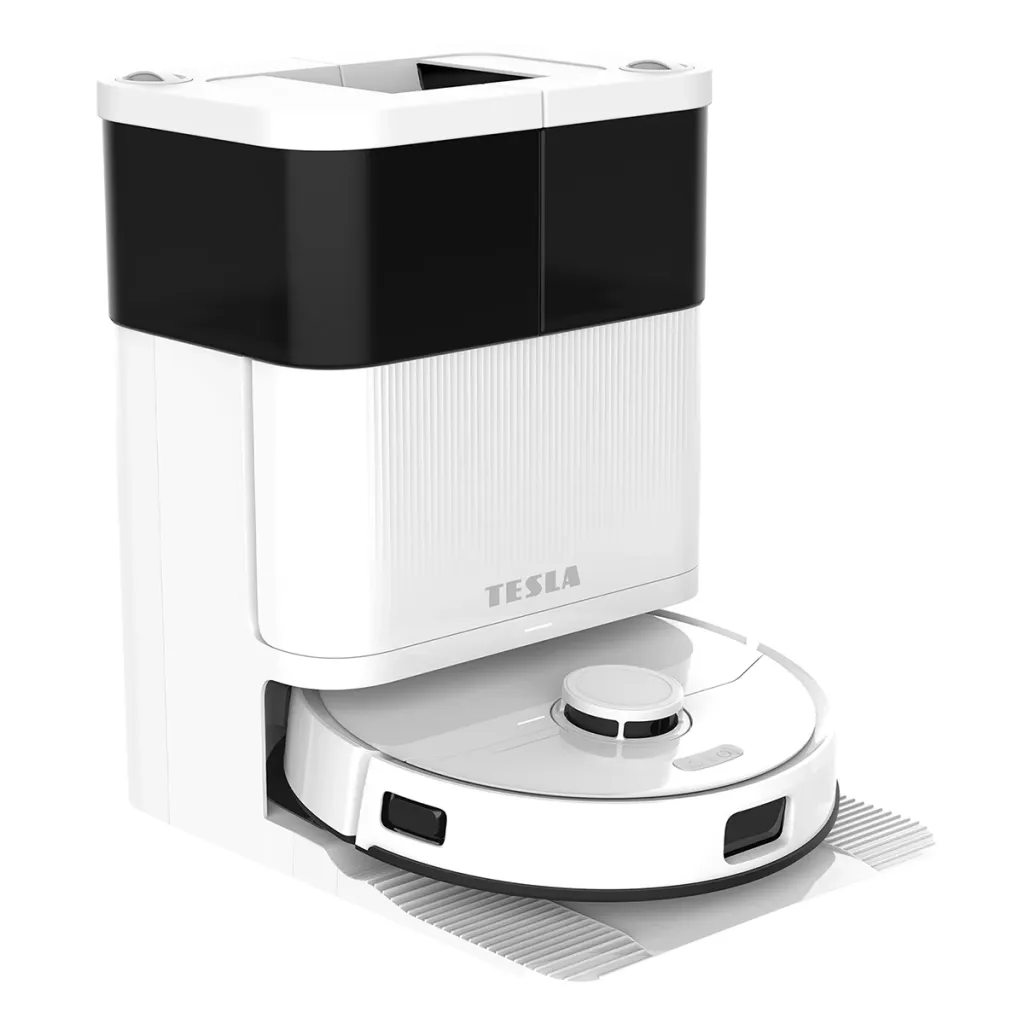
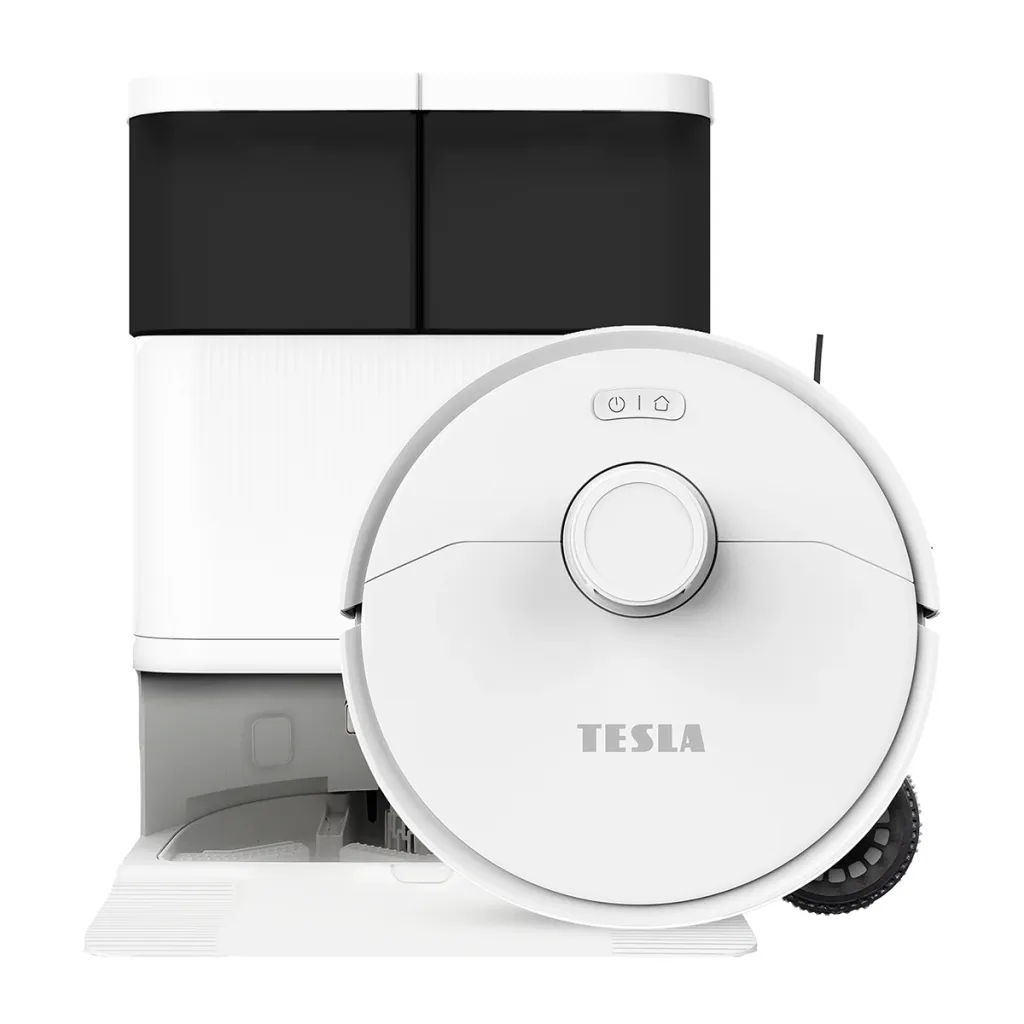
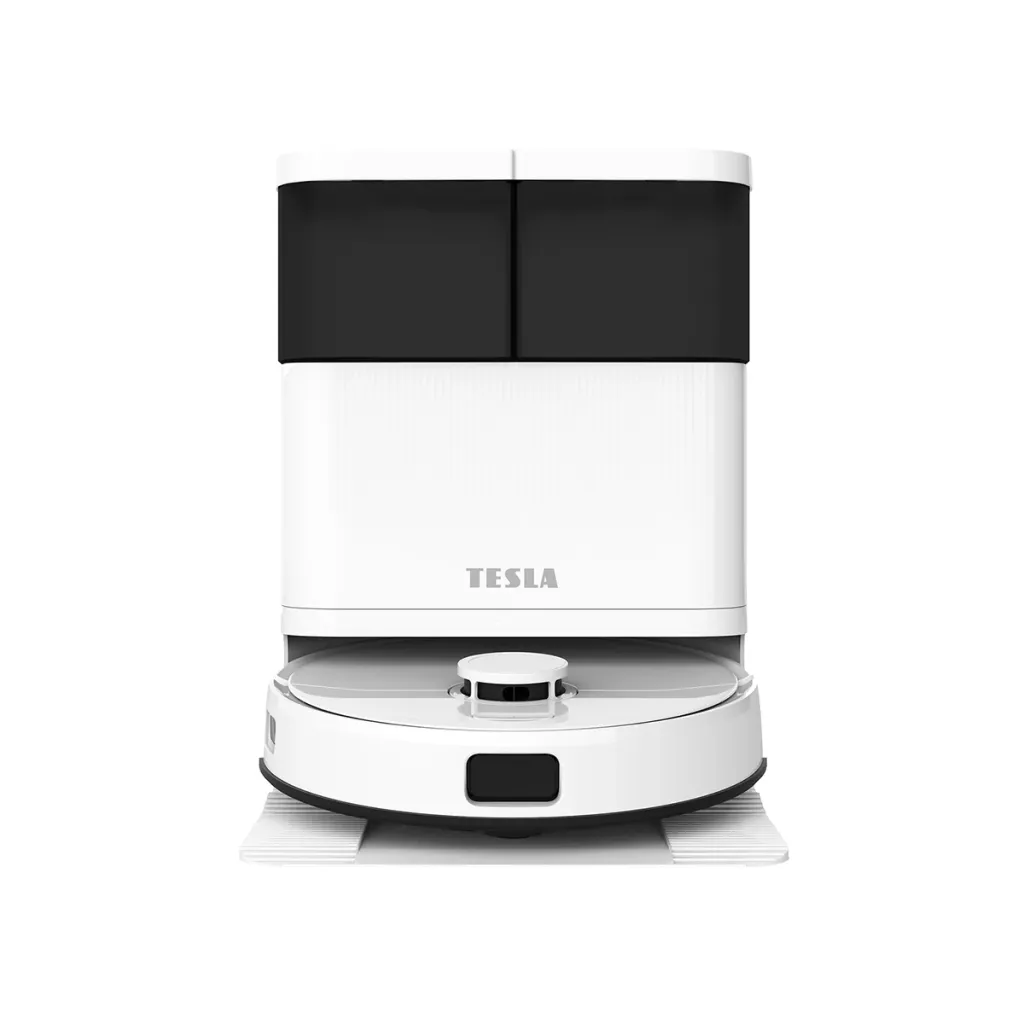
The TESLA RoboStar iQ900 Ultra multifunctional dock performs complete maintenance on the robotic vacuum cleaner entirely on its own. It automatically refills water, washes the mops in warm water with detergent, and then dries them with hot air to maintain maximum cleanliness and hygiene. Large, separate tanks for clean and dirty water ensure operation without the need for frequent intervention. Dust and debris are automatically vacuumed from the vacuum’s dustbin into the station, which simultaneously drains the used water and refills it with fresh water. Hot-air drying eliminates moisture, mold, and odors, while the charging system keeps the device constantly ready for operation.
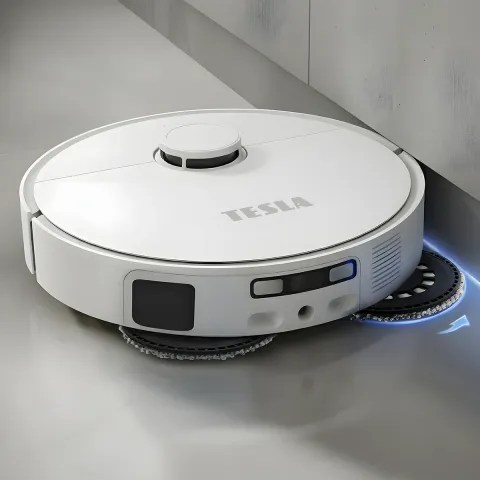
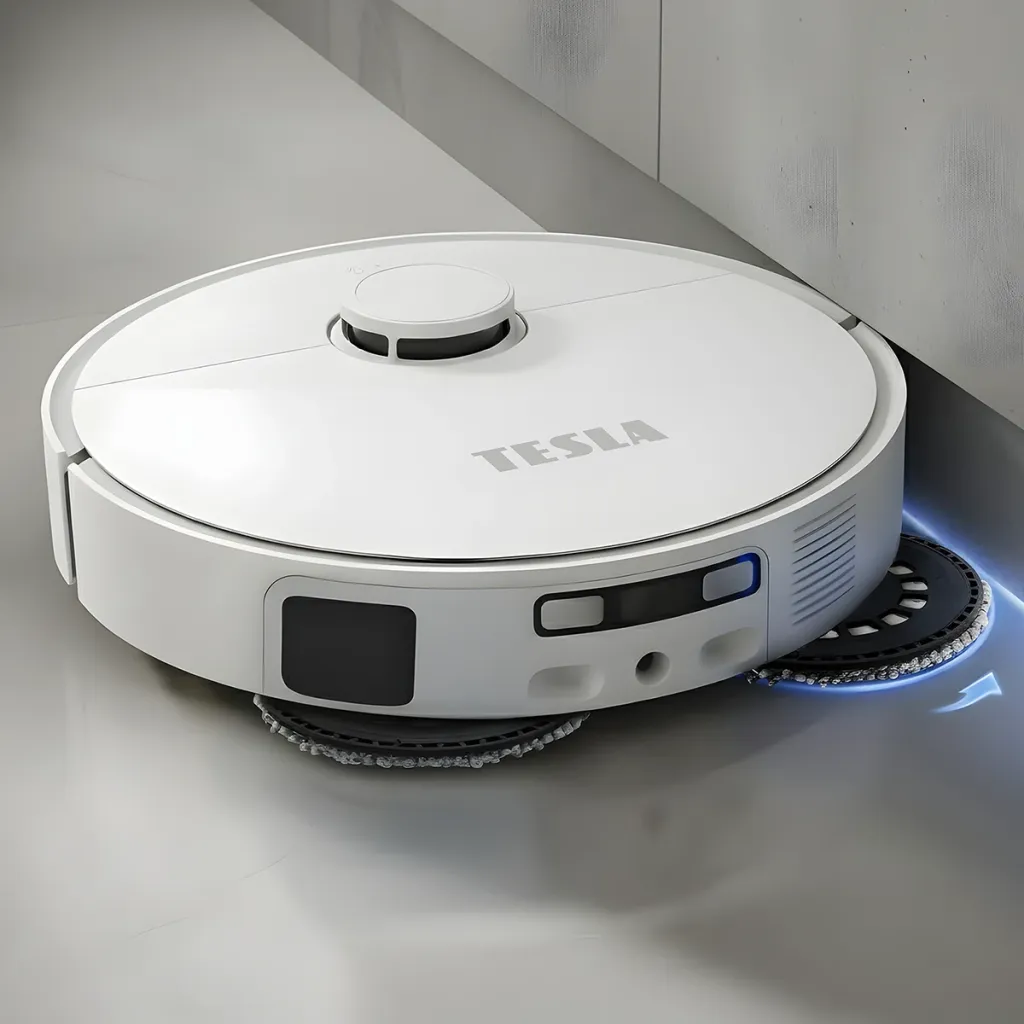
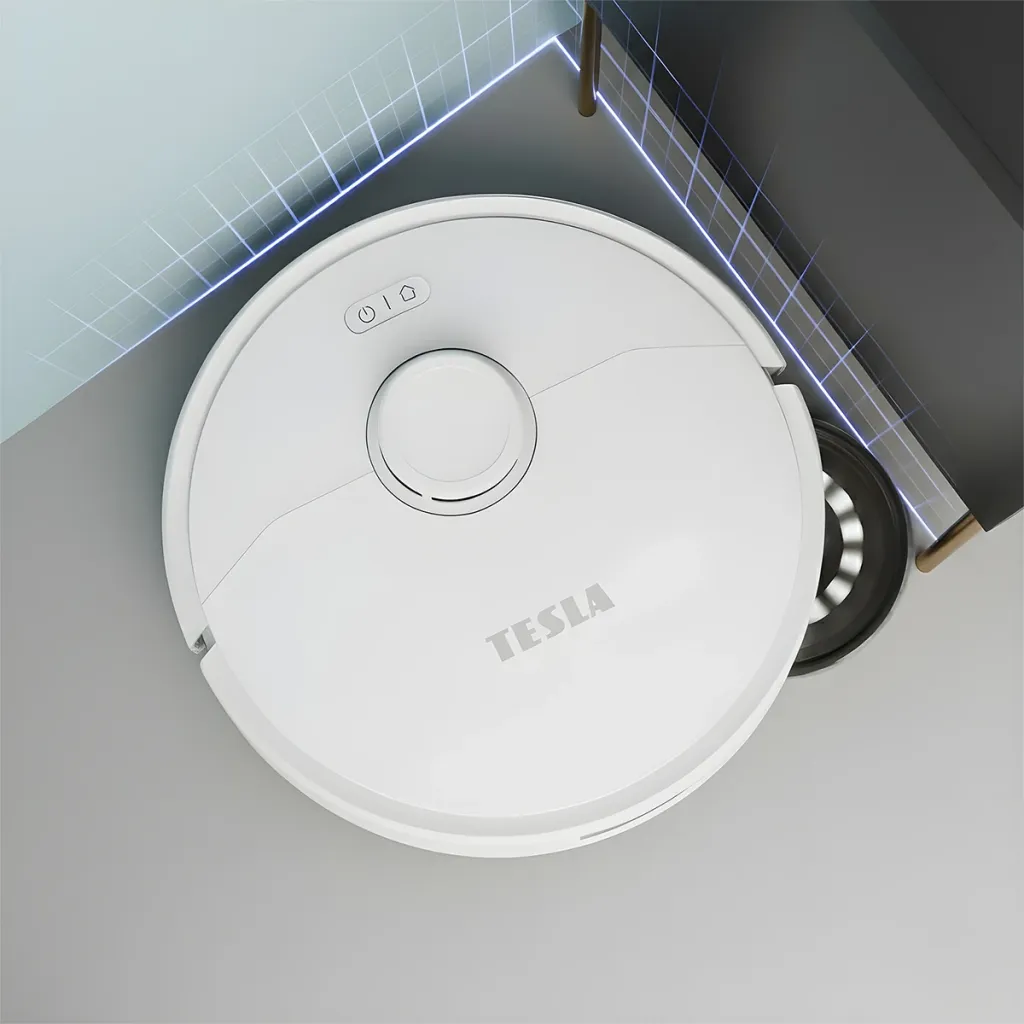
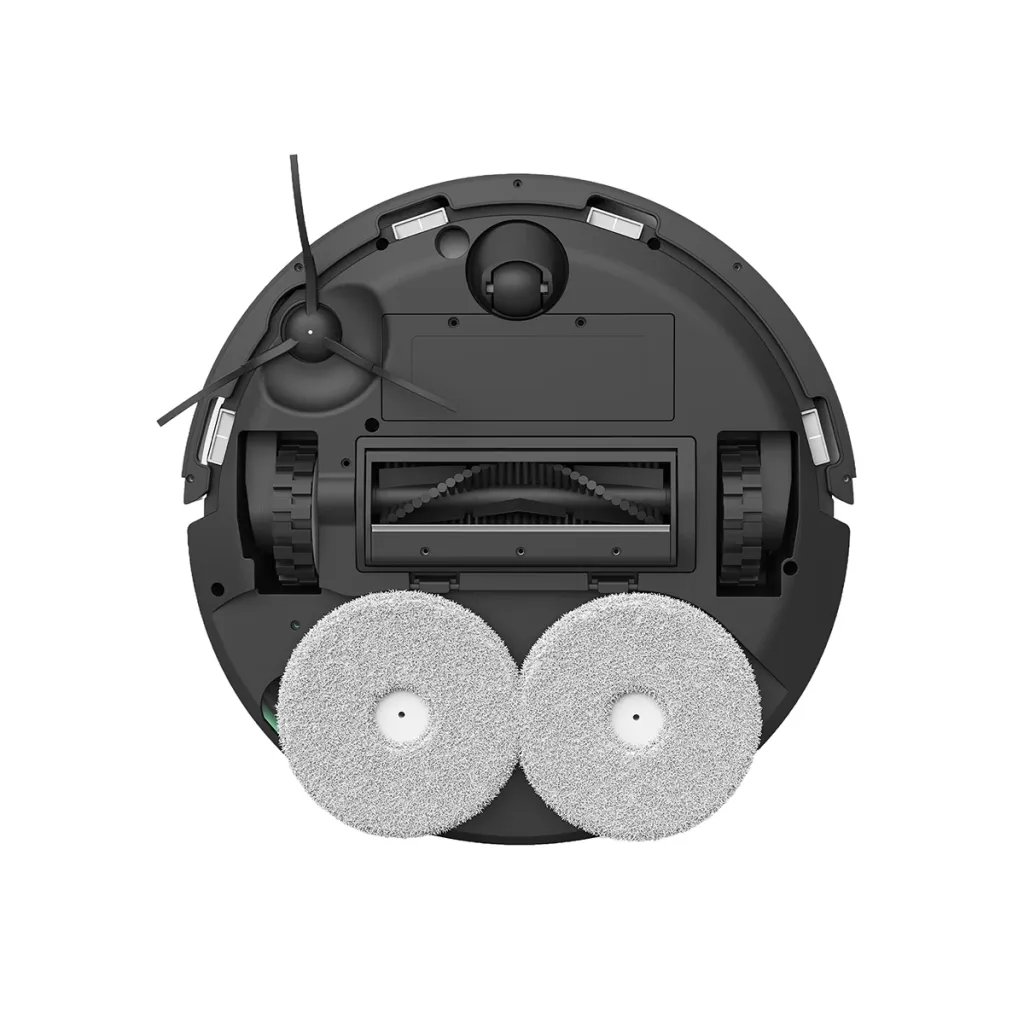
Dynamic mop extension technology allows the rotating mops to extend sideways for precise cleaning along walls and in corners. It ensures thorough removal of dirt even from places where conventional robotic vacuums cannot reach, delivering a perfectly clean result throughout the entire room.
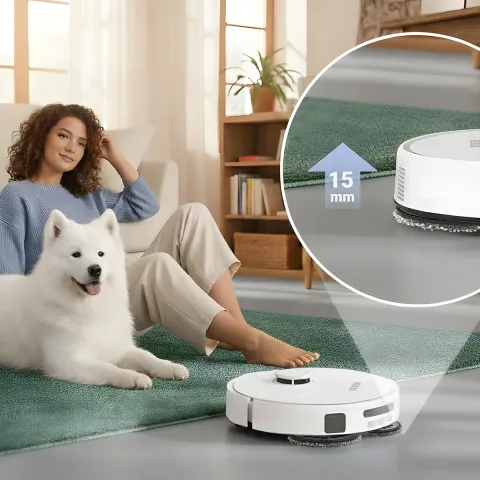
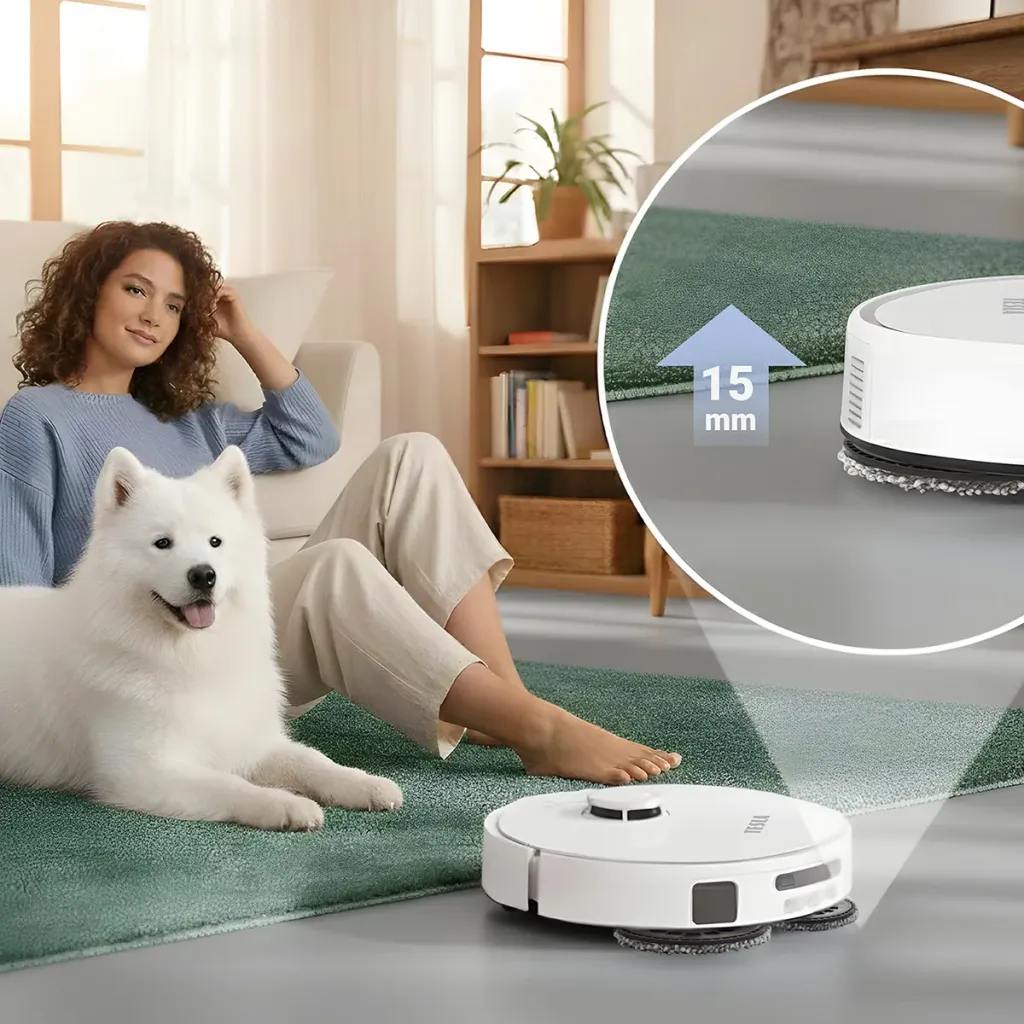
When the robot vacuum detects a carpet, it automatically raises the mop by 1.5 cm and increases suction power to ensure dry and effective cleaning. In the TESLA Smart app, you can adjust the mopping intensity, wash interval, and modes (vacuuming, mopping, or both) based on the floor type and level of dirt.
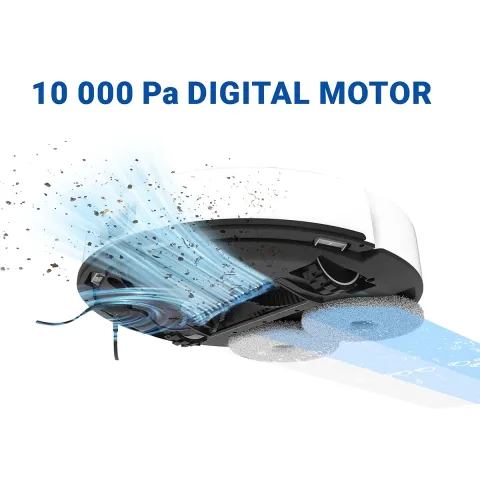
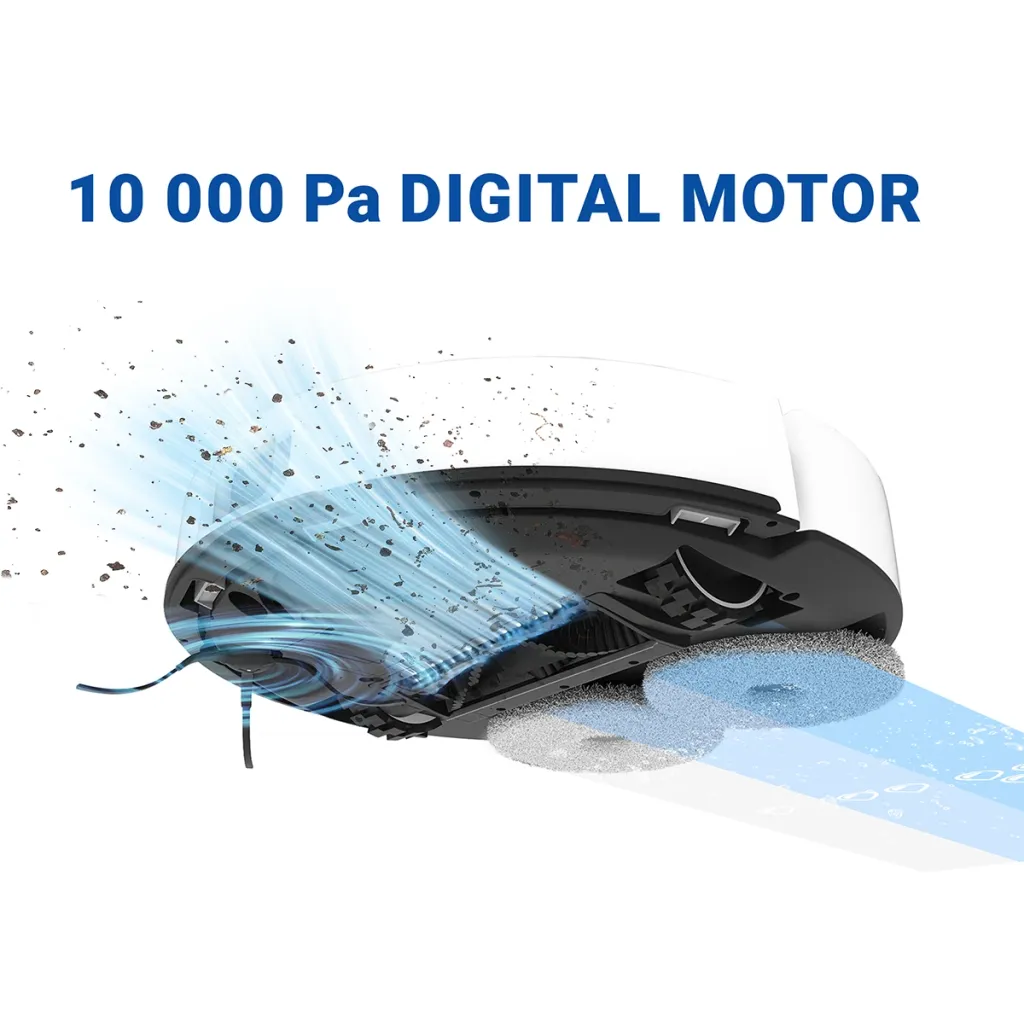
The robot vacuum is equipped with a powerful 10,000 Pa suction motor. Intelligent power control automatically adjusts the suction power. If the sensors detect a carpet, the suction power automatically increases for deep carpet cleaning.
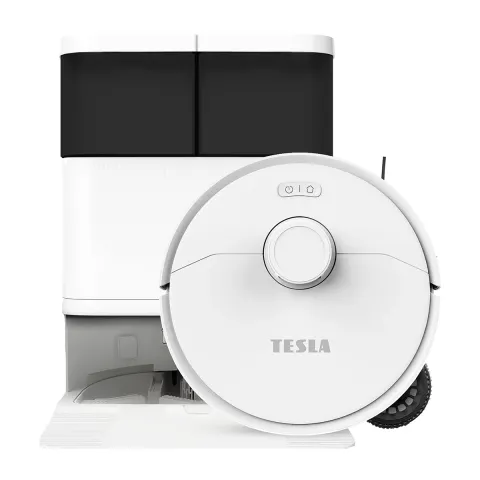
The TESLA RoboStar iQ900 Ultra is perfectly tailored to English-speaking customers. A pleasant English voice guide announces the vacuum cleaner’s current status and movements, which are monitored using intelligent diagnostics. The TESLA Smart smartphone app, available in English, is compatible with Android and iOS.. After each cleaning session, the robot vacuum generates a map that you can save. Within these maps, you can create “No-Go Zones” or “Virtual Walls” for areas where you don’t want the robot vacuum to clean or mop. It has memory to store up to 5 maps, making it the ideal solution for multi-story homes and multiple cleaning areas. Of course, you can also send it to clean a specific spot that you select on the map.
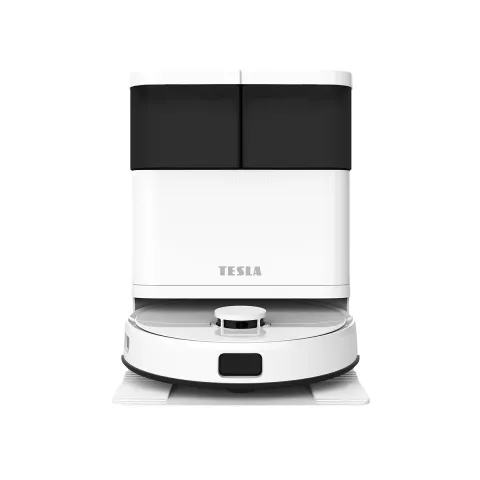
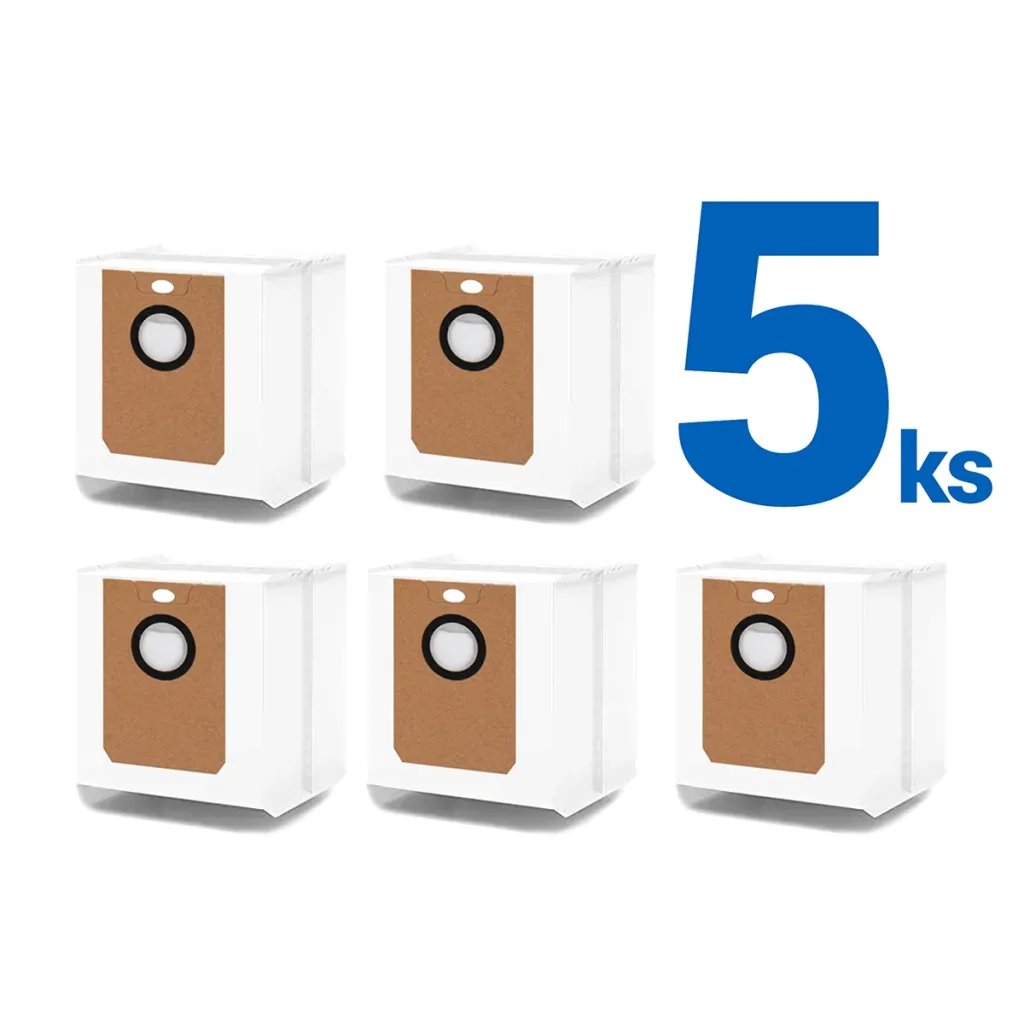
Forget about emptying the dust bin frequently. The dust bag lasts up to 3 months, and replacing it is completely hygienic. No dust swirling, no mess. Achieve maximum air purity in your home with the HEPA H13 filter, which effectively captures particles as small as 0.3 micrometers with at least 99.95% efficiency. This significantly reduces the amount of dust, pollen, smoke, bacteria, viruses, pet dander, and other allergens. The HEPA H13 filter is easy to maintain—simply rinse it with water, and it’s ready for reuse.
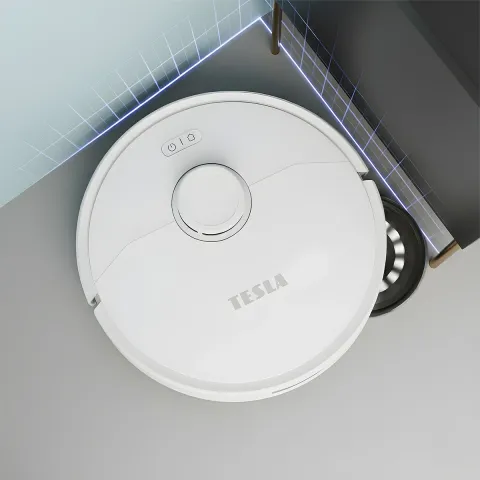
The vacuum cleaner features powerful suction that can handle stubborn dust and all types of fine debris. The dual filtration system includes a foam filter and an efficient HEPA H13 filter. Maintaining the vacuum cleaner is very simple; you don’t need replacement bags to operate it.
The robotic vacuum cleaner is equipped with electronically controlled water flow regulation for optimized wet mopping in three steps: low, medium, or high intensity for heavily soiled floors.
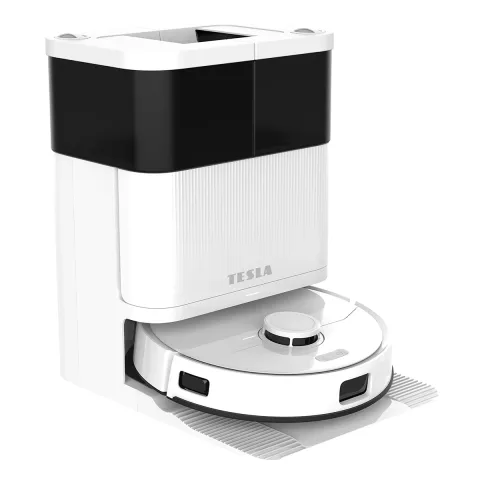
It saves you time by vacuuming and wet mopping simultaneously. It uses a microfiber wet mop to clean the floor, leaving it clean and free of microdust and other debris.
The robot vacuum offers convenience and flexibility for daily cleaning. You can program the robot vacuum up to a week in advance and set a specific cleaning time for each day. After finishing cleaning, the robot automatically returns to the charging station and begins charging, ready for its next use.
| Product code | ROBIQ900UWHT |
| Product EAN | 8595689807238 |


The robot reports “Low water level in the clean water tank”—what kind of water should I use, and what should I do?
Your TESLA RoboStar iQ900 Ultra robot vacuum may have a newer software version installed that adjusts the recommendations for water use during mopping. You can also use drinking water in the tank. To minimize the buildup of deposits (especially limescale), we recommend using distilled or demineralized water diluted with drinking water in a ratio of 1:3 to 1:1 (1 part distilled/demineralized water to 1 to 3 parts drinking water). Do not use undiluted distilled or demineralized water exclusively. If mineral deposits need to be removed, use a liquid descaler intended for household appliances (e.g., electric kettles, coffee makers), always diluted according to the manufacturer’s instructions. Do not use concentrated descaling agents. Cleaning procedure: Pour the diluted descaling agent into the water tank, remove the mop holders, and launch “Wash Mops” in the TESLA Smart app (repeat 3 times). Then rinse the tank, fill it with clean water, and reattach the mop holders. Perform this maintenance at least once every 3 months.


 Čeština
 Polski
 Deutsch