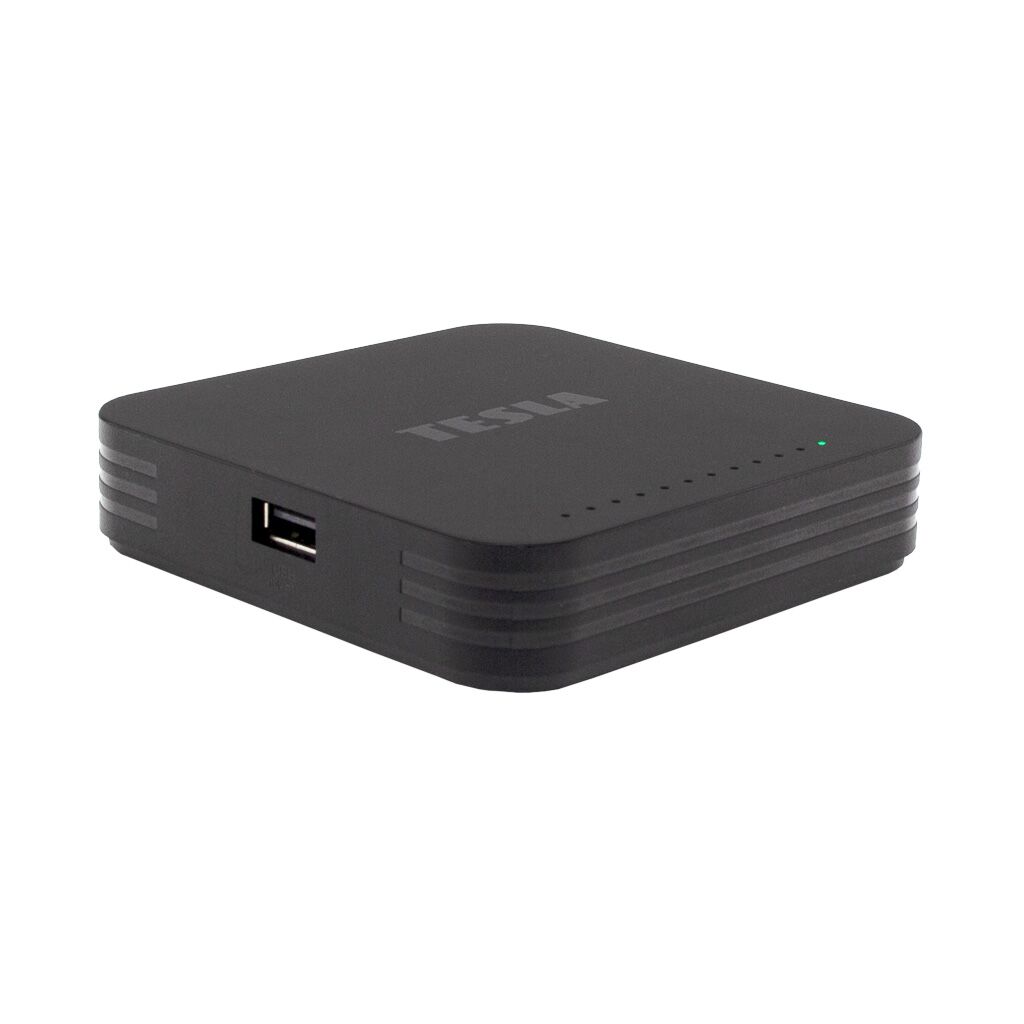
TESLA MediaBox XG500 Google TV
UHD Multimedia player

  • More variants
  • Certified Google TV™ operating system
  • Chromecast built-in™
  • voice search
  • support for streaming services in 4K
Manufacturer TESLA
Product code MMCATV0004
Product EAN 8595689805326

Unlimited entertainment world with certified Google TV™

Enjoy superb multimedia entertainment with TESLA MediaBox XG500, a certified player running the Google TV™ operating system. The certification guarantees smooth operation and regular app updates, including Netflix in 4K Ultra HD. Whether you're a movie buff or a music fan, the MediaBox XG500 has something for everyone.
With Netflix 4K support and a wide range of other streaming services such as HBO MAX, Disney+, Amazon Prime Video, SkyShowtime or Starmax you'll have an immense number of films and series at your fingertips. In addition, the device offers IPTV services such as Skylink Live TV, Telly, Vodafone TV, T-Mobile TV GO, SledovaniTV, Lepší.TV, Kuki, Antik TV and more.
You'll enjoy music with YouTube Music, Spotify or Deezer. You can also play your favorite games, or enjoy content from apps such as Televize Seznam, iVysílání, Voyo or Kodi. And for those who want to learn or have fun, there are also apps for learning foreign languages, fitness, or karaoke. All this makes the TESLA MediaBox XG500 a perfect multimedia center for every member of the family.
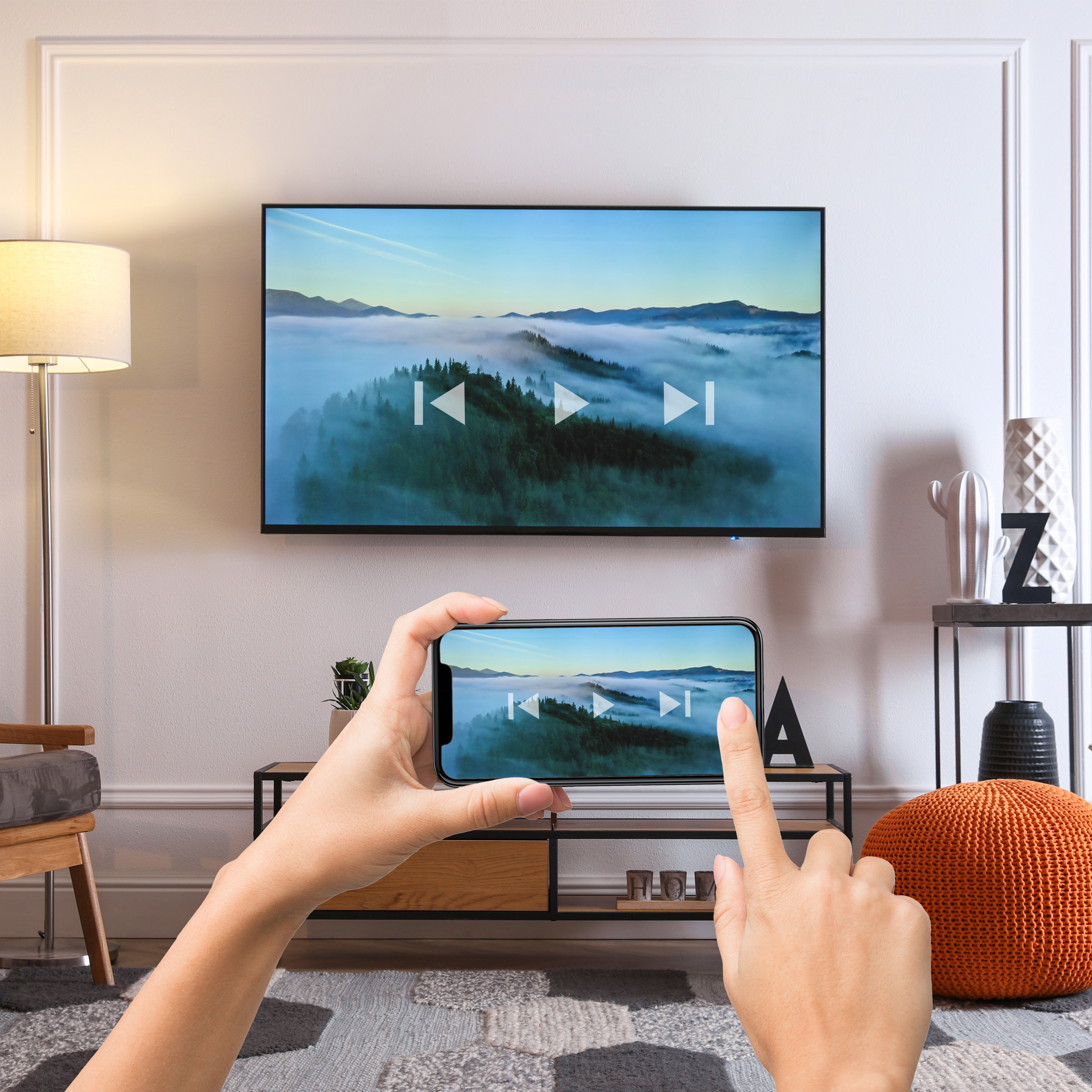
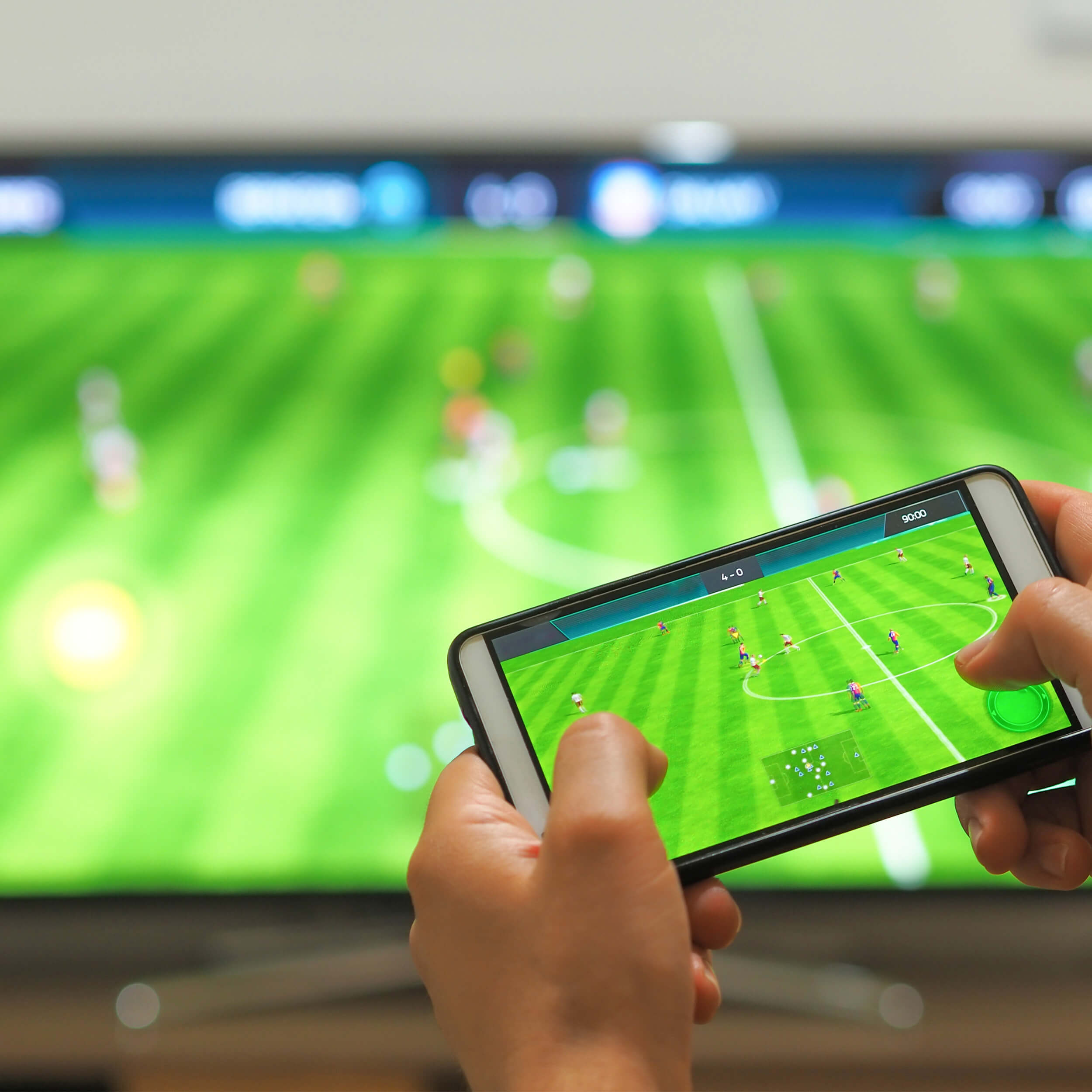
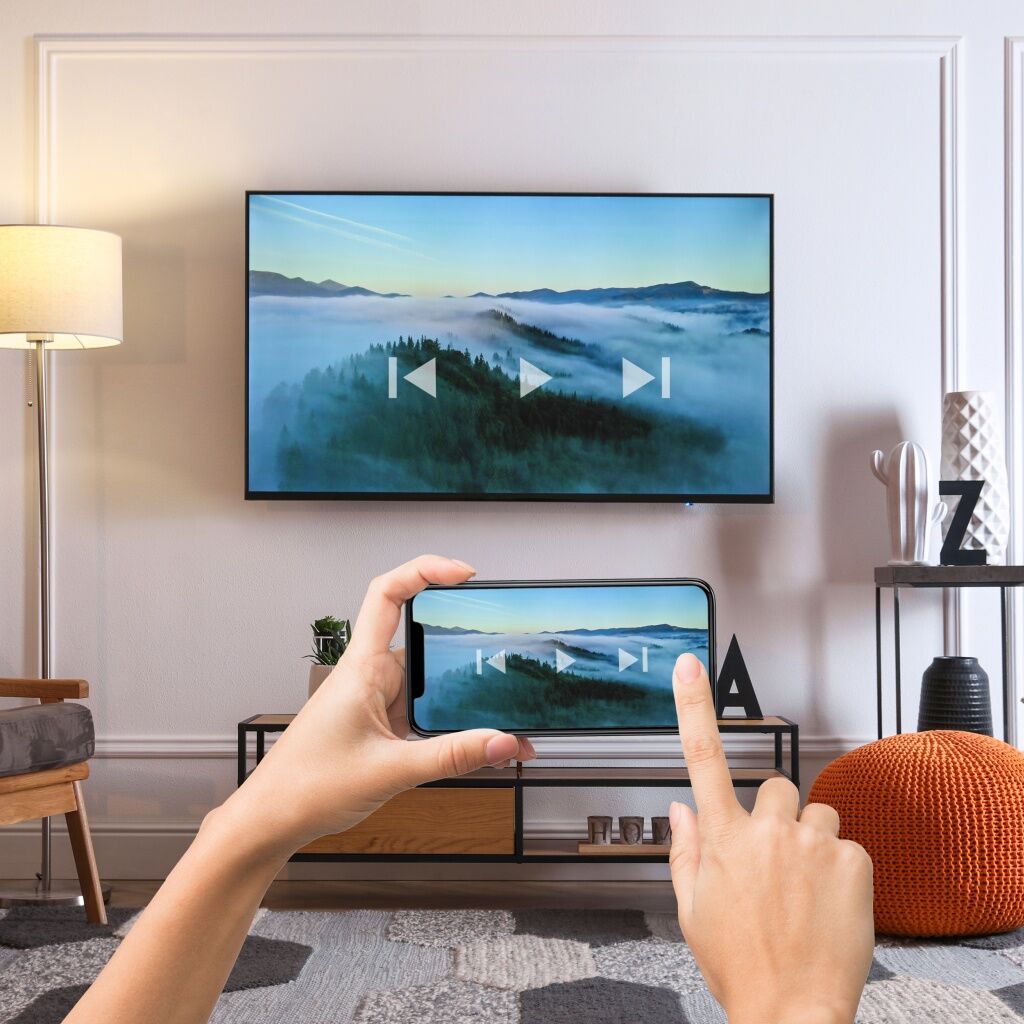
Example of content sharing using Chromecast built-in on TESLA MediaBox XG500

Fast content sharing with Chromecast built-in

The MediaBox is equipped with Chromecast built-in™, which enables convenient and fast sharing of multimedia content from your smartphone, tablet, or laptop directly to the TV screen. This functionality is ideal for presenting holiday photos or streaming favorite Netflix movies or YouTube videos to friends and family, without dealing with complicated cable connections or external devices. Just have your mobile device connected to the same Wi‑Fi network as the MediaBox XG500 and launch an app that supports Chromecast. When you tap the Chromecast icon on your device, the selected multimedia content will start playing on the TV while you can continue controlling it on your mobile or perform other tasks. This powerful and user-friendly feature brings a new dimension of sharing and enjoying content in the home.

Přenos obrazu z telefonu do TV přes aplikaci Google Home a TESLA MediaBox XG500

Cast your phone or tablet to the big screen

With the TESLA MediaBox XG500 you can easily mirror content from your phone or tablet to the TV screen using the Google Home app, which will detect devices on your local network and allow you to share any content, whether it’s apps, games, or web pages – directly on the big screen. This mirroring is ideal for situations where you want to share something interesting with friends or family, or simply prefer viewing content on a larger display than the small screen of your phone.

Dálkové ovládání TESLA MediaBox XG500 před zapnutou TV

Control the MediaBox not only from your mobile

Thanks to the Google Home app you can conveniently control the device directly from your mobile phone or tablet. This functionality lets you enjoy all your favorite multimedia experiences without having to search for a remote control. Whether you’re comfortably seated on the couch or you’re in the kitchen, you have full control over your device. Just be within the same Wi-Fi network.

Easy control with HDMI-CEC

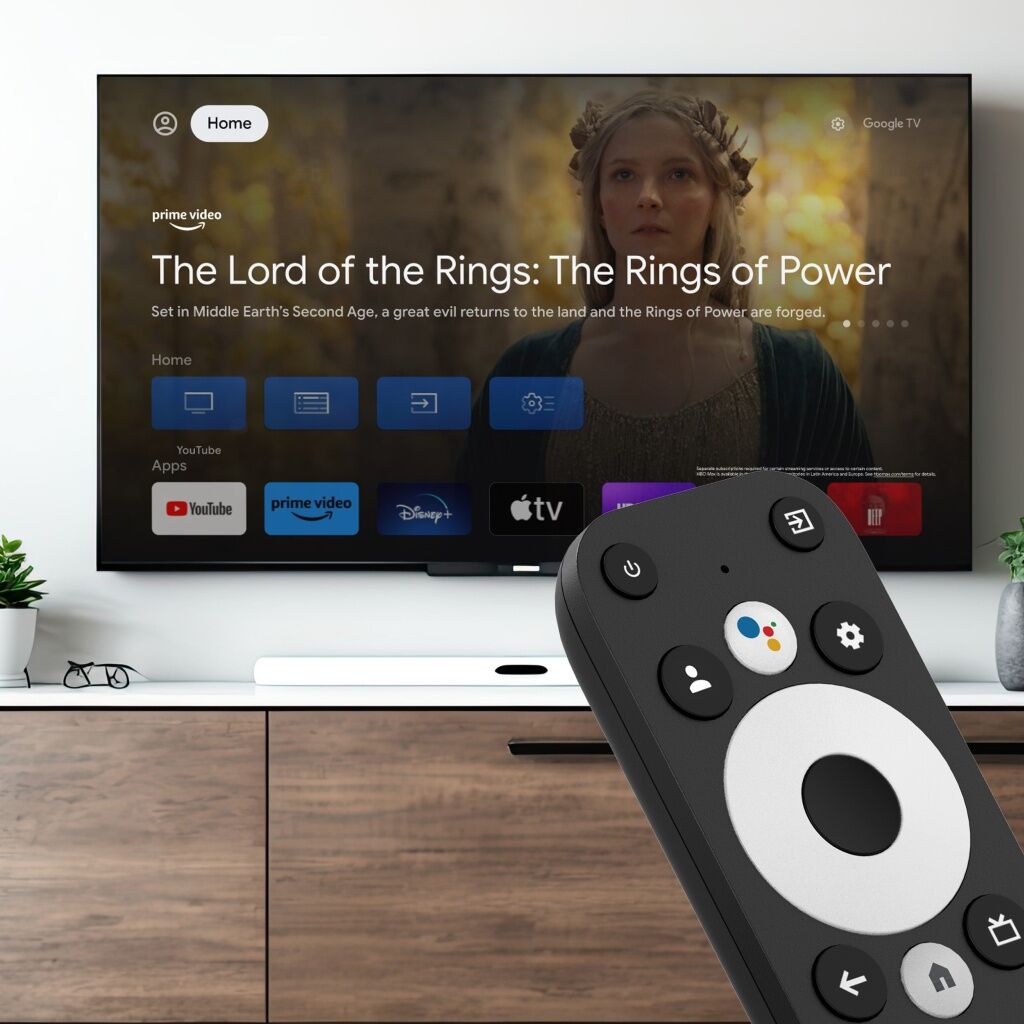
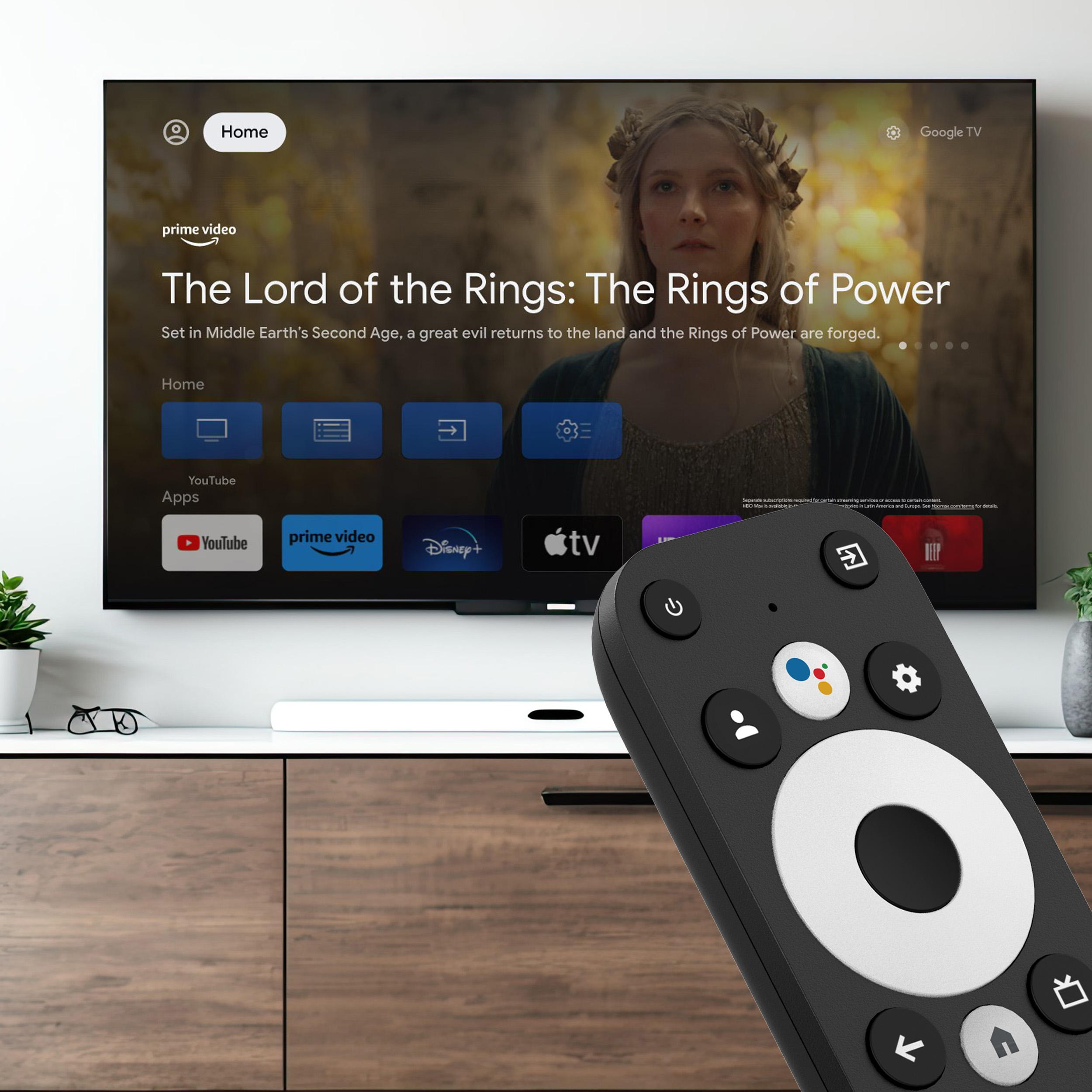
The TESLA MediaBox XG500 is equipped with HDMI-CEC, which allows you to control all connected devices with a single remote. This enables turning the TV on and off or changing the volume with the MediaBox remote. The remote communicates via Bluetooth, which allows you to hide the player behind the TV and enjoy a clean and minimalist look in your living room without unnecessary cables. For proper function, both connected devices must support HDMI-CEC.

TESLA MediaBox XG500 s logem 4K/UHD

Enjoy details in Ultra HD 4K with HDR support

TESLA MediaBox XG500 brings a world of sharp details directly to your living room. With Ultra HD 4K resolution you can watch your favorite movies and videos in stunning quality, making your cinematic experiences even more immersive. It also adds the latest HDMI 2.1 standard for smooth and crisp image transmission. HDR technology, which stands for High Dynamic Range, provides high dynamic contrast. This means dark parts of the image will be truly dark, while bright parts stay bright, giving the image more depth and detail. The result is an image that looks more realistic and feels as if you were part of the action.

Dolby Audio na TESLA MediaBox XG500

Ponořte se do zvuku s Dolby Audio

Kvalitní obraz si žádá i kvalitní zvuk, a právě to vám nabídne TESLA MediaBox XG500 s podporou Dolby Audio. Tato technologie zahrnuje Dolby Digital, Dolby Digital+ a Dolby Atmos, které společně vytvářejí neuvěřitelně čistý a realistický zvuk. Dolby Digital je standard pro digitální zvuk, který poskytuje vícekanálové audio zážitky. Dolby Digital+ nabízí vyšší kvalitu zvuku a lepší kompresi, což je ideální pro streamingové služby. Dolby Atmos je pak revoluční technologie, která vytváří prostorový zvuk. Místo tradičních kanálů rozděluje zvuky do jednotlivých objektů, které se mohou pohybovat v jakémkoli směru, i nad vaší hlavou. Díky tomu budete mít pocit, že jste uprostřed dění, ať už sledujete film, posloucháte hudbu nebo hrajete hry. TESLA MediaBox XG500 s Dolby Audio vás doslova obklopí zvukem a obohatí váš multimediální zážitek.

TESLA MediaBox XG500 s ikonami Bluetooth, Wifi a Ethernetu

Internet connectivity and Bluetooth

TESLA MediaBox XG500 offers a wide range of connectivity options, making it a highly flexible and user-friendly device. When it comes to internet connectivity, you can choose between a traditional Ethernet cable or use Dual-Band Wi‑Fi, which supports both 2.4 GHz band for longer reach and faster 5 GHz band for higher data speeds. Additionally, the MediaBox is equipped with Bluetooth 5.0, enabling wireless connection of various peripheral devices such as mice, keyboards, gamepads, and more.

Specifications

  • processor Amlogic S905Y4 Quad A35
  • certified operating system Google TV™
  • 2 GB RAM DDR4
  • 16 GB internal memory eMMC
  • DualBand Wi-Fi (2.4 GHz + 5 GHz)
  • LAN connector (100 Mbit)
  • Bluetooth 5.0 - supports wireless keyboard, mouse or gamepad
  • HDMI-CEC function
  • support for H.265 (HEVC) codec
  • resolution up to Ultra HD 4K (60 Hz), HDR support
  • Dolby Audio (Dolby Digital, Dolby Digital+, Dolby Atmos)**
  • wide range of apps from Google Play*
  • voice assistant
  • support for connecting USB flash drive or external hard drive
  • support for online firmware updates (OTA)

Dimensions

  • dimensions 95 x 95 x 20 mm
  • weight 160 g

Inputs/Outputs

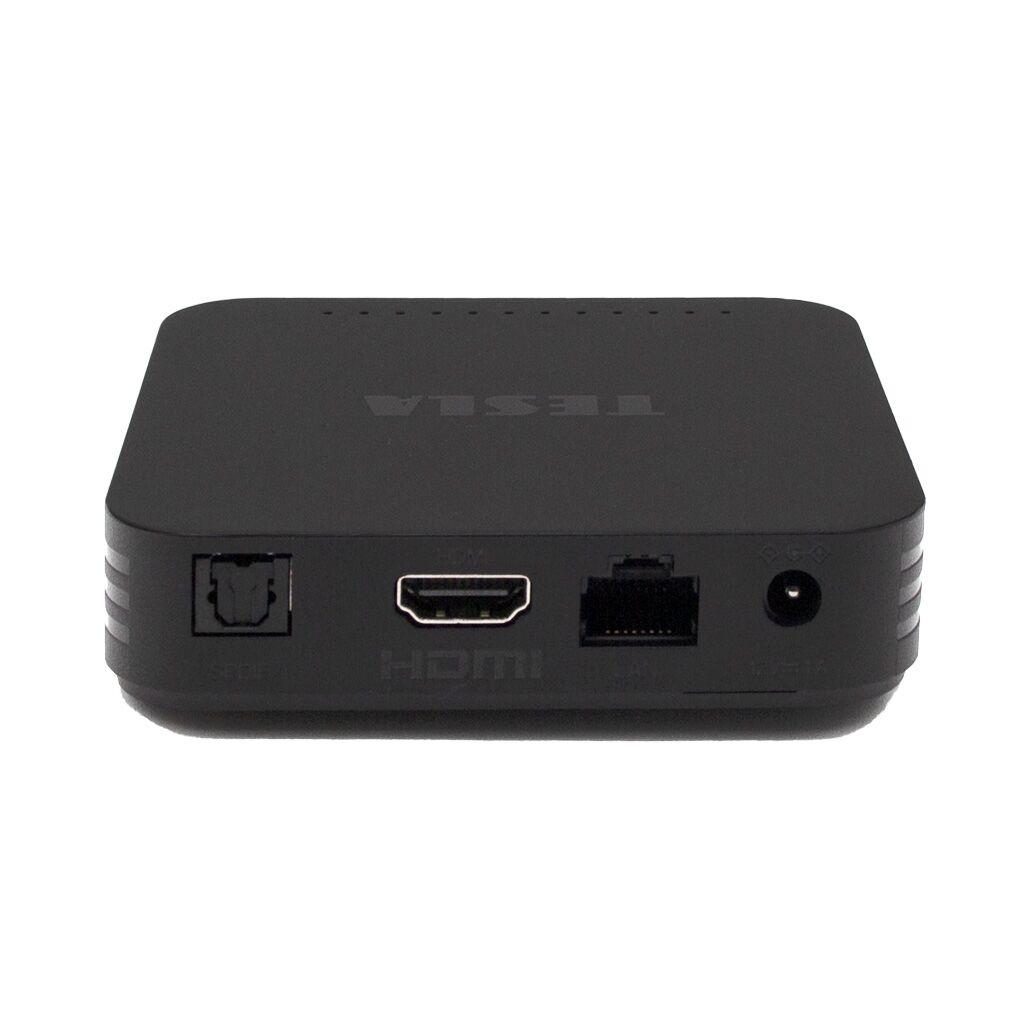
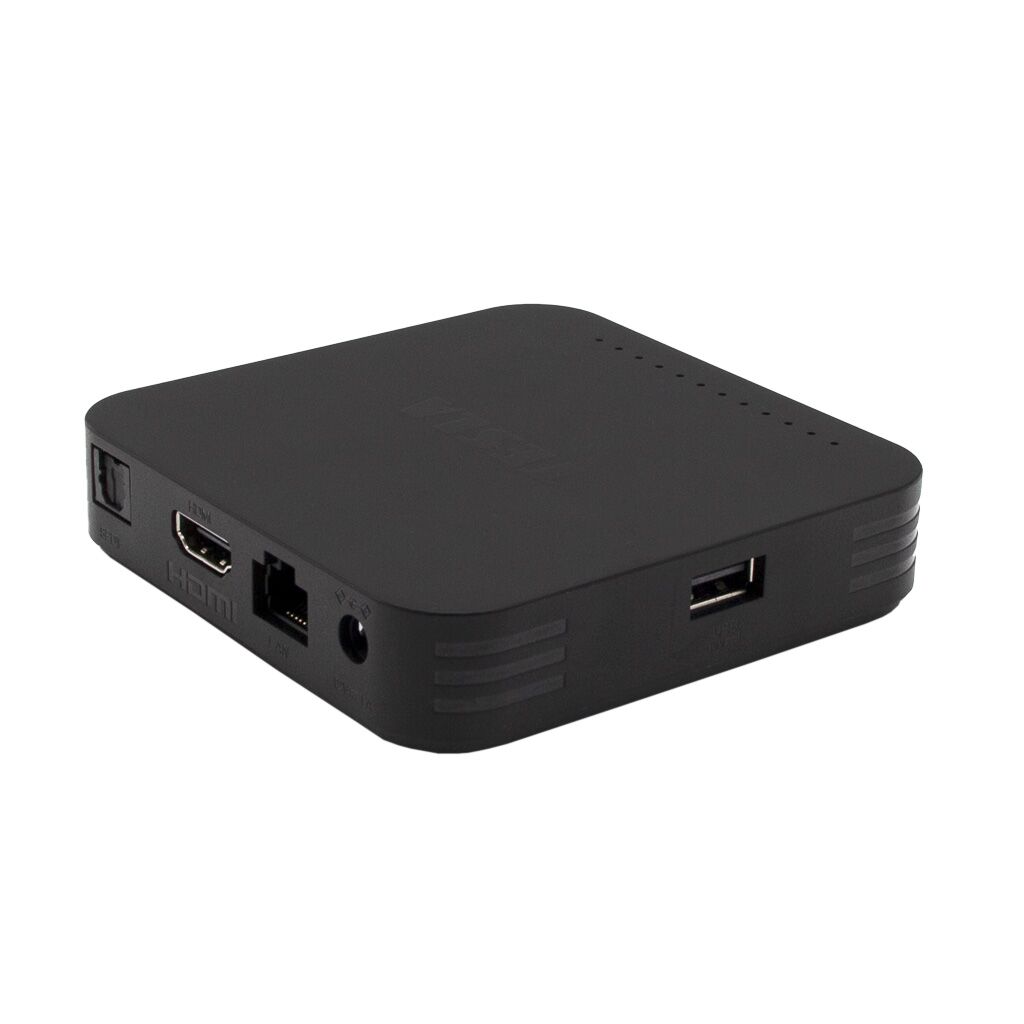
  • 1x HDMI 2.1
  • 1x USB 2.0
  • 1x optical digital audio output
  • 1x RJ-45

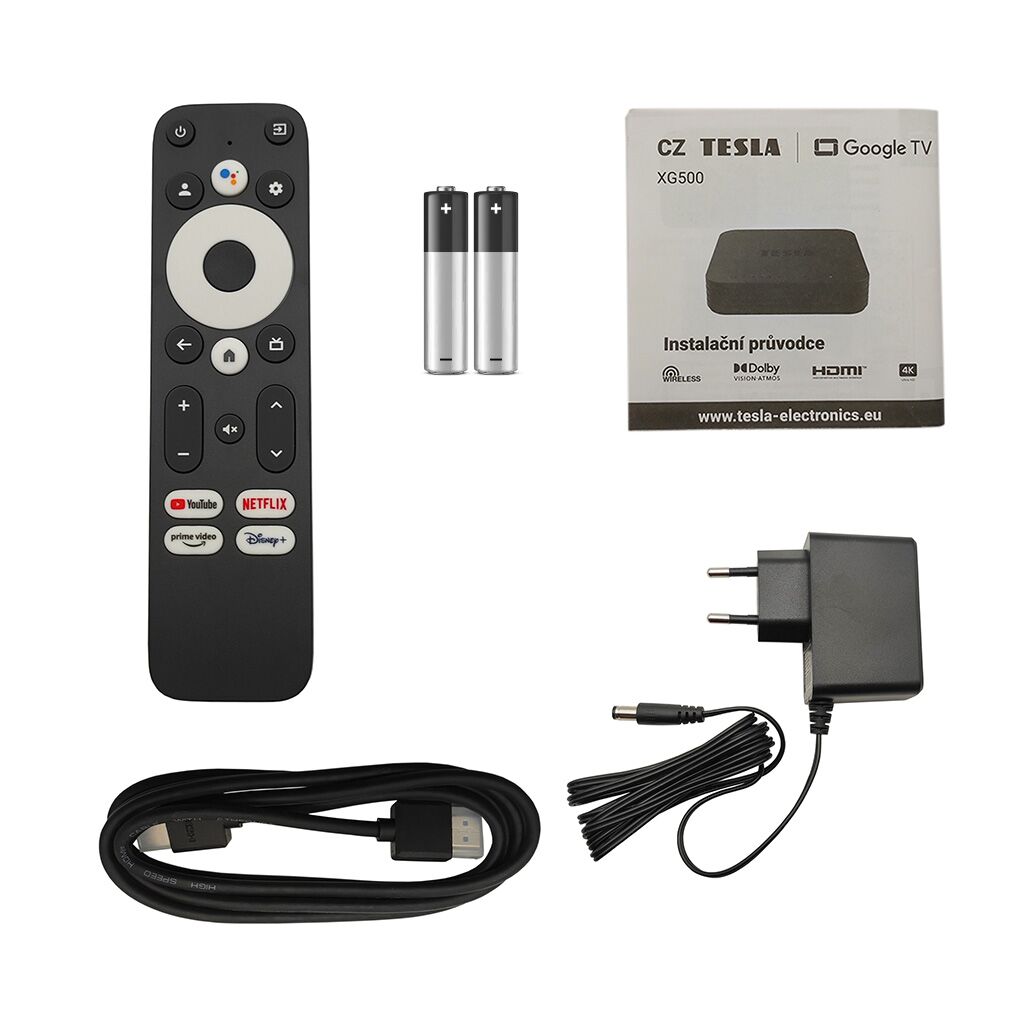
What’s in the box

  • TESLA MediaBox XG500 - UHD multimedia player with Google TV
  • remote control (Bluetooth)
  • power adapter (100-240 V, output 12V/1A)
  • HDMI cable
  • 2x AAA batteries
  • user manual

YouTube, Google Home, Google TV, Chromecast built-in and others are trademarks of Google LLC.

(*) TESLA cannot be held responsible for third-party services. Control and functionality of apps may be limited. Services may be changed, removed, or interrupted without notice.

(**) Dolby Atmos Pass-Through is a feature that allows transmitting Dolby Atmos sound from the media player to your end device in an unchanged state. To use Dolby Atmos Pass-Through, you must ensure that your end device supports Dolby Atmos and can decode it. You must also use an HDMI cable that supports Dolby Atmos.

📐 Parameters

Product code MMCATV0004
Product EAN 8595689805326

🔗 Related

TESLA MediaBox XG600 Google TV - UHD Multimedia Player TESLA MediaBox XG600 Google TV - UHD Multimedia Player Extended warranty (after registration)
  • More variants

Google TV with access to Google Play, YouTube, Netflix, Disney+, and more • 4K Ultra HD • quad-core processor with 2 GB of RAM • Google Assistant • Dual-band Wi-Fi (2.4 and 5 GHz) + Bluetooth 5.0 • Modern remote control with microphone